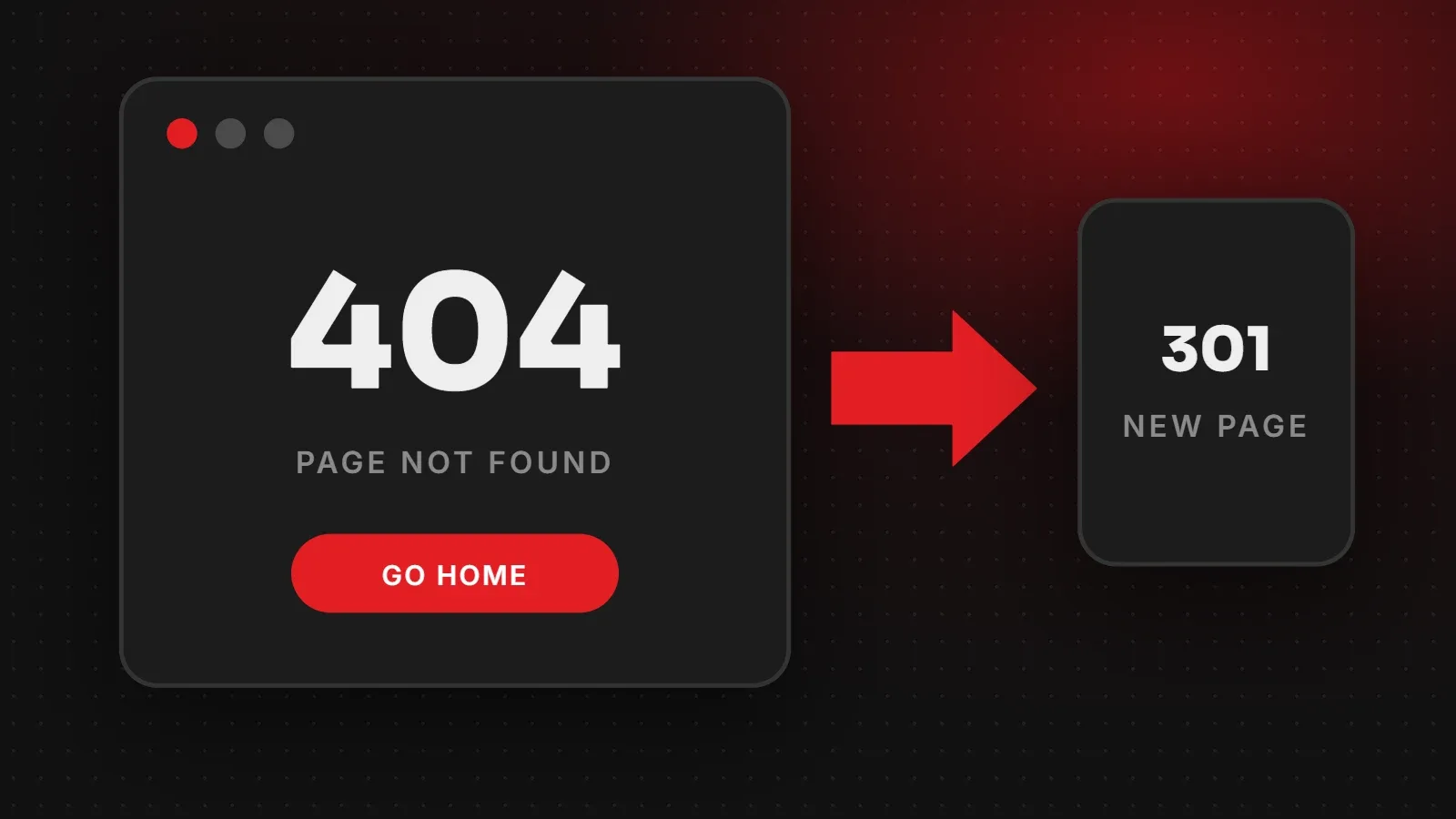
A 404 error means the browser reached your website, but the server could not find the page that was requested. It usually happens when a page was deleted or moved, a link has a typo, or a URL changed without a redirect. To fix a 404 error, either restore the page, correct the link, or add a 301 redirect to the most relevant live page. This guide explains each case and how to find 404 errors on your site.
- A few 404 errors are normal and do not hurt your whole site's SEO.
- 404 errors on important pages, or pages with backlinks, should be redirected with a 301.
- A helpful custom 404 page keeps visitors on your site instead of leaving.
What is a 404 error?
Every time a browser asks for a page, the server answers with a status code. Code 200 means "OK, here is the page". Code 404 means "Not Found". The rest of your website still works; only that address has nothing at it.
Common causes of a 404 error
- The page was deleted, for example an old product or service.
- The URL changed, for example after editing a slug or moving to a new website, without a redirect.
- A typo in a link, either on your site or on another site linking to you.
- Permalinks broke in WordPress, often after a migration or plugin change.
- Case or spelling differences, because some servers treat
/Aboutand/aboutas different pages.
Does a 404 error hurt SEO?
Not on its own. Google expects websites to have some 404 pages and says they do not harm the ranking of the rest of the site. However, 404 errors cause real problems when an important page disappears: you lose the traffic and any links pointing to it, and visitors land on a dead end. That is why redirects matter.
How to find 404 errors on your website
- Google Search Console: open Indexing > Pages and look for "Not found (404)". It lists the URLs Google tried to crawl.
- A crawler: tools such as Screaming Frog SEO Spider (free up to a limit) scan your site and report broken internal links.
- WordPress plugins: the Redirection plugin logs every 404 visitors hit, so you can see which ones happen most.
- Your analytics: filter for your 404 page title to see which URLs bring people there.
How to fix a 404 error
If the page should exist
Restore it from the trash or a backup, or fix the slug so it matches the address people use.
If the page moved or has a replacement
Add a 301 redirect from the old address to the new one. A 301 tells browsers and Google that the move is permanent and passes most of the old page's value to the new page. On WordPress, the Redirection plugin or your SEO plugin can do this. On Apache hosting you can add a line to .htaccess:
Redirect 301 /old-page/ https://yourdomain.com/new-page/If the page is gone for good
If there is no relevant replacement, it is fine to leave a 404 (or use 410 "Gone"). Do not redirect everything to the homepage, because Google may treat that as a "soft 404" and it confuses visitors.
If the link itself is wrong
Correct the link in your menu, page or post. If another website has the typo, add a redirect from the wrong address to the right one.
If many WordPress pages show 404
Go to Settings > Permalinks and click Save Changes without changing anything. This rebuilds the rewrite rules and often fixes site-wide 404 errors after a migration.
Make a helpful custom 404 page
- Say clearly that the page was not found, in friendly language.
- Add a search box and links to your main pages or best-selling products.
- Include a contact or WhatsApp link so visitors can ask for help.
- Keep your normal header and footer so people can navigate.
Frequently asked questions
What does 404 not found mean?
The server could not find a page at that address. The website itself is working.
Are 404 errors bad for SEO?
A few are normal. Redirect important pages and pages with backlinks to avoid losing traffic.
Should I redirect all 404 pages to the homepage?
No. Redirect only to a closely related page. Mass redirects to the homepage can be treated as soft 404 errors.
What is the difference between 301 and 404?
301 means the page moved permanently to a new address. 404 means there is nothing at that address.
Need help fixing broken links?
Our maintenance and support team monitors 404 errors, sets up redirects and keeps your site healthy, and our SEO team plans redirects for redesigns and migrations. Google's own guidance is in Search Central. Also see our website maintenance checklist.
Written by the ItsWebExpert team, a web design and development company in Karachi building websites, online stores and apps for businesses across Pakistan.
Ask a Question on WhatsApp