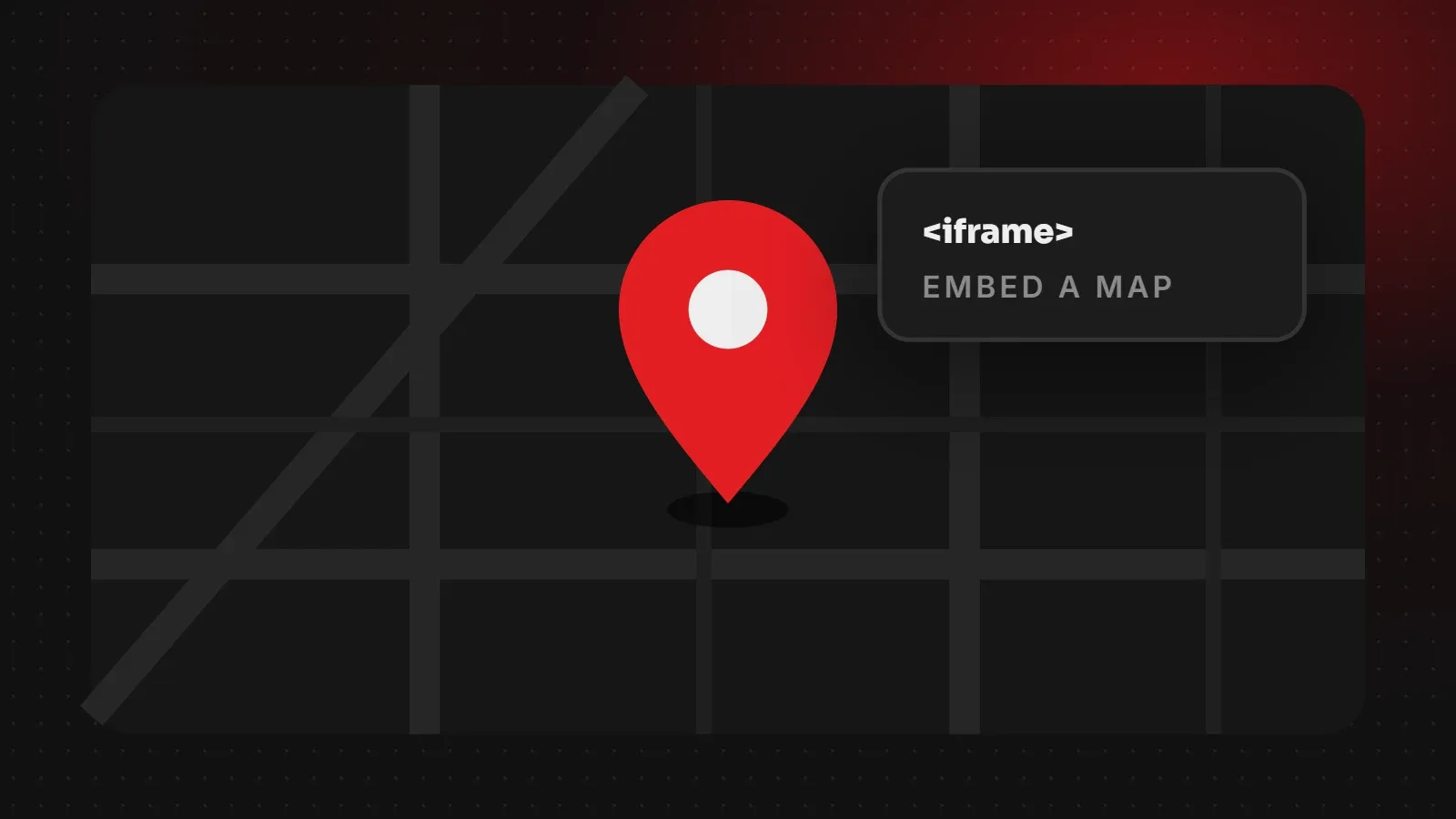
To add Google Maps to a website for free, open Google Maps, search for your business, click Share, choose Embed a map, and copy the <iframe> code. Paste it into your contact page as HTML. No API key is needed for this simple embed. Then make it responsive so it fits phones, and lazy-load it so it does not slow the page. This guide covers each step, including WordPress.
- The free "Embed a map" option needs no API key or billing account.
- Search your business name, not just the address, so the map shows your Google Business Profile.
- Add
loading="lazy"so the map does not slow down the rest of the page.
How to add Google Maps to a website: step by step
- Go to Google Maps and search for your business name.
- Click your listing, then click Share.
- Choose the Embed a map tab and pick a size (or Custom size).
- Click Copy HTML.
- Paste the code into your website where you want the map, usually the contact page.
The code looks like this:
<iframe src="https://www.google.com/maps/embed?pb=..."
  width="600" height="450" style="border:0;" allowfullscreen=""
  loading="lazy" referrerpolicy="no-referrer-when-downgrade"></iframe>
Make the map responsive on mobile
A fixed width of 600 pixels can overflow on phones. Wrap the map in a container and let it fill the width:
<div class="map-wrap">
  <iframe src="https://www.google.com/maps/embed?pb=..." loading="lazy" allowfullscreen></iframe>
</div>

.map-wrap { position: relative; aspect-ratio: 16 / 9; }
.map-wrap iframe { position: absolute; inset: 0; width: 100%; height: 100%; border: 0; }
Add Google Maps in WordPress
- Block editor: add a Custom HTML block and paste the iframe code.
- Elementor: drag in the Google Maps widget and type your business name or address, or use an HTML widget with the embed code.
- Classic editor: switch to the Text tab and paste the code.
Keep the map from slowing your site
A Google Map loads extra scripts and images. To keep pages fast:
- Keep
loading="lazy"on the iframe so it loads only when visitors scroll near it. - Place the map lower on the page, not at the very top.
- On pages with several locations, consider a static image of the map that links to Google Maps.
See our guide to checking website speed to measure the effect.
Go beyond the map: help local customers find you
- Show your full address, phone number and opening hours as text next to the map.
- Add a "Get directions" link that opens Google Maps on phones.
- Keep your Google Business Profile complete and collect reviews.
Our guide to local SEO and ranking on Google Maps explains how to appear in the map results themselves.
Frequently asked questions
Is it free to add Google Maps to a website?
Yes. The basic "Embed a map" iframe is free and needs no API key. Custom interactive maps with the Maps JavaScript API need an API key and may have usage costs.
Why is my embedded map not showing?
Check that the full iframe code was pasted, that your editor did not remove it, and that a security plugin or content policy is not blocking google.com.
How do I make the map show my business name?
Search for your business name in Google Maps before copying the embed code, so it links to your Business Profile.
Does an embedded map help SEO?
It helps visitors more than rankings. For local SEO, focus on your Google Business Profile, reviews and consistent contact details.
Want a contact page that brings visits and calls?
Our web development team builds contact pages with maps, click-to-call, WhatsApp and directions, and our SEO team sets up your Google Business Profile. Get in touch.
Written by the ItsWebExpert team, a web design and development company in Karachi building websites, online stores and apps for businesses across Pakistan.
Ask a Question on WhatsApp