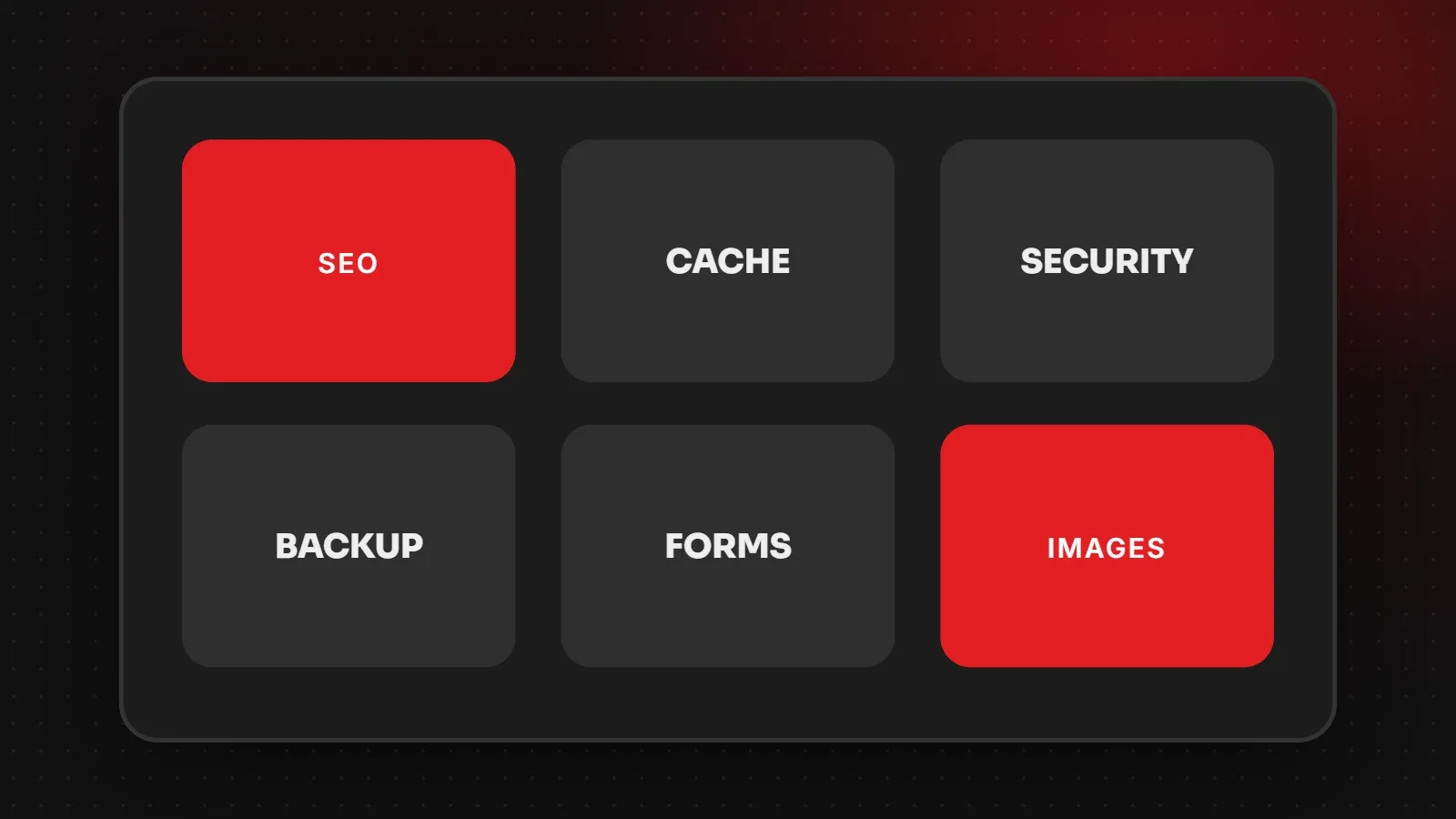
The best WordPress plugins for a business website cover a few essential jobs: SEO (Yoast SEO or Rank Math), caching (LiteSpeed Cache or WP Rocket), security (Wordfence), backups (UpdraftPlus), forms (WPForms, Fluent Forms or Contact Form 7), image optimisation (ShortPixel or Imagify) and email delivery (WP Mail SMTP). Pick one plugin per job and avoid installing several that do the same thing. This guide lists recommended options by category.
- Choose one well-supported plugin per job; overlapping plugins cause conflicts and slow sites.
- Fewer, better plugins are faster and safer than many small ones.
- Check updates, reviews and active installs before installing anything.
Best WordPress plugins by category
| Job | Recommended options |
|---|---|
| SEO | Yoast SEO, Rank Math |
| Caching and speed | LiteSpeed Cache (on LiteSpeed hosting), WP Rocket |
| Security | Wordfence, Solid Security |
| Backups | UpdraftPlus |
| Contact forms | WPForms, Fluent Forms, Contact Form 7 |
| Image optimisation | ShortPixel, Imagify, EWWW Image Optimizer |
| Email delivery | WP Mail SMTP, FluentSMTP |
| Redirects and 404s | Redirection |
| Spam protection | Akismet, or form honeypot / Cloudflare Turnstile |
| Online store | WooCommerce |
| Page builder (optional) | Elementor, or the built-in block editor |
SEO plugins
Yoast SEO and Rank Math let you set titles, meta descriptions and social images, create XML sitemaps and add schema. Use only one. See our guides to meta title and description length and sitemaps.
Caching and image plugins
A caching plugin is usually the biggest single speed boost. Choose the one that matches your server, then add an image optimiser that compresses uploads and converts them to WebP. Read what website caching is and how to speed up WordPress.
Security and backup plugins
Wordfence adds a firewall, malware scanning and login protection. UpdraftPlus backs up files and database to cloud storage on a schedule. Together they cover most risks for small sites. See how to back up WordPress.
Forms and email delivery
Contact Form 7 is free and simple; WPForms and Fluent Forms are easier to design and include entries management. Pair any form plugin with WP Mail SMTP so form emails come through your business email provider and do not land in spam. See our business email guide.
Plugins to avoid or limit
- Several plugins doing the same job, such as two caching or two SEO plugins.
- Heavy sliders and animation plugins on the homepage.
- Social feed plugins that load many external scripts on every page.
- Abandoned plugins with no updates for a long time.
How many plugins is too many?
There is no magic number. A site with 25 well-coded plugins can be faster than one with 8 badly coded ones. However, every plugin is code to update and secure, so remove anything you do not actively use.
Frequently asked questions
What are the best WordPress plugins for a business website?
One plugin each for SEO, caching, security, backups, forms, image optimisation and email delivery covers most needs.
Should I use Yoast or Rank Math?
Both are good. Choose one and stick with it; do not run both.
Are free plugins safe?
Popular, regularly updated free plugins from the official directory are generally safe. Avoid pirated premium plugins.
Do plugins slow down WordPress?
Poorly built or unnecessary plugins can. Keep only what you need and test speed after adding new ones.
Want a clean, fast WordPress setup?
Our WordPress development team builds business sites with a lean, tested plugin stack, and our maintenance team keeps them updated and secure. Talk to us.
Written by the ItsWebExpert team, a web design and development company in Karachi building websites, online stores and apps for businesses across Pakistan.
Ask a Question on WhatsApp