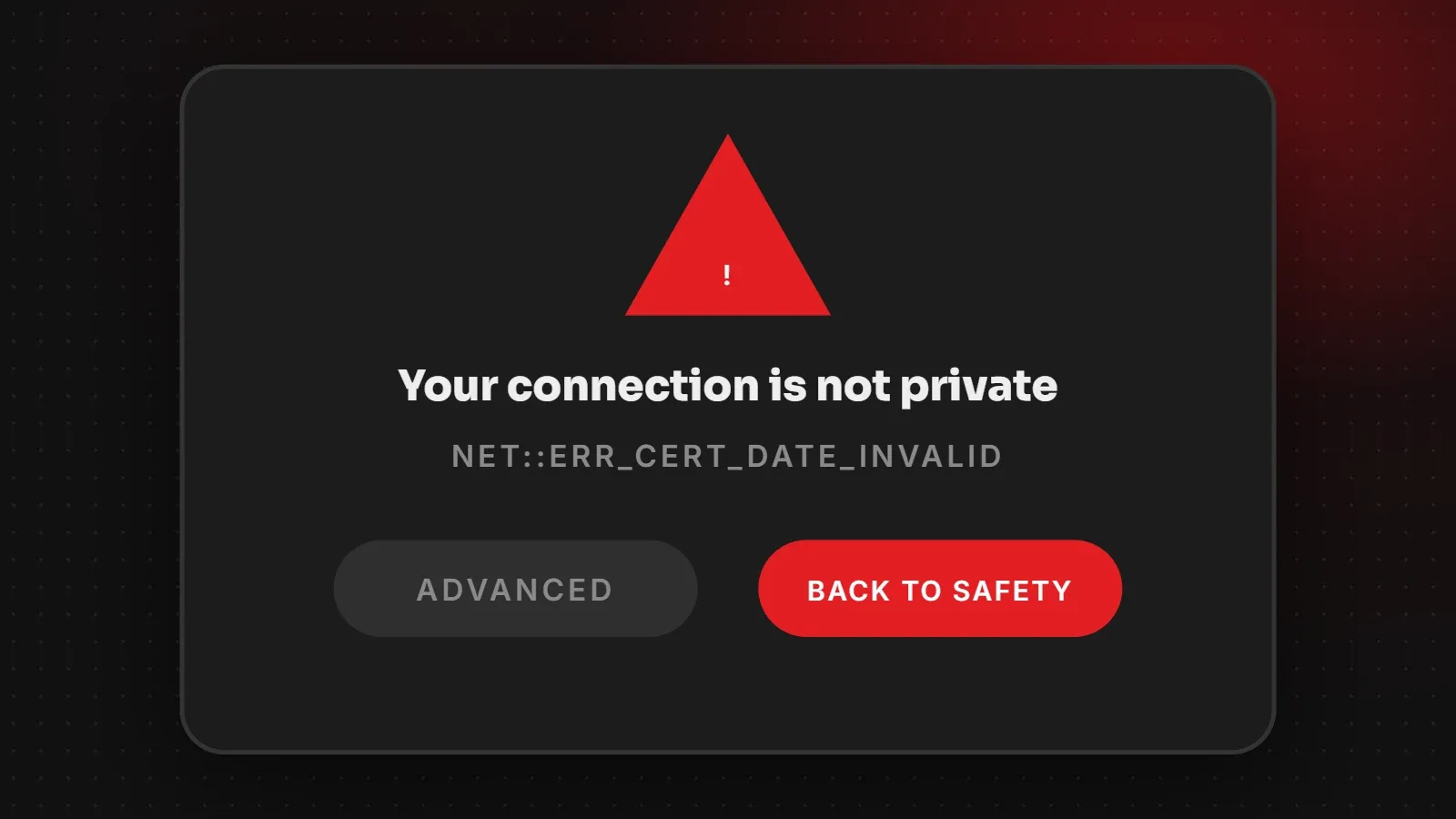
"Your connection is not private" is a browser warning that appears when the browser cannot confirm the website's security certificate. For visitors, it is often caused by a wrong date and time on the device, public Wi-Fi login pages or antivirus software. For website owners, it usually means the SSL certificate has expired, does not cover the exact domain, or is installed incorrectly. This guide explains the error codes and how to fix each one.
- The error code under the message tells you the exact cause.
- Visitors should not click through on sites where they enter passwords or payment details.
- Site owners can usually fix it by renewing or reinstalling the SSL certificate.
What the error codes mean
| Error code | Meaning | Usually whose problem |
|---|---|---|
| NET::ERR_CERT_DATE_INVALID | Certificate expired, or the device clock is wrong | Site owner or visitor |
| NET::ERR_CERT_COMMON_NAME_INVALID | Certificate does not cover this exact domain (for example www vs non-www) | Site owner |
| NET::ERR_CERT_AUTHORITY_INVALID | Self-signed certificate or missing intermediate certificate | Site owner (or visitor's network/antivirus) |
| ERR_SSL_PROTOCOL_ERROR | Server SSL setup problem | Site owner |
| ERR_CERT_REVOKED | The certificate was cancelled | Site owner |
Fixes if you are a visitor
- Reload the page and try again in a few minutes.
- Check your device's date and time. Set them to update automatically. A wrong clock makes valid certificates look expired.
- On public Wi-Fi (hotels, cafés, airports), open any http site first to complete the Wi-Fi login page, then try again.
- Try another network, such as mobile data, to see if the Wi-Fi is the problem.
- Temporarily turn off antivirus HTTPS scanning if your antivirus intercepts secure connections.
- Clear the browser cache or try a private window or another browser.
Fixes if you own the website
Renew an expired certificate
Check the expiry date by clicking the site information icon in the address bar. Free certificates such as Let's Encrypt renew every few months. If auto-renewal failed, renew it from your hosting panel and check why it failed, for example DNS pointing elsewhere.
Cover every version of your domain
Make sure the certificate covers both yourdomain.com and www.yourdomain.com, plus any subdomains you use. Reissue it if a version is missing.
Install the full certificate chain
If you installed a certificate manually, include the intermediate (CA bundle) certificate. Missing intermediates cause errors on some phones even when desktop browsers work.
Replace self-signed certificates
Self-signed certificates are fine for testing but not for public websites. Use a free trusted certificate from your host or Let's Encrypt.
Check DNS and CDN settings
If you use Cloudflare or another CDN, make sure its SSL mode matches your server setup and that the server also has a valid certificate.
For the related "Not Secure" label on HTTP sites, see our guide to fixing the Not Secure warning. You can also test your server's configuration with a free tool such as SSL Labs.
How to prevent the error in future
- Use hosting with automatic SSL renewal.
- Set a calendar reminder a week before manual certificates expire.
- Monitor your site with an uptime tool that also checks certificate expiry.
- Include SSL checks in your website maintenance checklist.
Frequently asked questions
What does "your connection is not private" mean?
The browser could not verify the website's security certificate, so it cannot confirm the connection is safe.
Is it safe to click "Proceed anyway"?
Only on sites where you enter no personal information and you trust the network. Never do it for banking, email or payments.
Why do I see this error only on my phone?
Often a missing intermediate certificate on the server, or a wrong date and time on the phone.
How do I fix this error on my own website?
Renew or reinstall the SSL certificate, make sure it covers every domain version, and include the full certificate chain.
Want SSL handled for you?
Our web hosting includes free SSL with automatic renewal, and our maintenance team monitors certificates so this warning never reaches your customers. Contact us if your site shows the error now.
Written by the ItsWebExpert team, a web design and development company in Karachi building websites, online stores and apps for businesses across Pakistan.
Ask a Question on WhatsApp