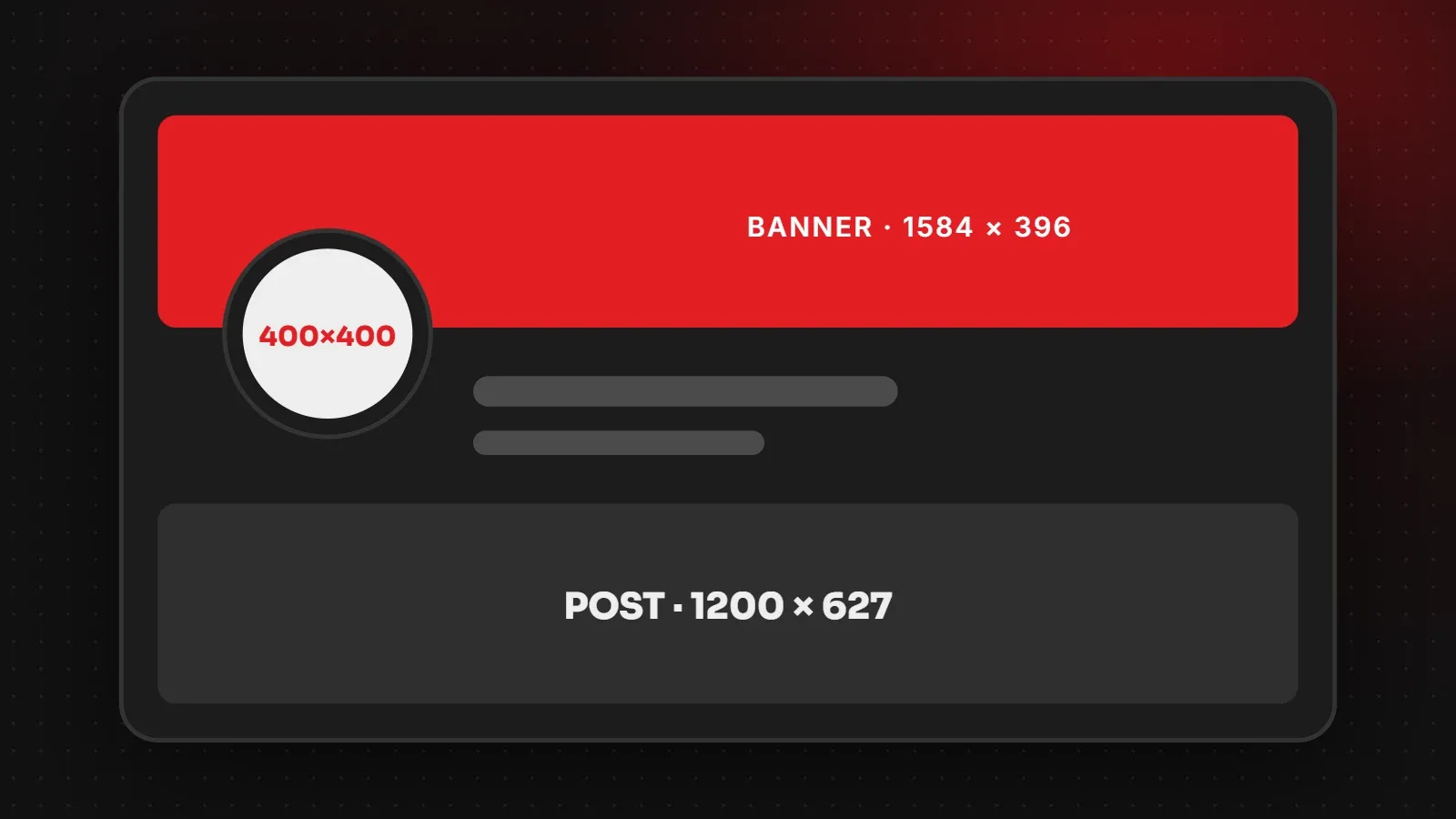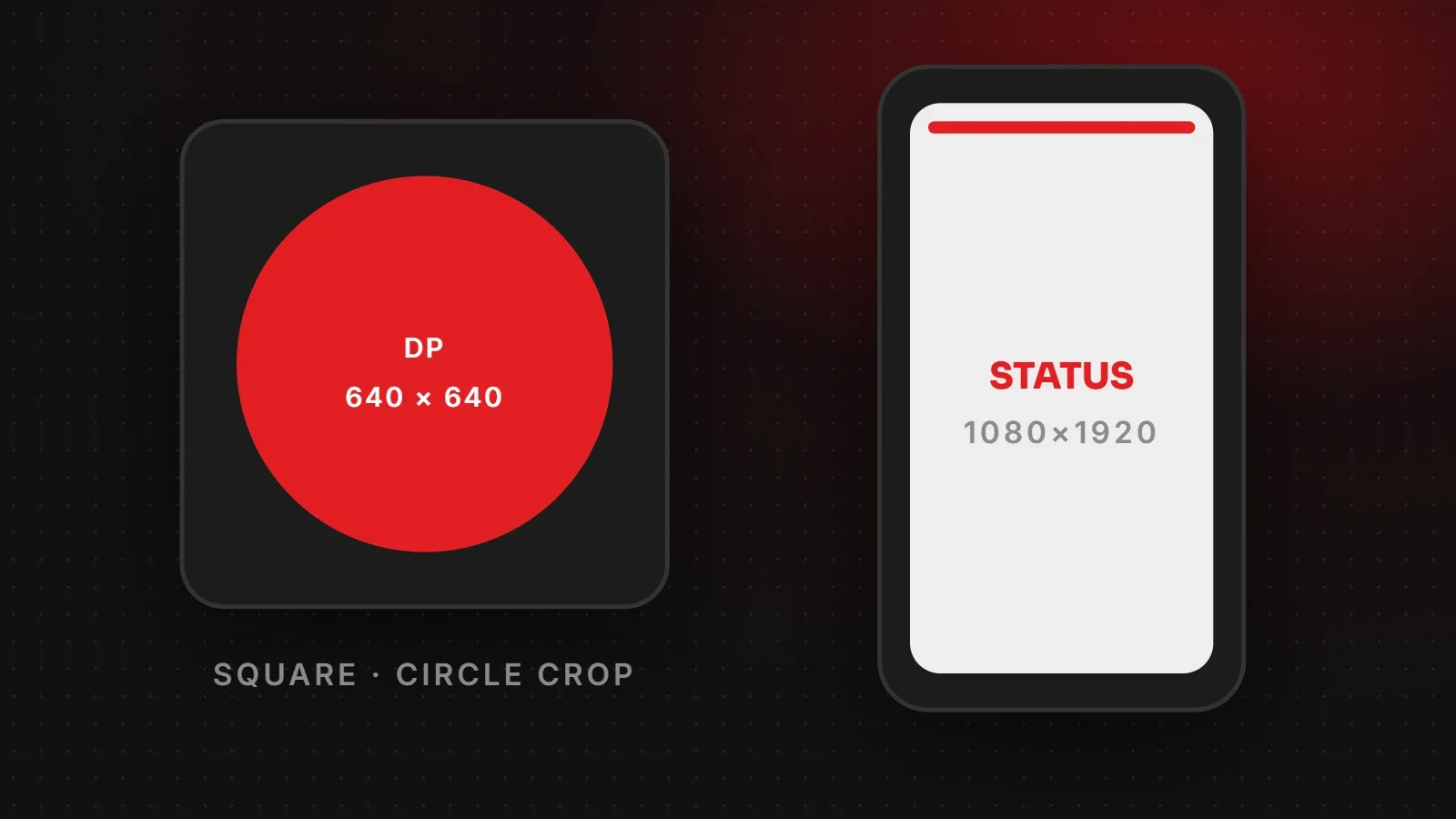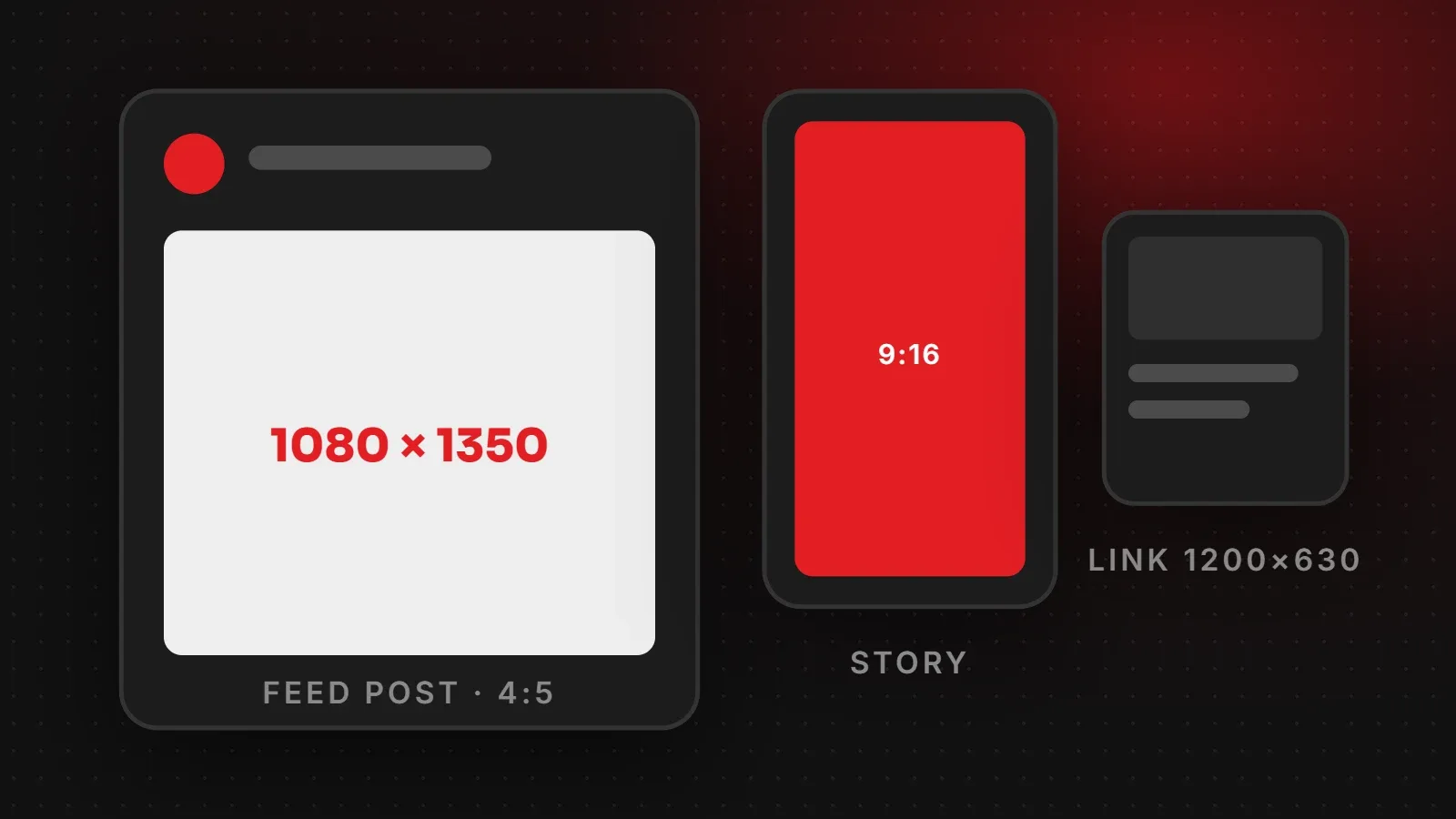
The most useful Facebook image sizes in 2026 are 1080 x 1350 pixels (4:5) for feed posts, 1080 x 1920 pixels (9:16) for Stories and Reels, and 1200 x 630 pixels for link previews when you share a website. This guide lists every Facebook image size a business page needs, explains which ones Meta officially documents, and shows how to stop Facebook from blurring your images.
- Use 1080 x 1350 for feed photos: portrait images take up more space on phones.
- Use 1080 x 1920 for Stories and Reels, and keep text away from the top and bottom.
- Your website's share image should be 1200 x 630, which Meta recommends for link previews.
Facebook image sizes chart
| Image | Recommended size | Aspect ratio |
|---|---|---|
| Feed photo: portrait (best) | 1080 x 1350 px | 4:5 |
| Feed photo: square | 1080 x 1080 px | 1:1 |
| Feed photo: landscape | 1200 x 630 px | 1.91:1 |
| Stories | 1080 x 1920 px | 9:16 |
| Reels | 1080 x 1920 px | 9:16 |
| Link preview (shared website) | 1200 x 630 px | 1.91:1 |
| Feed ads | 1080 x 1350 or 1080 x 1080 px | 4:5 or 1:1 |
| Profile picture | At least 320 x 320 px (shown as a circle) | 1:1 |
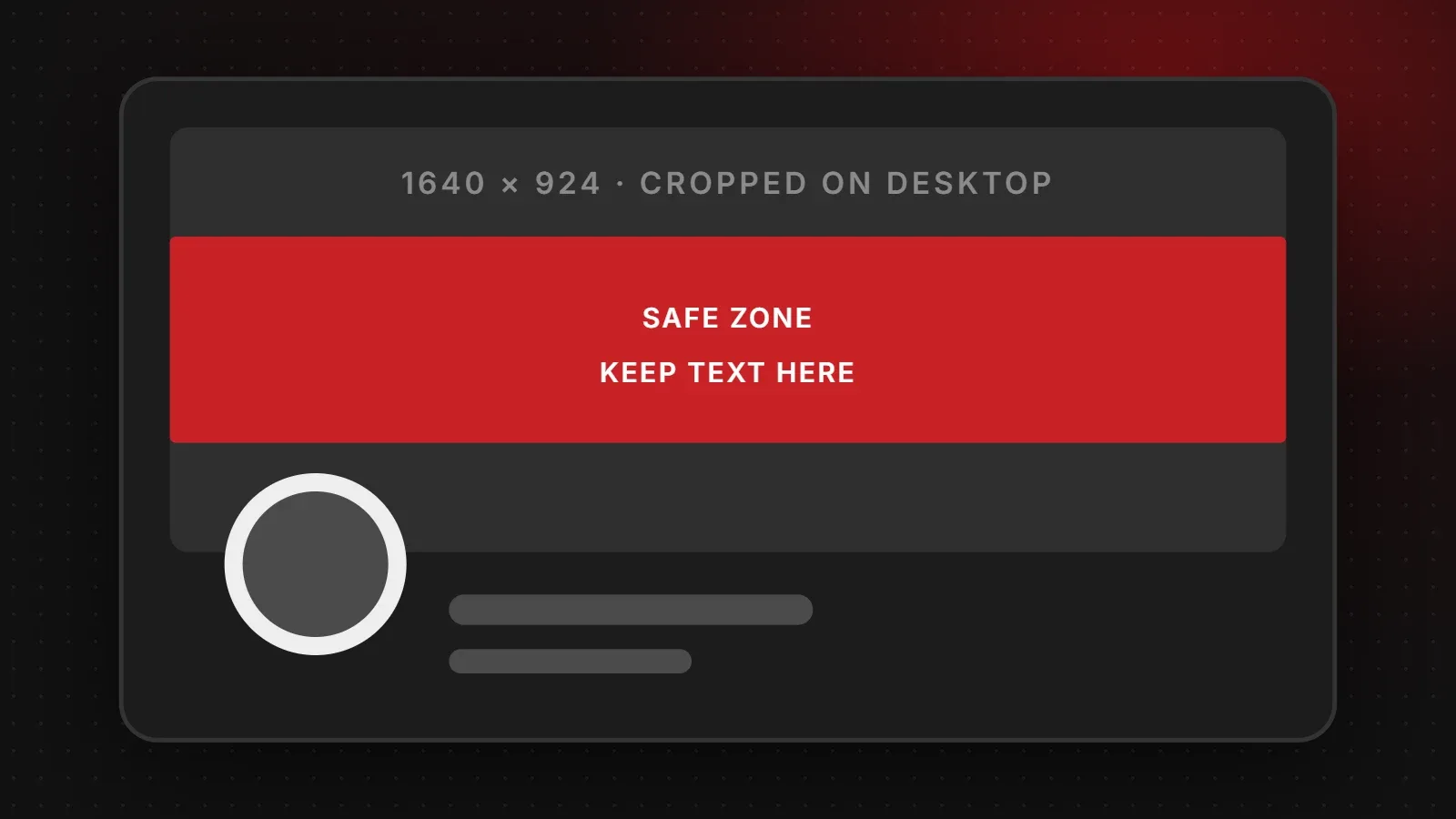
| Page cover photo | See our Facebook cover photo size guide | Varies |
Meta officially documents the link preview size. Most other sizes come from how Facebook displays images in the app, so the figures above are the ones designers and agencies use in practice.
Facebook post image size
For normal photo posts, upload 1080 x 1350 pixels. On a phone, a portrait image fills more of the screen than a square or landscape one, so more people stop scrolling. Square (1080 x 1080) is fine for quotes and simple graphics. Use landscape only when the picture really needs the width, such as a group photo.
If you post several photos at once, Facebook arranges them in a grid and crops each one. For that reason, keep faces and text near the centre of every photo in a multi-photo post.
Facebook Stories and Reels size
Stories and Reels are full-screen vertical content at 1080 x 1920 pixels. Facebook puts your page name at the top and buttons, captions and reply bars at the bottom. Therefore keep logos, prices and phone numbers in the middle of the screen, roughly 250 pixels away from the top and bottom edges.
Link preview image size
When someone shares your website on Facebook, the preview image comes from the og:image tag on your page. According to Meta's sharing documentation, the image should be at least 1200 x 630 pixels, as close to a 1.91:1 ratio as possible, and no larger than 8 MB. Images smaller than 600 x 315 pixels show as a small thumbnail instead of a large preview. Our Open Graph image size guide explains how to set this up.
Facebook ad image sizes
- Feed ads: 1080 x 1350 (4:5) for the most screen space, or 1080 x 1080 (1:1) if you also run the same creative on other placements.
- Stories and Reels ads: 1080 x 1920 (9:16).
- Keep text short. Ads with a clear image and a few words usually perform better than ads covered in text.
Facebook profile picture size
Upload a square image of at least 320 x 320 pixels. Facebook shows it as a circle, so the corners are cut off. For a business page, use your logo mark on a solid background with space around it. It also appears tiny next to every comment you post, so it should still be recognisable when very small.
How to stop Facebook from blurring your images
- Upload at the exact sizes above. Facebook resizes anything else, and every resize loses some quality.
- Use PNG for graphics with text and JPG for photos. Text on a JPG often looks fuzzy after compression.
- Turn on HD uploads in the Facebook app's media settings so it does not reduce photo quality on mobile data.
- Avoid re-uploading images downloaded from WhatsApp or other apps, because they are already compressed.
Frequently asked questions
What is the best Facebook image size for posts?
1080 x 1350 pixels (4:5). It fills the most space in the mobile feed.
What size is a Facebook Story?
1080 x 1920 pixels with a 9:16 ratio, the same as Reels.
Why is my website's Facebook preview image small?
The og:image is probably smaller than 600 x 315 pixels or missing. Use a 1200 x 630 image.
Are Facebook and Instagram image sizes the same?
Mostly. Both work well with 1080 x 1350 feed posts and 1080 x 1920 Stories and Reels. See our Instagram post size guide for Instagram-specific details.
Need help with your Facebook page?
Correct Facebook image sizes are only the start. Our social media marketing team plans and designs posts, Stories and ads that look sharp on every screen, and our paid ads team can run campaigns that bring real enquiries. Talk to us about your page.
Written by the ItsWebExpert team, a web design and development company in Karachi building websites, online stores and apps for businesses across Pakistan.
Ask a Question on WhatsApp