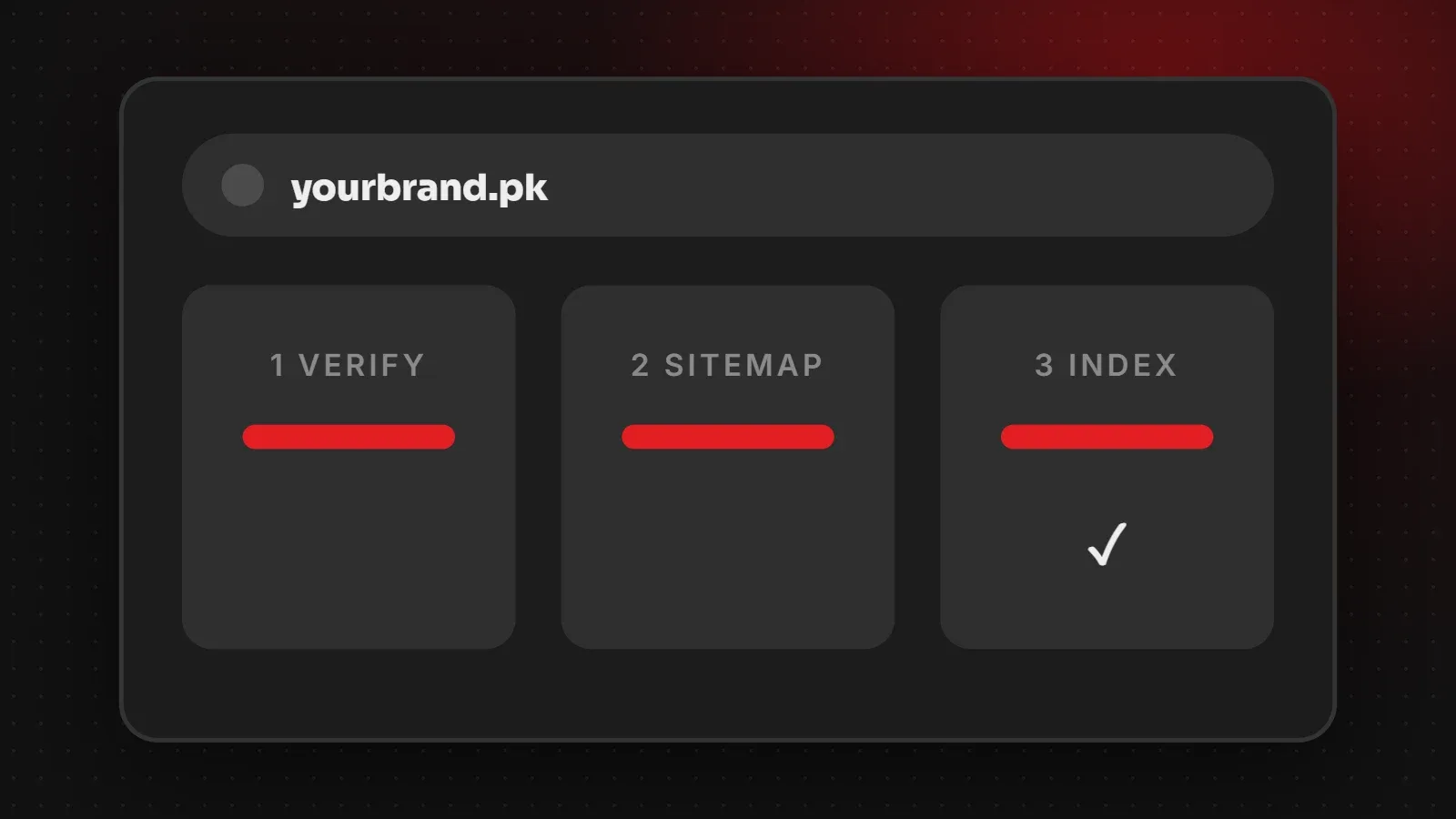
Google usually finds new websites on its own, but you can speed it up and make sure nothing is blocking it. To get your website on Google: set up Google Search Console, verify that you own the site, submit your sitemap, and request indexing for your most important pages. Then check that pages appear with a site: search. This guide walks through each step for beginners.
- Google Search Console is free and shows exactly which pages Google has indexed.
- A sitemap helps Google find all your pages; request indexing for the most important ones.
- Indexing can take from a few days to a few weeks for a new site.
First, check if your website is already on Google
Type site:yourdomain.com into Google. If you see pages from your site, Google has already indexed some of them. If nothing appears, follow the steps below.
Step 1: Set up Google Search Console
- Go to Google Search Console and sign in with a Google account you control.
- Click Add property.
- Choose Domain (covers http, https, www and non-www) or URL prefix (one exact version of the site).
Step 2: Verify that you own the site
- Domain property: add the TXT record Google gives you to your domain's DNS settings. It can take a little while to work.
- URL prefix property: you can also verify with an HTML file upload, a meta tag in your homepage, Google Analytics or Google Tag Manager.
- WordPress: SEO plugins such as Yoast or Rank Math have a field to paste the verification meta tag.
Step 3: Submit your sitemap
A sitemap lists the pages you want Google to find. Most platforms create one automatically, usually at yourdomain.com/sitemap.xml or /sitemap_index.xml. In Search Console, open Sitemaps, paste the address and click Submit. Our guide to sitemaps explains more.
Step 4: Request indexing for key pages
- Paste a page address into the search bar at the top of Search Console (the URL Inspection tool).
- If it says the URL is not on Google, click Request indexing.
- Do this for your homepage and main service, product or category pages.
There is a daily limit, so focus on the pages that matter most rather than every page.
Make it easy to get your website on Google
- Do not block Google: check that your pages do not have a "noindex" tag and that robots.txt allows crawling. See our robots.txt guide.
- Link pages together from your menu and content, so Google can find them.
- Get a few links from other sites, such as your social profiles, directories and Google Business Profile.
- Write useful, original content for each page, with clear titles. See our meta title and description guide.
- Make it fast and mobile-friendly. Google indexes the mobile version of sites.
How long does it take?
For a new site, indexing often takes a few days to a few weeks. New pages on established sites can appear faster. Ranking well for competitive searches takes longer and depends on content quality, links and competition.
Frequently asked questions
How do I get my website on Google?
Set up Search Console, verify the site, submit your sitemap and request indexing for key pages.
Is Google Search Console free?
Yes, it is completely free.
How long does it take for a new website to show on Google?
Usually a few days to a few weeks for indexing. Ranking takes longer.
Do I need to submit every page?
No. Submit your sitemap and request indexing only for your most important pages.
Want help getting found on Google?
Our SEO team sets up Search Console, fixes indexing problems and builds content that ranks. If your site is live but missing, read why your website is not showing on Google or contact us.
Written by the ItsWebExpert team, a web design and development company in Karachi building websites, online stores and apps for businesses across Pakistan.
Ask a Question on WhatsApp