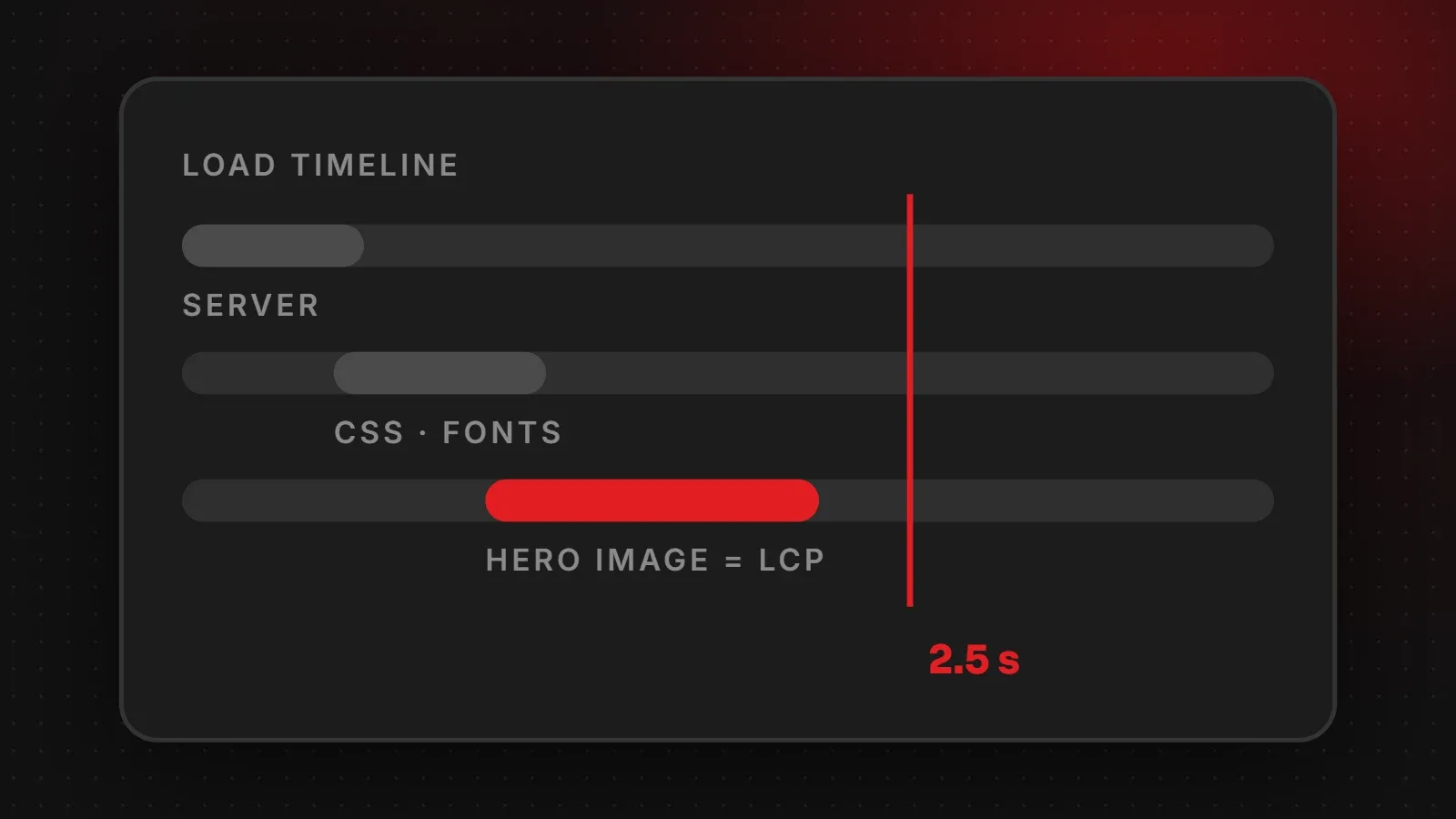
To improve LCP (Largest Contentful Paint), first find which element is your LCP, usually the hero image or main heading. Then make the server respond faster, load that element first, shrink it, and remove code that blocks it. Google considers an LCP of 2.5 seconds or less good. This guide shows how to find your LCP element and nine fixes that work on real websites.
- LCP measures when the biggest visible element appears; aim for 2.5 seconds or less.
- On most sites the LCP is a hero image, so optimising and prioritising it gives the biggest win.
- Never lazy-load the LCP image.
What is LCP?
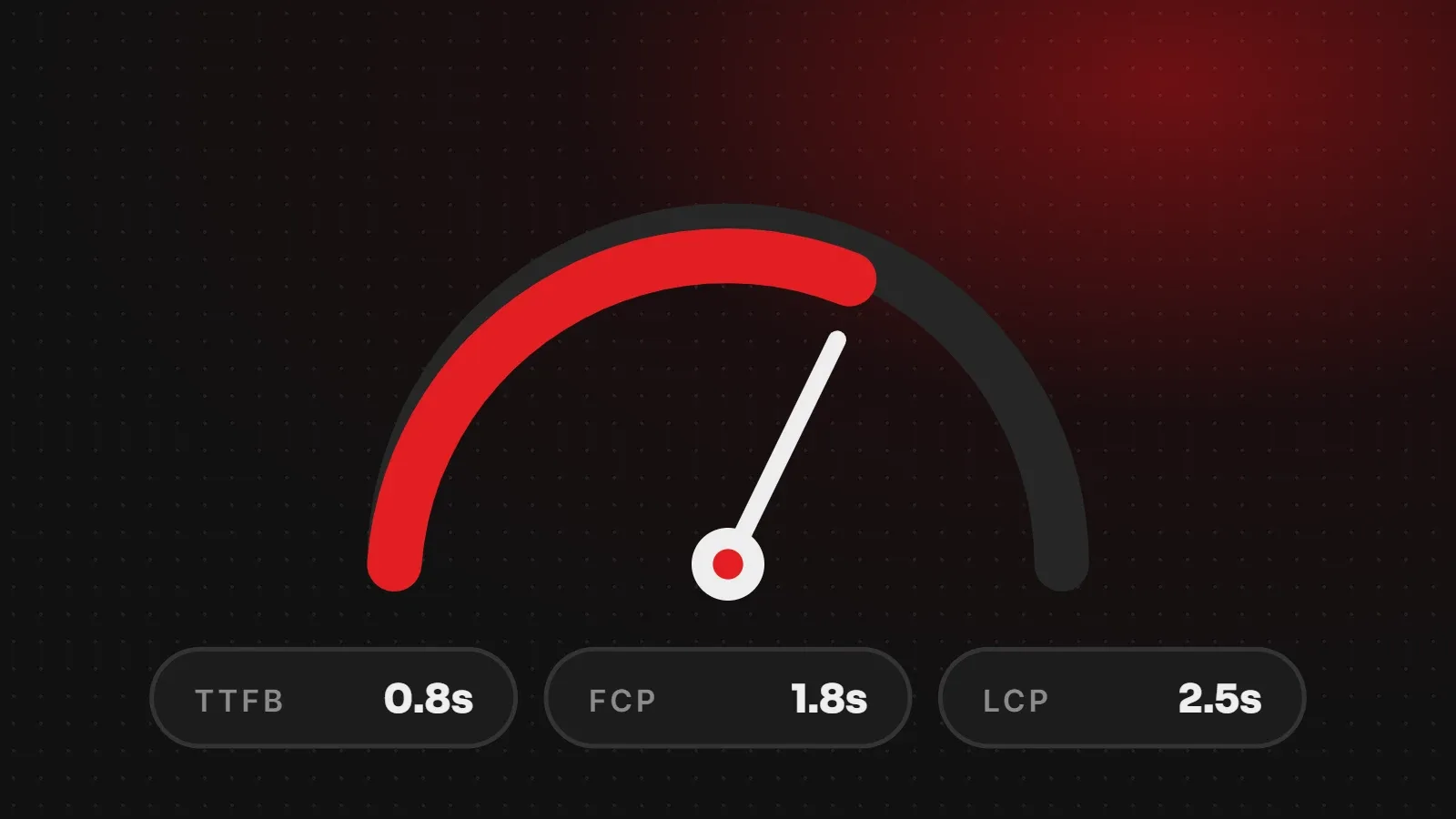
Largest Contentful Paint is one of Google's three Core Web Vitals. It records how long it takes for the largest image or text block in the visible part of the page to appear. Visitors see this as "the page has loaded". Google rates LCP as good at 2.5 seconds or less and poor above 4 seconds.
Step 1: Find your LCP element
- Run your page through PageSpeed Insights.
- In the diagnostics, open Largest Contentful Paint element. It shows exactly which image or text block is the LCP.
- Note whether it is an image, a background image, a video poster or text.
Our guide on how to check website speed explains the rest of the report.
9 ways to improve LCP
1. Speed up the server response
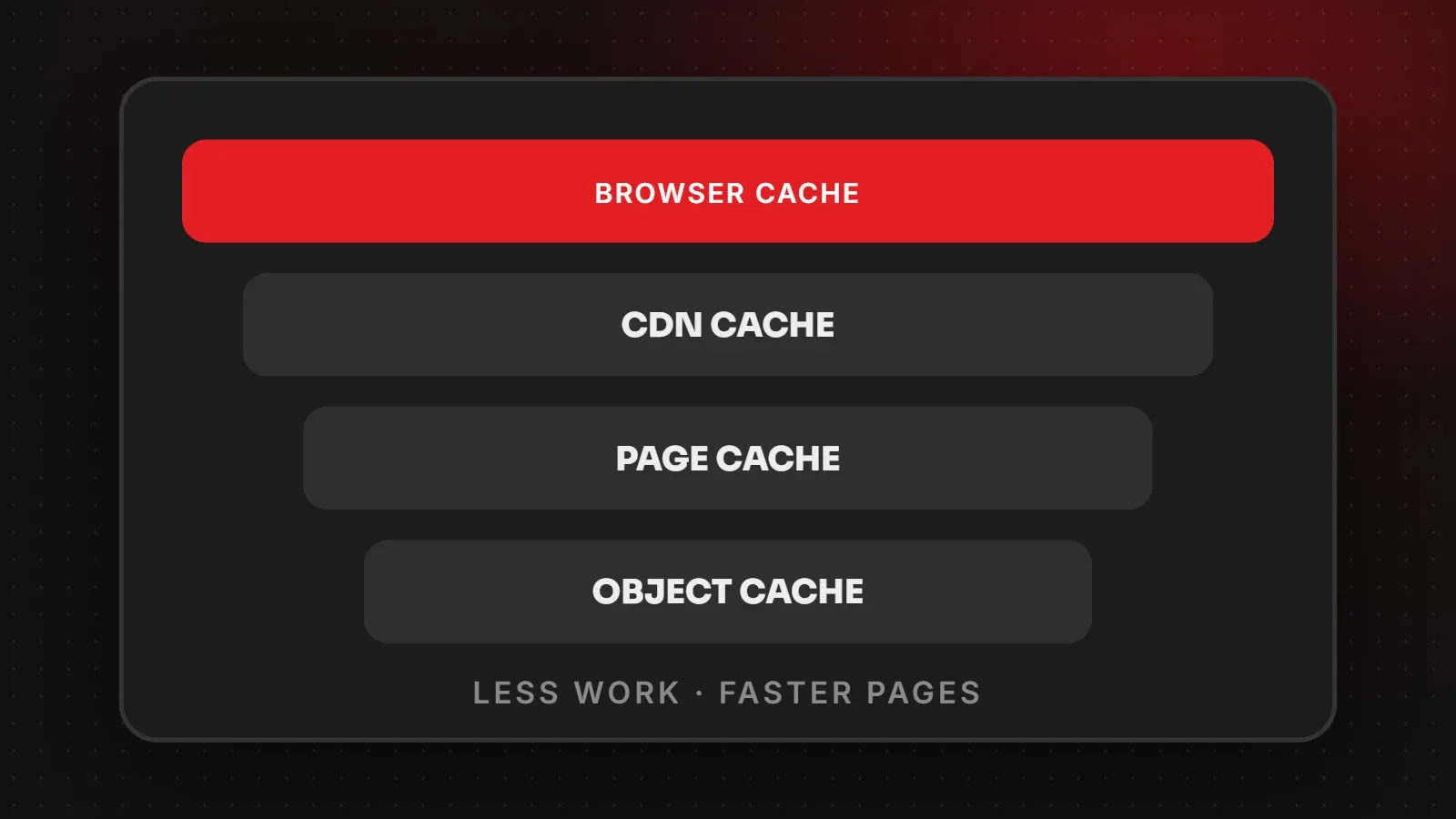
If the server takes a second to respond, LCP cannot be fast. Use good hosting, turn on page caching and keep the database lean. A slow "Time to First Byte" in the report points to this problem.
2. Do not lazy-load the hero image
Lazy loading is great for images further down the page, but it delays the LCP image. Remove loading="lazy" from the hero image. Many WordPress themes and plugins add it automatically, so check.
3. Tell the browser the hero image is important
Add fetchpriority="high" to the LCP image so the browser downloads it before less important files:
<img src="/images/hero.webp" width="1600" height="900" fetchpriority="high" alt="...">4. Make the hero image smaller
Resize it to the width it actually displays, convert it to WebP or AVIF, and compress it. A hero under 200 KB is a good target. See our website image size guide and WebP conversion guide.
5. Avoid CSS background images for the hero
The browser only discovers a CSS background image after loading and reading the stylesheet, which delays it. A normal <img> tag in the HTML is found much earlier. If you must use a background image, preload it.
6. Remove render-blocking CSS and JavaScript
Large stylesheets and scripts in the page head must load before anything appears. Load non-essential scripts with defer, remove unused CSS, and reduce the number of plugins that add code to every page.
7. Speed up web fonts
If your LCP element is a heading, slow fonts delay it. Use fewer font weights, host fonts on your own server or preload the main one, and use font-display: swap so text appears straight away.
8. Replace heavy sliders and videos above the fold
Sliders often load several large images and scripts before the first slide appears. A single, well-optimised hero image usually loads much faster and converts just as well.
9. Use a CDN
A content delivery network serves images and files from locations close to your visitors, which helps when your audience is in a different country from your server.
Frequently asked questions
What is a good LCP score?
2.5 seconds or less. Between 2.5 and 4 seconds needs improvement, and above 4 seconds is poor.
What usually causes poor LCP?
Slow hosting, large hero images, lazy-loaded hero images, render-blocking code and heavy sliders.
Can text be the LCP element?
Yes. On pages without a large image, the main heading or a paragraph can be the LCP. Fast fonts and less blocking CSS help in that case.
How long until Google sees my LCP improvement?
Field data uses a 28-day window, so expect the improvement to show gradually over several weeks.
Want us to fix your LCP?
Our speed and performance team finds what slows your LCP and fixes hosting, images, fonts and code, and our web hosting is set up for fast server response. Read our general website speed guide or ask for a free speed check.
Written by the ItsWebExpert team, a web design and development company in Karachi building websites, online stores and apps for businesses across Pakistan.
Ask a Question on WhatsApp