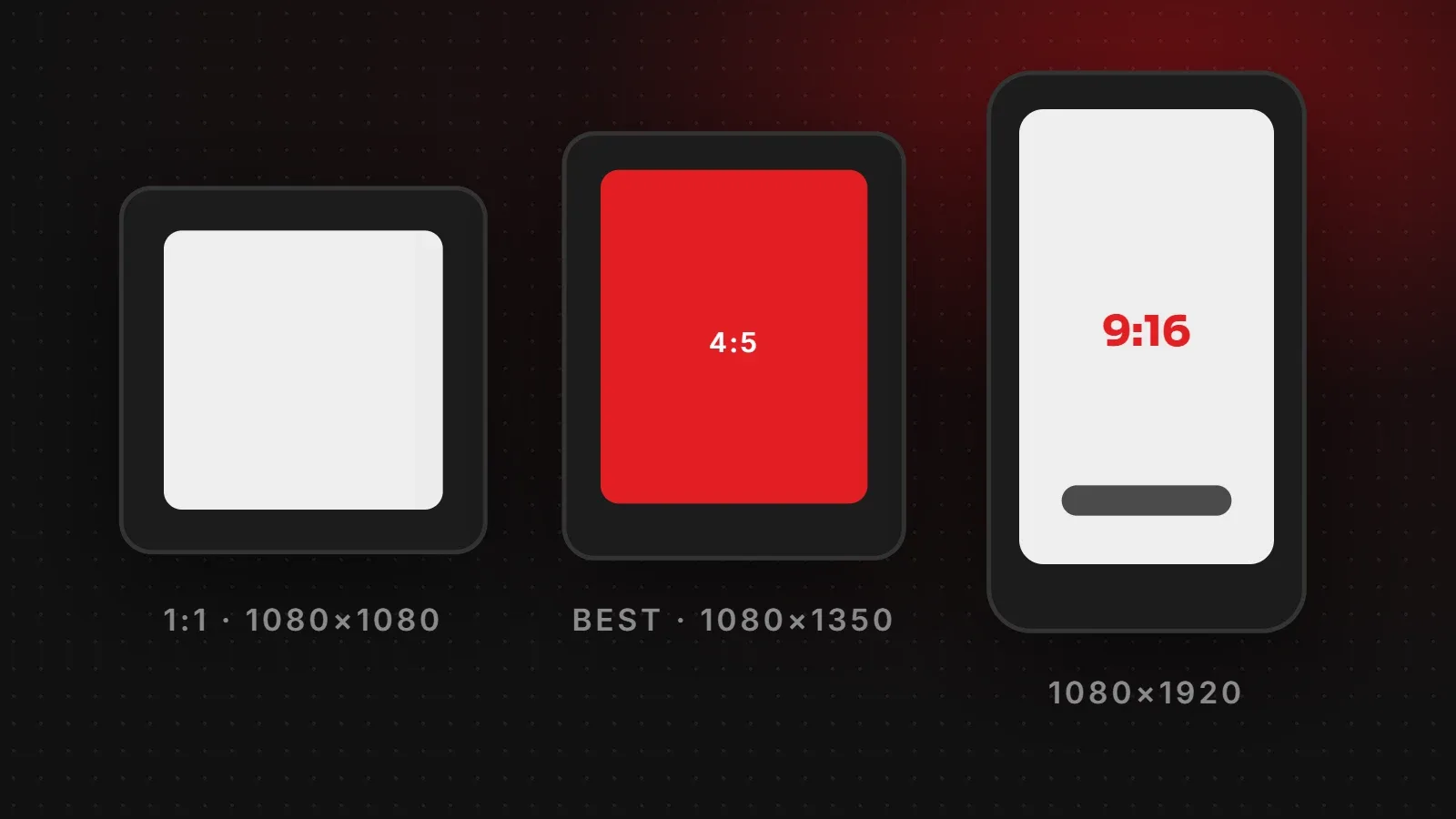
The best Instagram post size in 2026 is 1080 x 1350 pixels (4:5 portrait). It takes up the most space in the feed, looks sharp on every phone and works for both normal posts and ads. Stories and Reels use 1080 x 1920 pixels (9:16). This guide lists every Instagram size you need, explains the newer 3:4 profile grid, and shows how to keep important text from being cropped.
- Use 1080 x 1350 (4:5) for most feed posts and carousels.
- Use 1080 x 1920 (9:16) for Stories and Reels, and keep text away from the top and bottom edges.
- The profile grid now shows tall 3:4 thumbnails, so keep key content in the centre of every post.
Instagram post size chart for 2026
| Format | Size in pixels | Aspect ratio |
|---|---|---|
| Feed post: portrait (recommended) | 1080 x 1350 | 4:5 |
| Feed post: tall portrait | 1080 x 1440 | 3:4 |
| Feed post: square | 1080 x 1080 | 1:1 |
| Feed post: landscape | 1080 x 566 | 1.91:1 |
| Carousel slides | 1080 x 1350 (all slides same size) | 4:5 |
| Stories | 1080 x 1920 | 9:16 |
| Reels | 1080 x 1920 | 9:16 |
| Reel cover (grid preview) | 1080 x 1440 visible area | 3:4 |
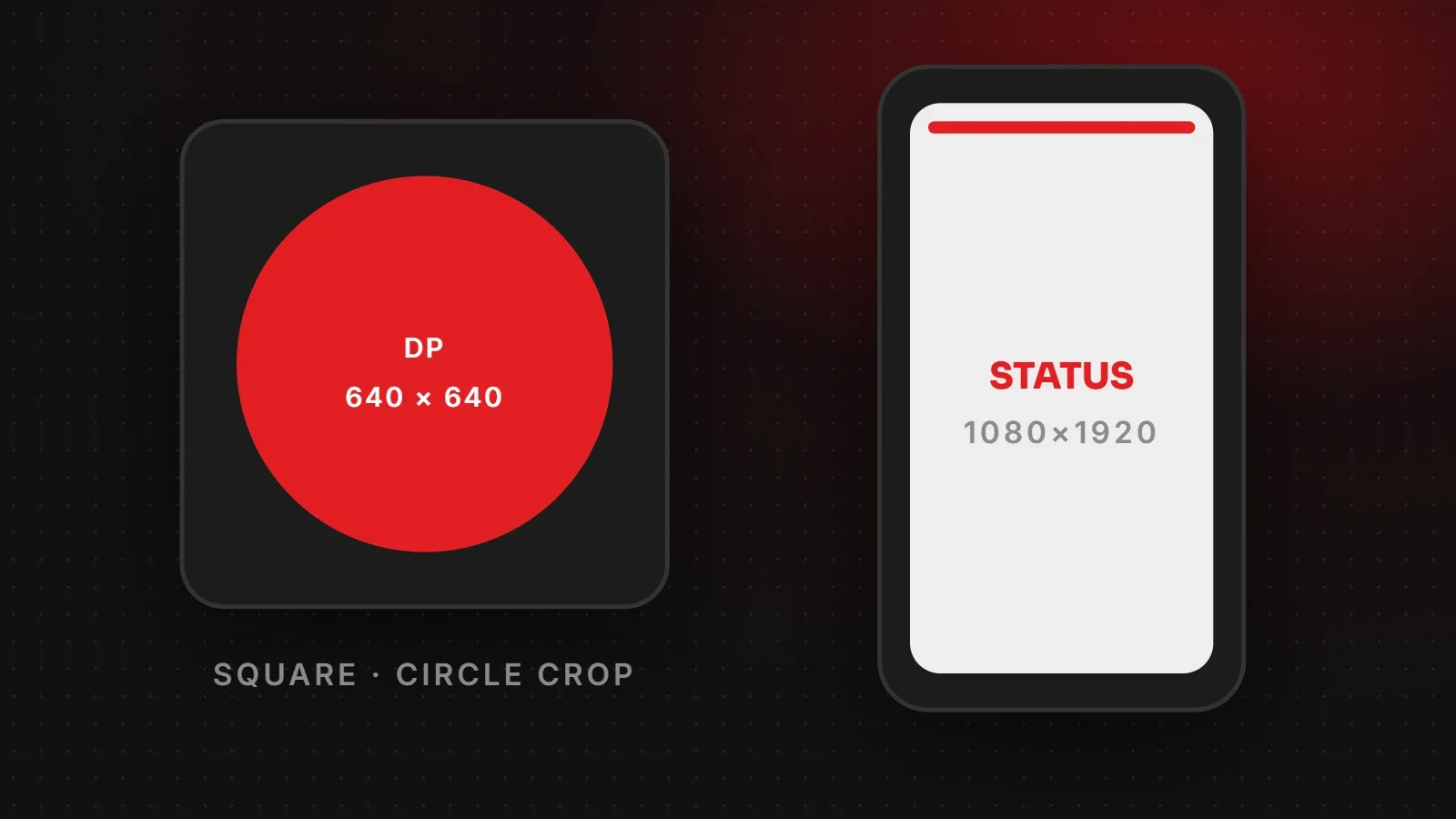
| Profile picture | 320 x 320 (shown as a circle) | 1:1 |
Instagram displays images at a width of 1080 pixels. Instagram scales wider uploads down and stretches anything narrower than about 320 pixels, which makes it blurry. Whatever Instagram post size you choose, always design at 1080 pixels wide. You can also check the formats Instagram accepts in the Instagram Help Center.
Which Instagram post size should you use?
4:5 portrait (1080 x 1350): the safe default
Portrait posts fill more of the screen than square or landscape posts. More screen space means more attention as people scroll, which is why most brands use 4:5 for product photos, offers and announcements. It is also the most widely supported size for Instagram ads.
3:4 portrait (1080 x 1440): for a perfect profile grid
In 2025 Instagram changed the profile grid from squares to taller rectangles with a 3:4 shape. Your profile shows 3:4 posts without cropping them. If your profile grid is part of your brand (for example, a fashion or interior design page), 3:4 is a good choice. For ads and general posts, 4:5 is still the safer option.
1:1 square (1080 x 1080): still fine
Square posts work well for quotes, logos and simple graphics. The taller grid adds a little empty space around them, but it does not cut off anything important.
Landscape (1080 x 566): use rarely
Wide images look small in a vertical feed. Use landscape only for group photos or banners that really need the width, and expect heavy cropping in the profile grid.
Instagram carousel size
A carousel can hold up to 20 photos or videos. The first slide sets the shape for the whole carousel, so if slide one is 4:5, every other slide is shown at 4:5 too. Design every slide at 1080 x 1350 to avoid surprise cropping.
- Put your hook or headline on slide one, because that is what shows in the feed and the grid.
- Keep a consistent margin of at least 60 pixels on all sides so text never touches the edge.
- If you design a panorama that runs across slides, split it into exact 1080-pixel-wide pieces.
Stories and Reels size and safe zones
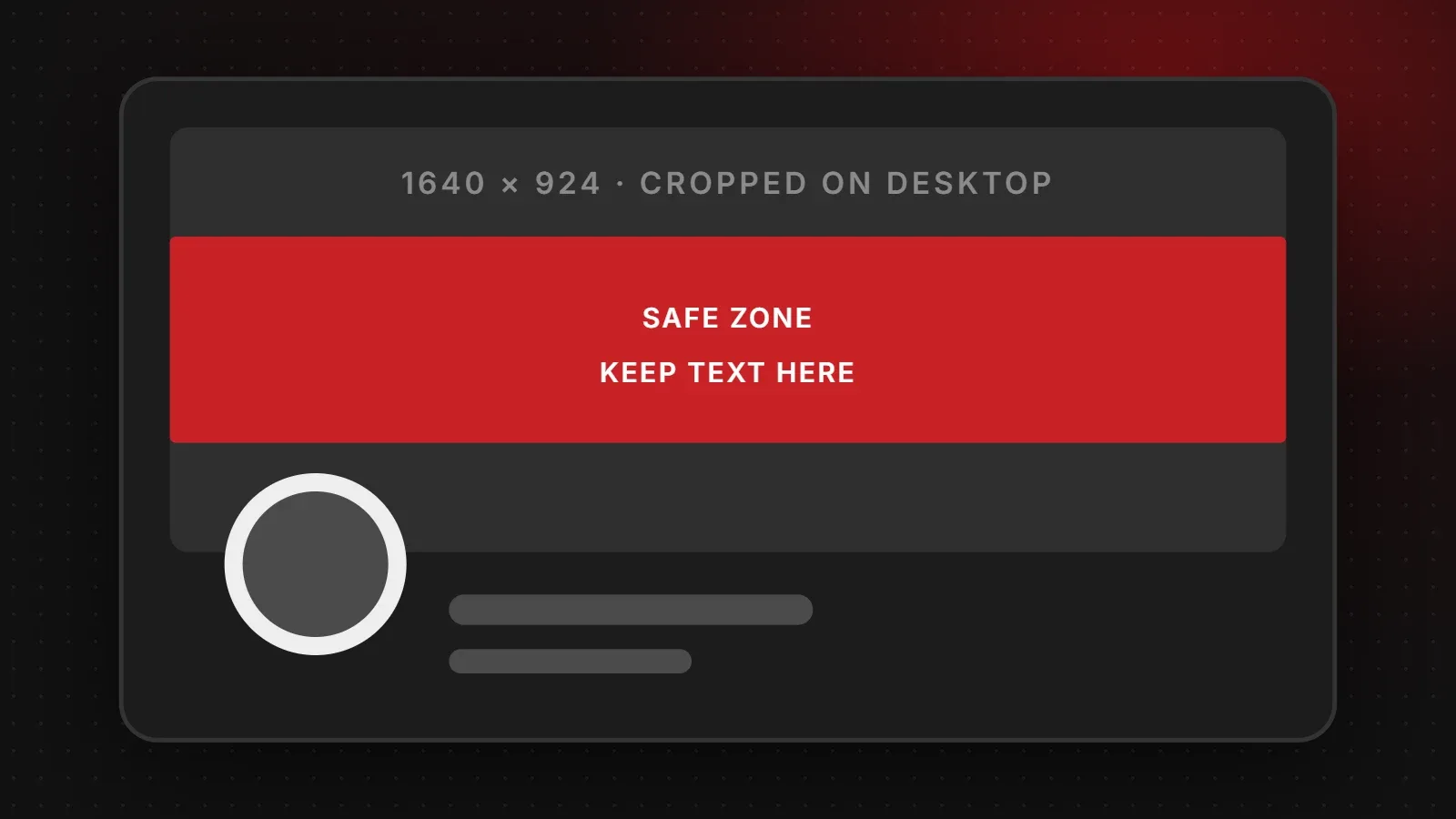
Stories and Reels are full-screen vertical content at 1080 x 1920 pixels. Instagram places your profile name, captions, buttons and the reply bar on top of the video, so some parts of the screen are covered.
- Keep text and logos out of roughly the top 250 pixels and the bottom 340 pixels.
- On Reels, also leave space on the right side, where the like, comment and share buttons sit.
- For the Reel cover, keep the title in the middle, because the grid shows only the central 3:4 area (1080 x 1440).
Instagram profile picture size
Upload a square image of at least 320 x 320 pixels. Instagram shows it as a small circle, so the corners are cut off. For a business, use your logo mark rather than the full logo with small text, and leave space around it so nothing touches the edge of the circle.
How to create posts at the right size
- Canva: choose "Instagram Post (4:5)" or create a custom design of 1080 x 1350 pixels.
- Photoshop or Illustrator: create a new document at 1080 x 1350 pixels, 72 PPI, RGB colour.
- Phone editors: most apps, including Instagram's own editor, let you crop to 4:5 before posting.
- Export: save as JPG for photos and PNG for graphics with text. Keep the file under a few megabytes for faster uploads.
Why your Instagram images look blurry
- The image is too small. Anything under 1080 pixels wide is stretched.
- Wrong shape. If the ratio is outside what Instagram allows, it crops or adds borders.
- Heavy compression. Re-uploading screenshots or images saved from WhatsApp loses quality each time. Use the original file.
- Upload settings. In the Instagram app, check that "Upload at highest quality" is turned on under media quality settings.
Frequently asked questions
What is the best Instagram post size in 2026?
1080 x 1350 pixels at a 4:5 ratio. It fills the most screen space in the feed and works for ads.
Can I still post square photos on Instagram?
Yes. 1080 x 1080 square posts are fully supported. They simply take up less space than portrait posts.
What size is an Instagram Story?
1080 x 1920 pixels with a 9:16 ratio, the same as a Reel.
Why does my post look cropped on my profile?
The profile grid shows posts as 3:4 rectangles. A 4:5 post loses a small strip at the top and bottom, and square or landscape posts are cropped at the sides. Keep important content in the centre.
How many photos can I add to a carousel?
Up to 20 photos or videos in one carousel post.
Need help with your Instagram content?
Getting the Instagram post size right is the first step. Consistent design, a clear brand look and regular posting are what grow a page. Our social media marketing team designs posts, Reels covers and carousels that fit every format, and our branding and creative service can build templates your team can reuse. Talk to us about your page.
Written by the ItsWebExpert team, a web design and development company in Karachi building websites, online stores and apps for businesses across Pakistan.
Ask a Question on WhatsApp