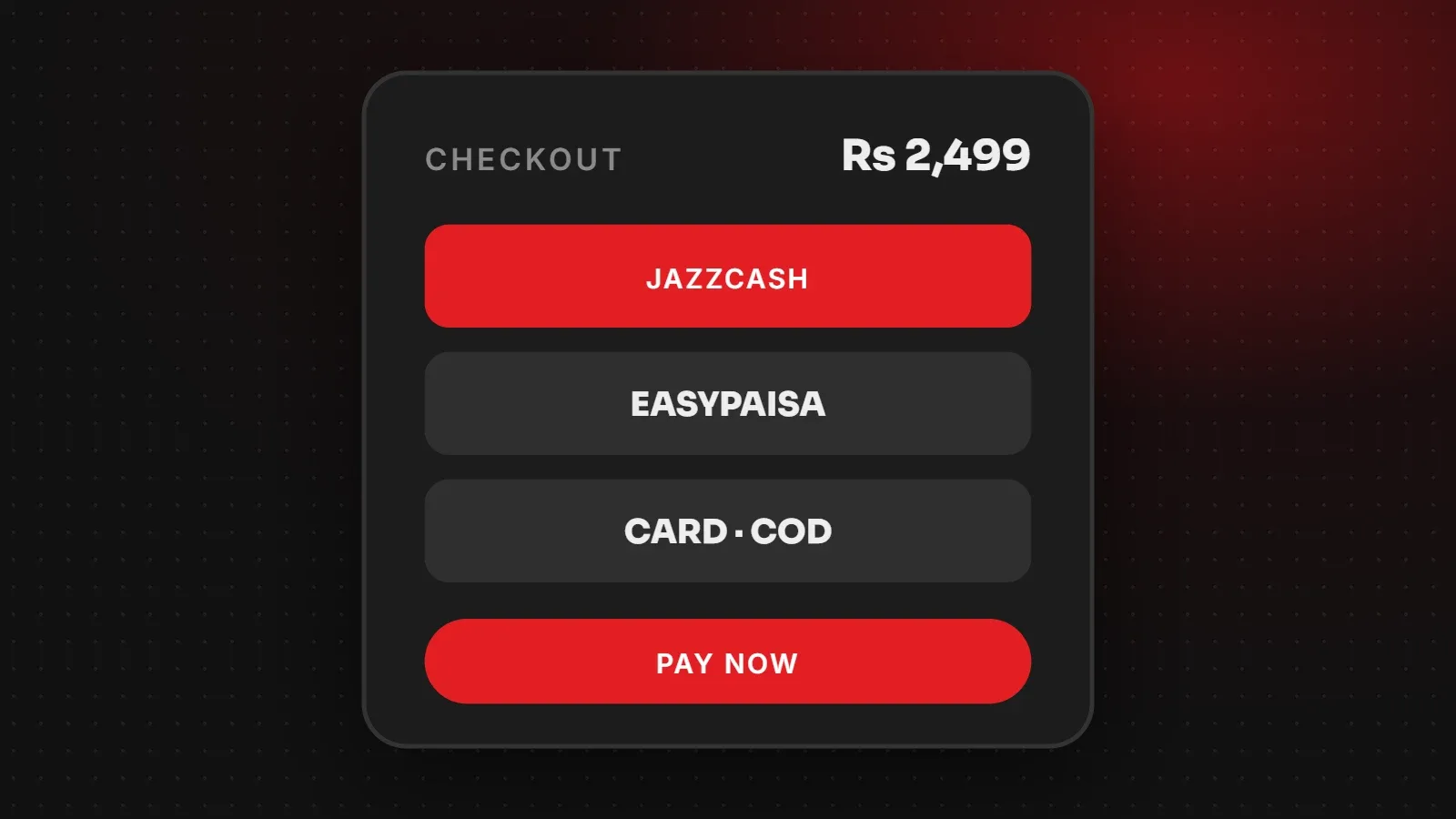
To accept JazzCash or Easypaisa on your website, you need a merchant account with the provider (or with a payment aggregator that supports them), then an integration on your website, usually a WooCommerce or Shopify payment plugin, or a custom API connection. After setup, test payments in the sandbox before going live. This guide explains your options for a JazzCash payment gateway and Easypaisa, what documents are usually needed, and how integration works.
- You need a merchant account, not just a personal mobile wallet, to accept payments on a website.
- You can apply directly to JazzCash or Easypaisa, or use an aggregator that bundles several methods.
- Apply early: approvals and document checks can take time.
Your options for accepting JazzCash and Easypaisa
| Option | How it works | Good for |
|---|---|---|
| Direct JazzCash merchant account | Apply to JazzCash for online payments and integrate their gateway | Stores that want JazzCash specifically |
| Direct Easypaisa merchant account | Apply to Easypaisa and integrate their online payment service | Stores that want Easypaisa specifically |
| Payment aggregator | One account that offers wallets and cards together | Stores that want several methods with one integration |
| Manual wallet transfer | Customer sends money to your wallet number and shares a screenshot | Very small sellers; not automated |
Many Pakistani stores also keep cash on delivery, because a large share of customers still prefer it. Offering both builds trust.
What you usually need for a merchant account
Requirements differ between providers and change over time, so confirm with the provider before applying. Commonly requested items include:
- CNIC of the owner or directors
- Business registration documents and NTN
- A business bank account in the business name
- A live website with clear contact details, refund policy, terms and privacy policy
- Product or service descriptions and prices on the website
How a JazzCash payment gateway integration works
- Get credentials: after approval, the provider gives you a merchant ID, passwords or keys, and access to a sandbox (test) environment.
- Install the integration: on WooCommerce, use the provider's official plugin or a trusted plugin that supports it. Shopify uses supported payment apps. Custom websites connect through the provider's API.
- Enter credentials in test mode and place test orders.
- Check order statuses: successful payments should mark orders as paid; failed or cancelled payments should not.
- Switch to live mode and make a small real payment to confirm everything works.
Checkout tips for Pakistani customers
- Show logos of the payment methods you accept on product pages and at checkout.
- Explain the steps, for example that customers will receive a prompt on their phone to approve the payment.
- Keep cash on delivery available for customers who prefer it, possibly with a small fee or limit.
- Send WhatsApp or SMS confirmations after payment to build confidence.
- Make the checkout fast on mobile, where most orders happen. See how to check website speed.
Security and compliance
Your website must use HTTPS (see our SSL guide), keep plugins updated, and never store wallet PINs or full card details. The payment provider handles the sensitive data on its own pages or through secure tokens.
Frequently asked questions
Can I add JazzCash to my WooCommerce store?
Yes. After getting a merchant account, install a supported JazzCash plugin, enter your credentials and test in sandbox mode.
Can I use my personal JazzCash or Easypaisa account?
Personal wallets can receive transfers, but automated website checkout needs a merchant account.
How long does approval take?
It varies by provider and how complete your documents and website are. Apply early and have your policies ready.
Should I still offer cash on delivery?
For most Pakistani stores, yes. Many customers prefer it, and offering several options increases sales.
Want payments set up on your store?
Our e-commerce team builds WooCommerce and Shopify stores with JazzCash, Easypaisa, cards and cash on delivery, and helps you prepare the policy pages providers ask for. Read our guide to starting an online store in Pakistan or talk to us. For official details, visit JazzCash.
Written by the ItsWebExpert team, a web design and development company in Karachi building websites, online stores and apps for businesses across Pakistan.
Ask a Question on WhatsApp