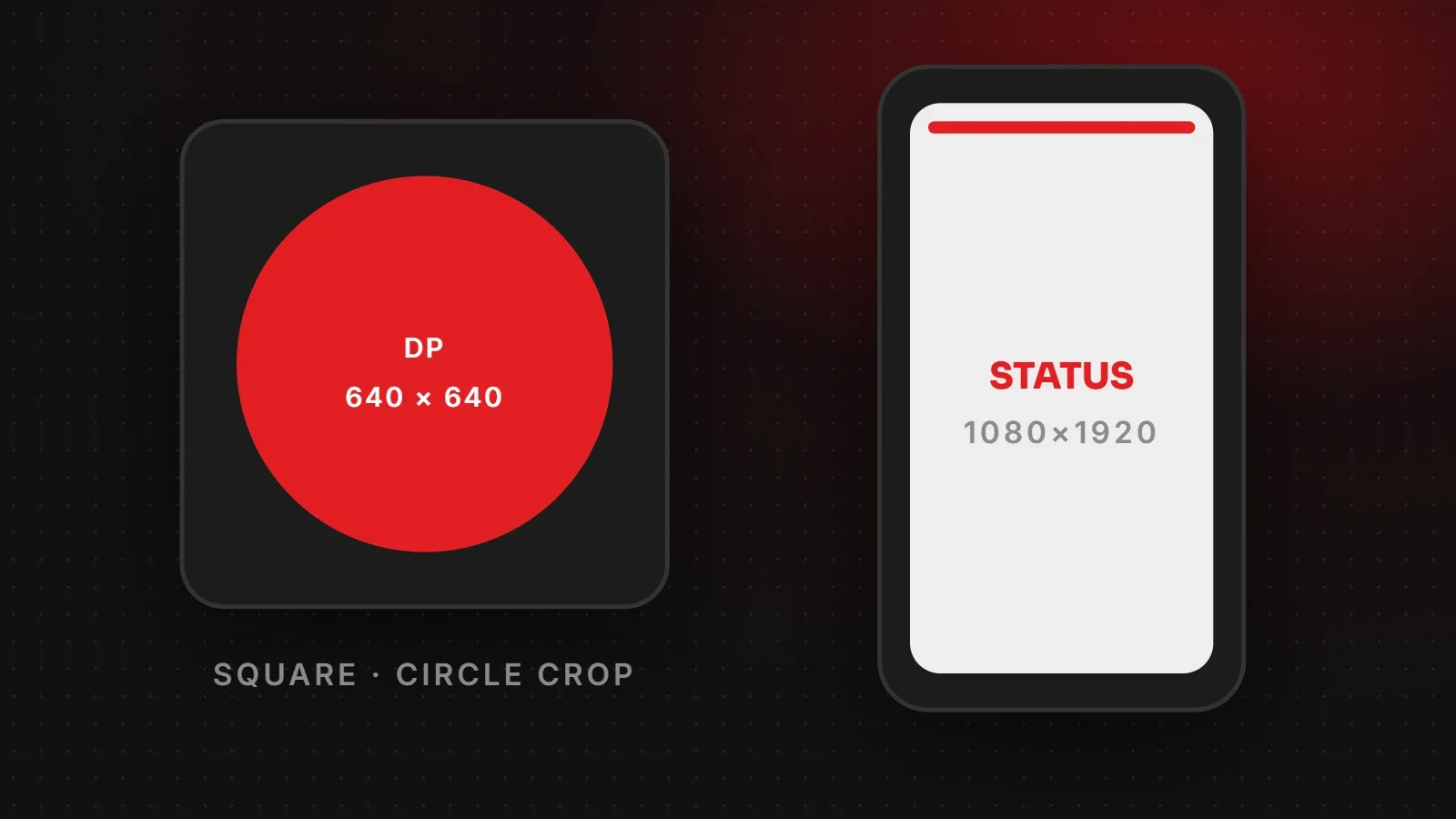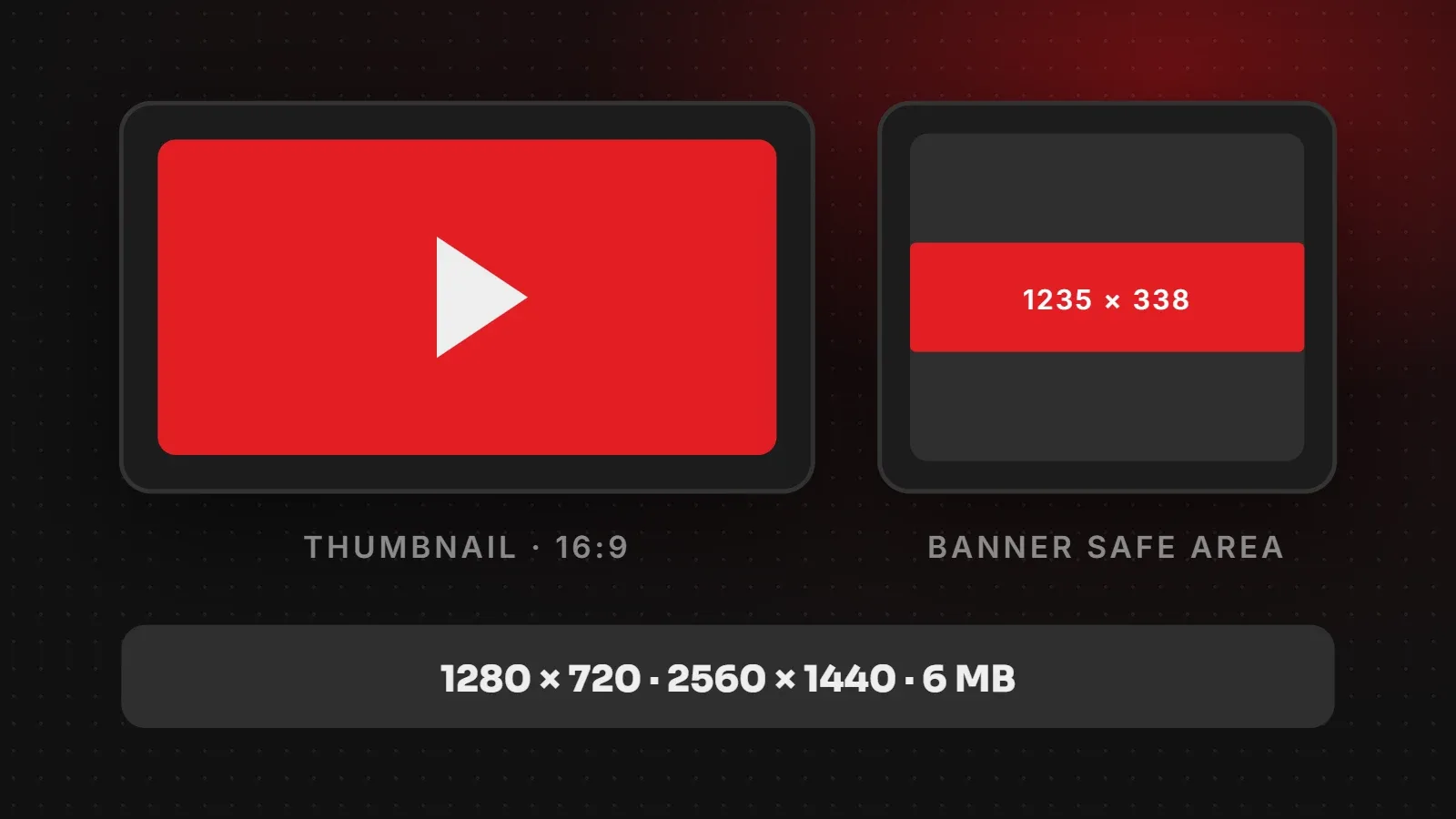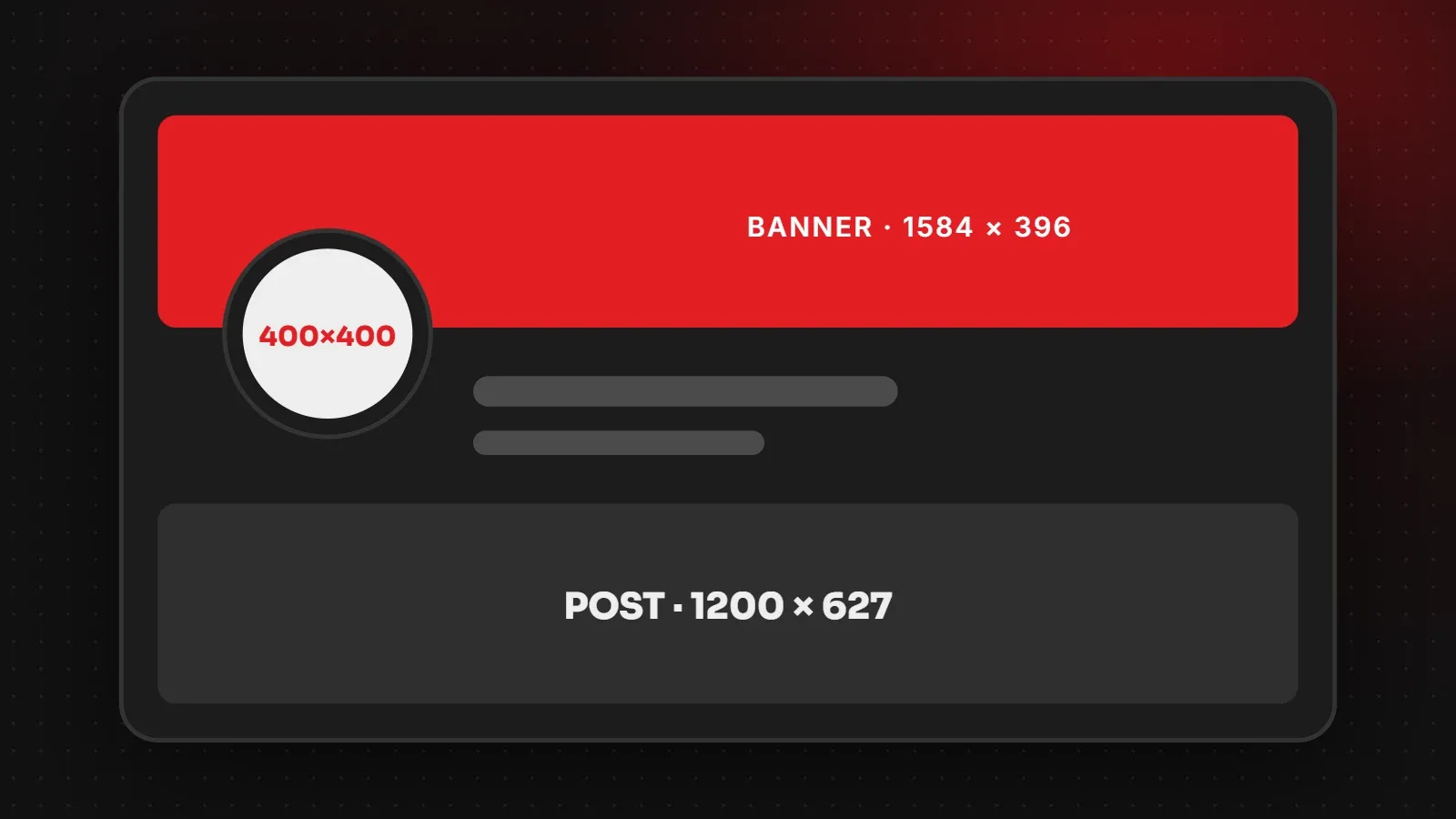
The main LinkedIn image sizes for 2026 are a 400 x 400 pixel profile photo, a 1584 x 396 pixel personal banner, a 1128 x 191 pixel company page cover, and 1200 x 627 pixels for landscape post images and link previews. For carousels and document posts, use a portrait 1080 x 1350 layout. This guide lists every LinkedIn image size for people and businesses, with tips to keep your profile looking professional.
- Personal profiles need a 400 x 400 photo and a 1584 x 396 banner.
- Company pages need a square logo and a 1128 x 191 cover image.
- For posts, square (1080 x 1080) or portrait (1080 x 1350) images take up more feed space than landscape.
LinkedIn image sizes chart
| Image | Recommended size | Notes |
|---|---|---|
| Profile photo | 400 x 400 px | Shown as a circle |
| Personal background banner | 1584 x 396 px | 4:1, partly covered by your photo |
| Company page logo | 400 x 400 px | Square |
| Company page cover | 1128 x 191 px | Very wide; keep text centred |
| Post image: landscape | 1200 x 627 px | 1.91:1 |
| Post image: square | 1080 x 1080 px | 1:1 |
| Post image: portrait | 1080 x 1350 px | 4:5, best for mobile |
| Carousel or PDF document post | 1080 x 1350 px per page | Keep all pages the same size |
| Link preview | 1200 x 627 px | Comes from your page's og:image |
LinkedIn does not publish one official list for every slot, and it changes layouts over time. The LinkedIn image sizes above are the ones most designers and agencies use because they display cleanly today.
LinkedIn profile photo and banner
Your profile photo should be a clear, well-lit headshot at 400 x 400 pixels or larger, with your face filling about 60 percent of the frame. A plain background looks more professional than a busy one.
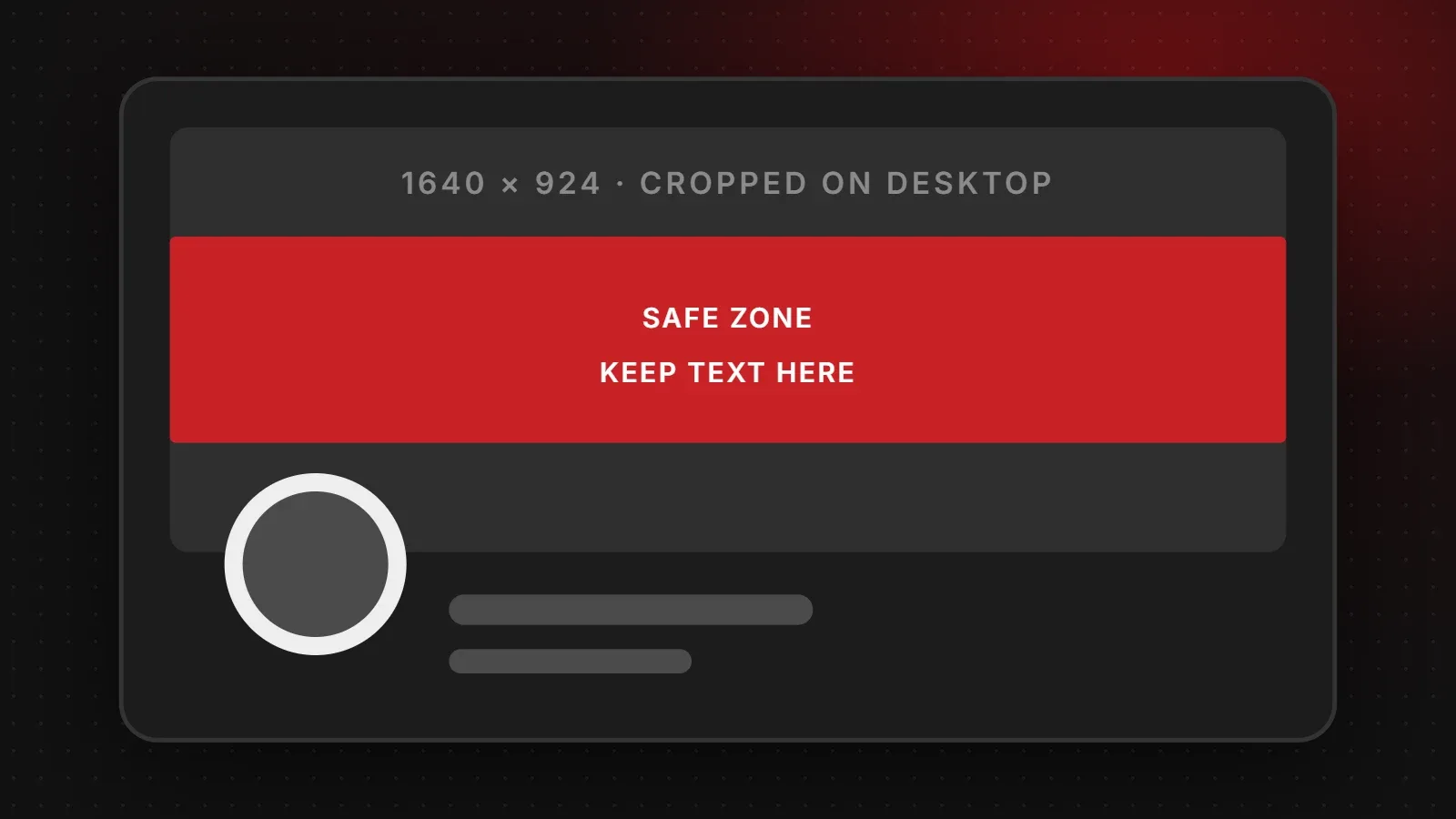
Your background banner is 1584 x 396 pixels. On desktop, your profile photo covers the lower-left part of the banner. On mobile, the banner appears smaller and the photo sits in the middle. Therefore keep text on the right half of the banner and away from the very top and bottom.
LinkedIn company page image sizes
- Logo: 400 x 400 pixels, square, on a solid background. It appears next to every post and job your company shares.
- Cover image: 1128 x 191 pixels. Because it is so wide and short, use a simple brand graphic or team photo with a short line of text in the centre.
LinkedIn post image sizes
Most people browse LinkedIn on their phones, where taller images take up more of the screen. For this reason, square (1080 x 1080) and portrait (1080 x 1350) images often get more attention than landscape ones. Use landscape (1200 x 627) for wide charts, event photos and banners.
Carousels on LinkedIn are usually PDF document posts. Design each page at 1080 x 1350 pixels, put one idea on each page, and use large text, because people read them on small screens.
Tips for professional LinkedIn images
- Use the same brand colours as your website and other social profiles.
- Keep text short and large. Many people read LinkedIn on phones.
- Use real photos of your team and work, which build more trust than stock images.
- Export as PNG for graphics with text and JPG for photos.
- Update your banner when your offer, services or job title changes.
Frequently asked questions
What size is the LinkedIn banner?
1584 x 396 pixels for a personal profile and 1128 x 191 pixels for a company page cover.
What is the best LinkedIn post image size?
1080 x 1350 pixels for portrait posts, 1080 x 1080 for square, or 1200 x 627 for landscape. Portrait and square take up more space on mobile.
What size should a LinkedIn profile picture be?
400 x 400 pixels or larger, square, with your face clearly visible.
What size should LinkedIn carousel pages be?
1080 x 1350 pixels per page, uploaded as a PDF document post.
Want a stronger LinkedIn presence for your business?
Our branding and creative team designs LinkedIn banners, company page covers and post templates, and our content marketing team can write and design carousels that build authority. For other platforms, see our Facebook image sizes guide.
Written by the ItsWebExpert team, a web design and development company in Karachi building websites, online stores and apps for businesses across Pakistan.
Ask a Question on WhatsApp