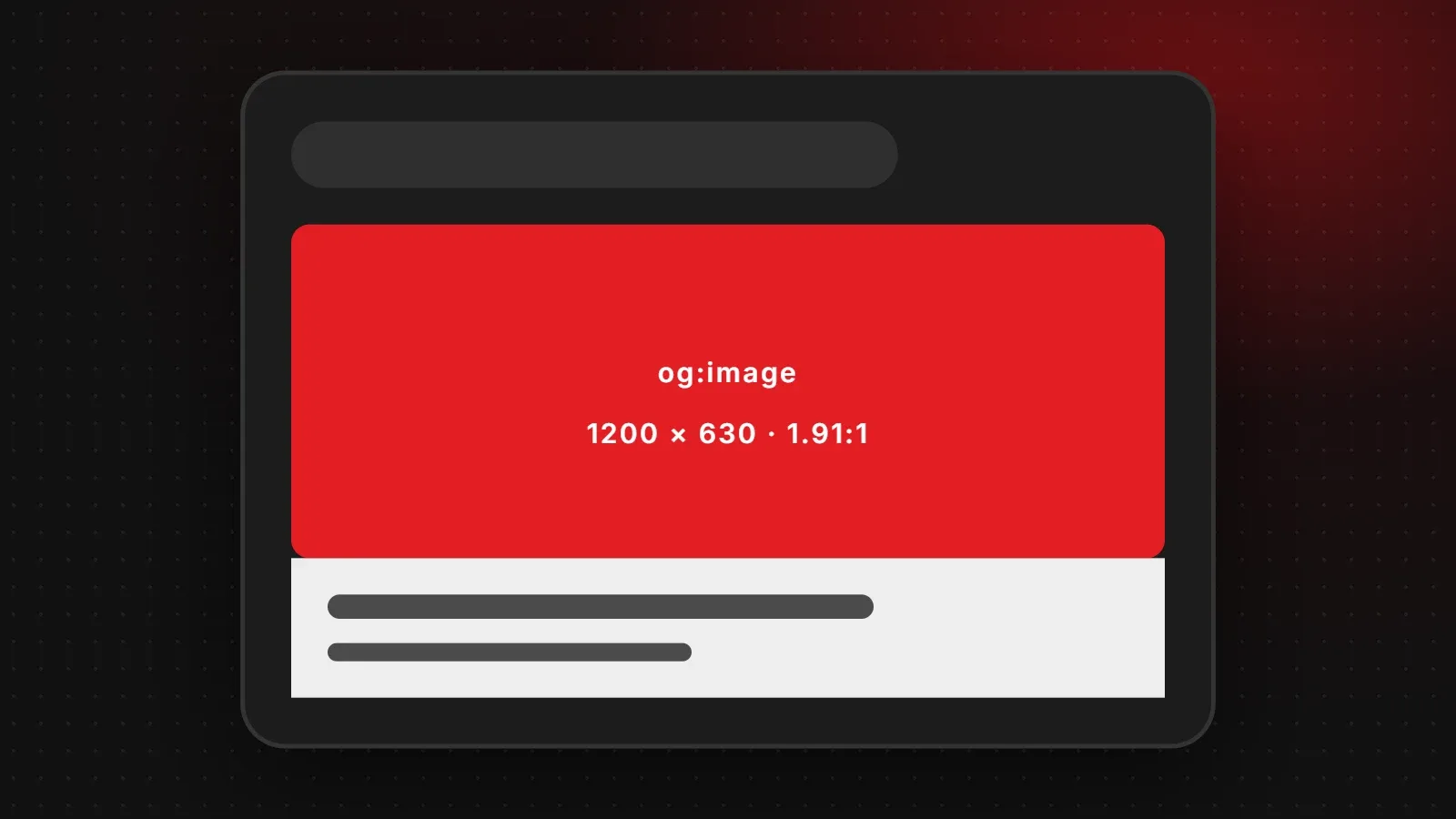
The best Open Graph image size is 1200 x 630 pixels, a 1.91:1 ratio. This is the image Facebook, WhatsApp, LinkedIn, X and messaging apps show when someone shares a link to your website. Meta recommends at least 1200 x 630, and images smaller than 600 x 315 show as a small thumbnail. This guide explains the Open Graph tags to add, the limits for each platform, and how to fix a missing or wrong preview.
- Use a 1200 x 630 pixel image for every page's og:image.
- Keep the file small (ideally under 300 KB) so every app loads it quickly.
- After changing a preview, refresh it with Facebook's Sharing Debugger and LinkedIn's Post Inspector.
What is an Open Graph image?
Open Graph is a set of meta tags that tells social networks what title, description and image to show for a page. If a page has no Open Graph image, apps guess. They might pick your logo, a random icon or nothing at all, which makes your link look broken and gets fewer clicks.
Open Graph image size by platform
| Platform | Recommended | Limits |
|---|---|---|
| Facebook and Messenger | 1200 x 630 px | Min 600 x 315 for a large preview; max 8 MB |
| 1200 x 630 px | Keep the file small, ideally under 300 KB | |
| 1200 x 627 px | 1.91:1 | |
| X (Twitter) large card | 1200 x 628 px | 2:1 crop; max 5 MB |
| Slack, Discord, Telegram | 1200 x 630 px | Use the same image |
The Facebook figures come from Meta's sharing documentation. In practice, one 1200 x 630 image works well everywhere, so you do not need a different file for each network.
The Open Graph tags to add
Add these tags inside the <head> of each page, with your own text and image address:
<meta property="og:title" content="Your Page Title">
<meta property="og:description" content="A short description of the page.">
<meta property="og:image" content="https://yourdomain.com/images/share.jpg">
<meta property="og:image:width" content="1200">
<meta property="og:image:height" content="630">
<meta property="og:url" content="https://yourdomain.com/page">
<meta name="twitter:card" content="summary_large_image">
Always use the full image address starting with https://. A relative path such as /images/share.jpg may not work.
Setting the Open Graph image in WordPress and builders
- WordPress: SEO plugins such as Yoast SEO and Rank Math add a "Social" tab to each post and page where you upload the share image. They also use the featured image by default.
- Shopify: set a default social sharing image in the theme settings. Product pages use the main product photo.
- Wix and Squarespace: look for "Social share image" in each page's SEO settings.
Open Graph image design tips
- Keep the main content in the centre. Some apps crop the edges or show a square version.
- Use large, short text, because previews often appear small on phones.
- Add your logo so people recognise the brand even when the title is cut off.
- Save as JPG or WebP and compress it. Large files may be skipped by some apps.
- Use the same size as your blog featured image (1200 x 630) so one image does both jobs. See our website image size guide.
How to fix a missing or wrong link preview
- No og:image tag: add one using the code or plugin settings above.
- Image too small: replace it with a 1200 x 630 version.
- Image blocked: make sure robots.txt or a security plugin does not block social media crawlers from the image.
- Wrong address: open the og:image URL in a browser to check it loads.
- Old cache: refresh it using the debugging tools.
Frequently asked questions
What is the best Open Graph image size?
1200 x 630 pixels at a 1.91:1 ratio. It works on Facebook, WhatsApp, LinkedIn and X.
What is the minimum og:image size?
Facebook shows a large preview from 600 x 315 pixels. Smaller images appear as a small thumbnail.
Why is WhatsApp not showing my link preview image?
The page may have no og:image, the image may be too large in file size, or the address may be wrong. Use a compressed 1200 x 630 image with a full https:// address.
Does the Open Graph image affect SEO?
It does not change Google rankings directly, but better previews get more clicks when people share your pages.
Want every page on your site to share perfectly?
Our SEO team sets up Open Graph tags, share images and structured data across your whole website, and our web development team can add automatic share images for every blog post and product. Contact us for a quick check.
Written by the ItsWebExpert team, a web design and development company in Karachi building websites, online stores and apps for businesses across Pakistan.
Ask a Question on WhatsApp