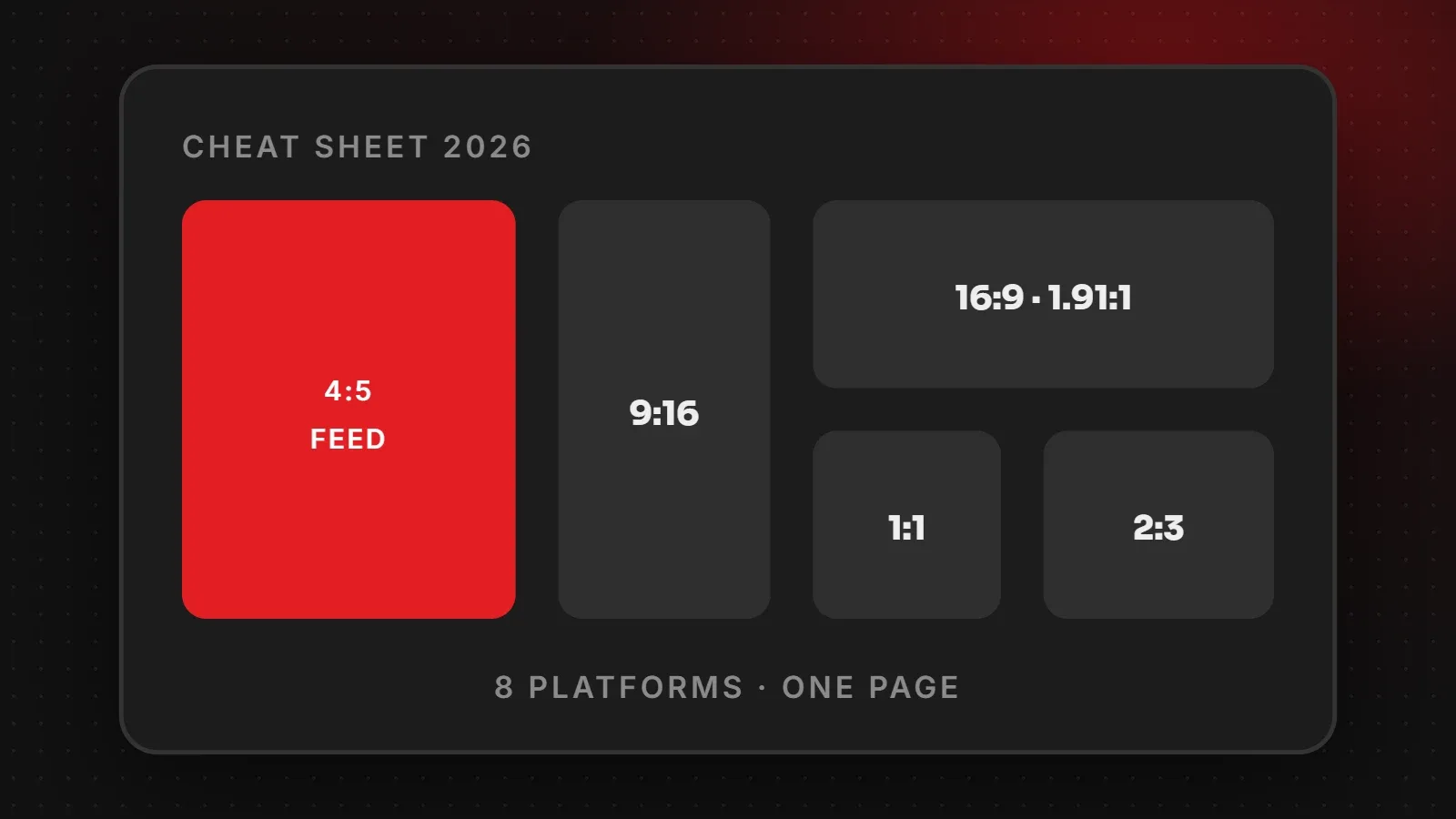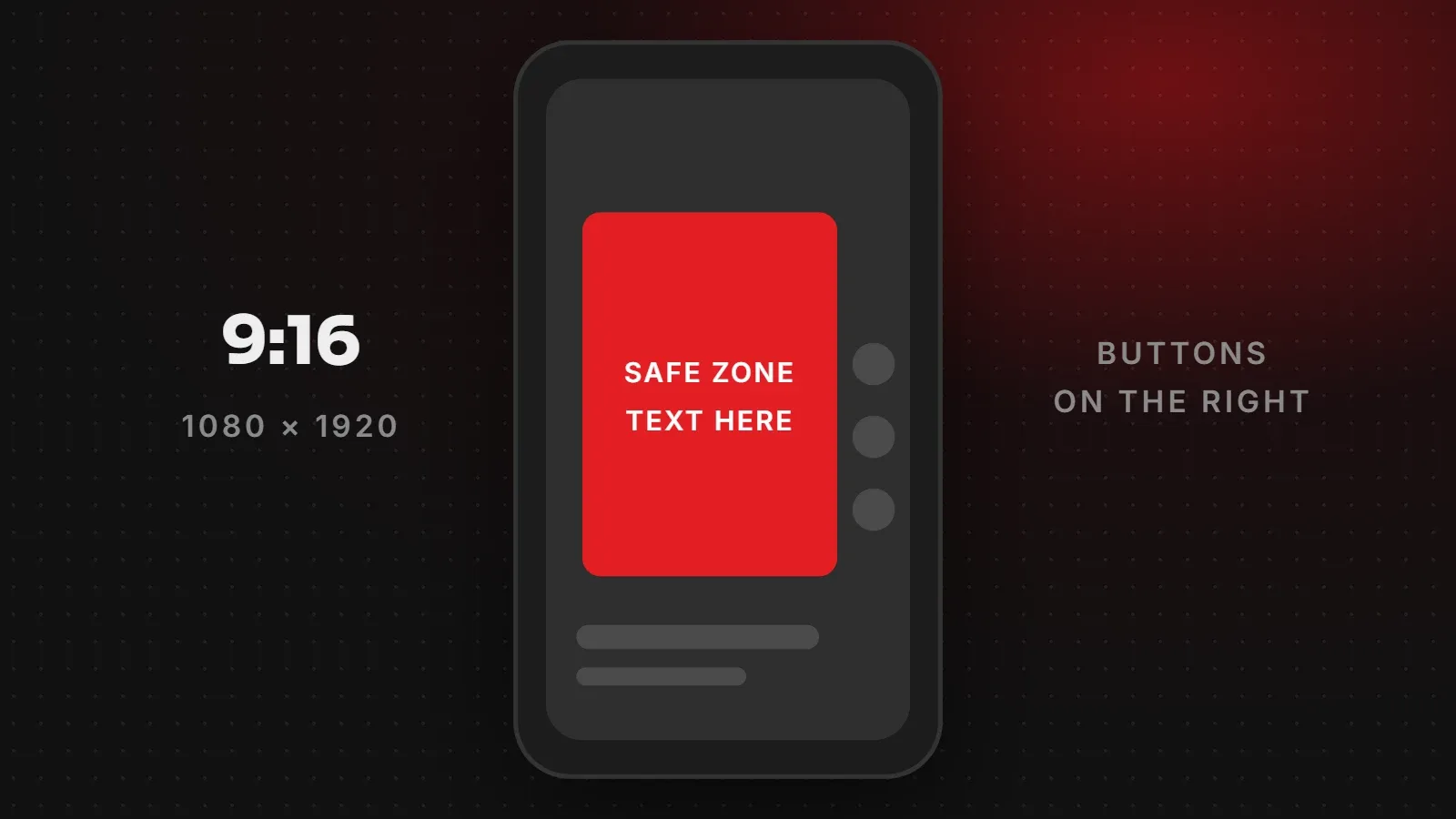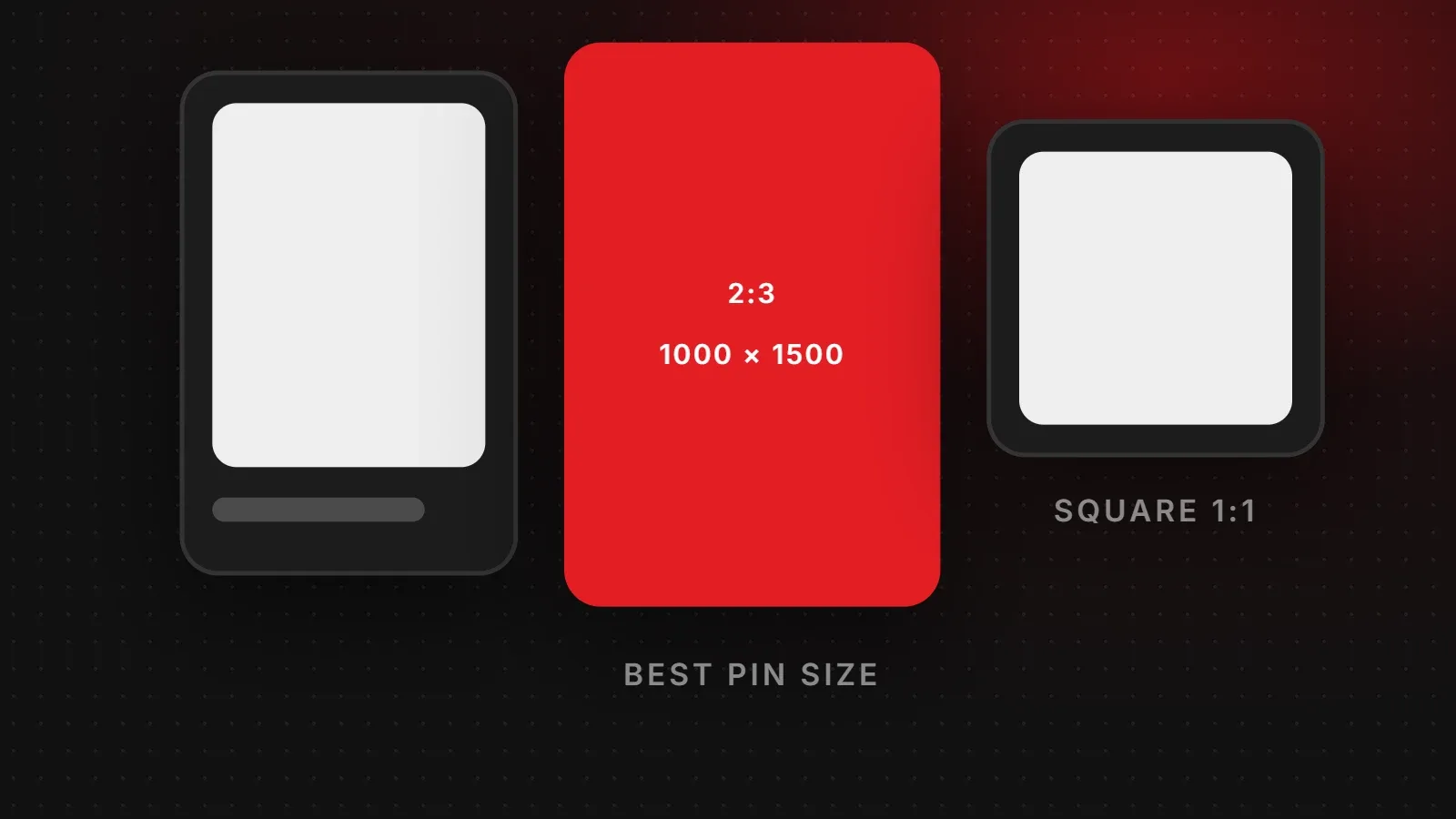
The best Pinterest pin size is 1000 x 1500 pixels, a 2:3 vertical ratio. Pinterest's own guidance recommends 2:3, and taller pins may be cut off in people's feeds. Square pins (1000 x 1000) also work, and video pins look best at 9:16 (1080 x 1920). This guide covers every Pinterest pin size, profile and board cover sizes, and how to design pins that bring people to your website.
- Use 1000 x 1500 (2:3) for standard pins. 1200 x 1800 and 2000 x 3000 are the same shape.
- Avoid pins taller than 2:3, because Pinterest may crop them in the feed.
- Add a clear title on the image and link each pin to the right page on your site.
Pinterest pin size chart
| Format | Recommended size | Ratio |
|---|---|---|
| Standard pin | 1000 x 1500 px | 2:3 |
| Square pin | 1000 x 1000 px | 1:1 |
| Video pin | 1080 x 1920 px | 9:16 (or 2:3, 1:1) |
| Carousel pin | 1000 x 1500 px per card | 2:3 or 1:1 |
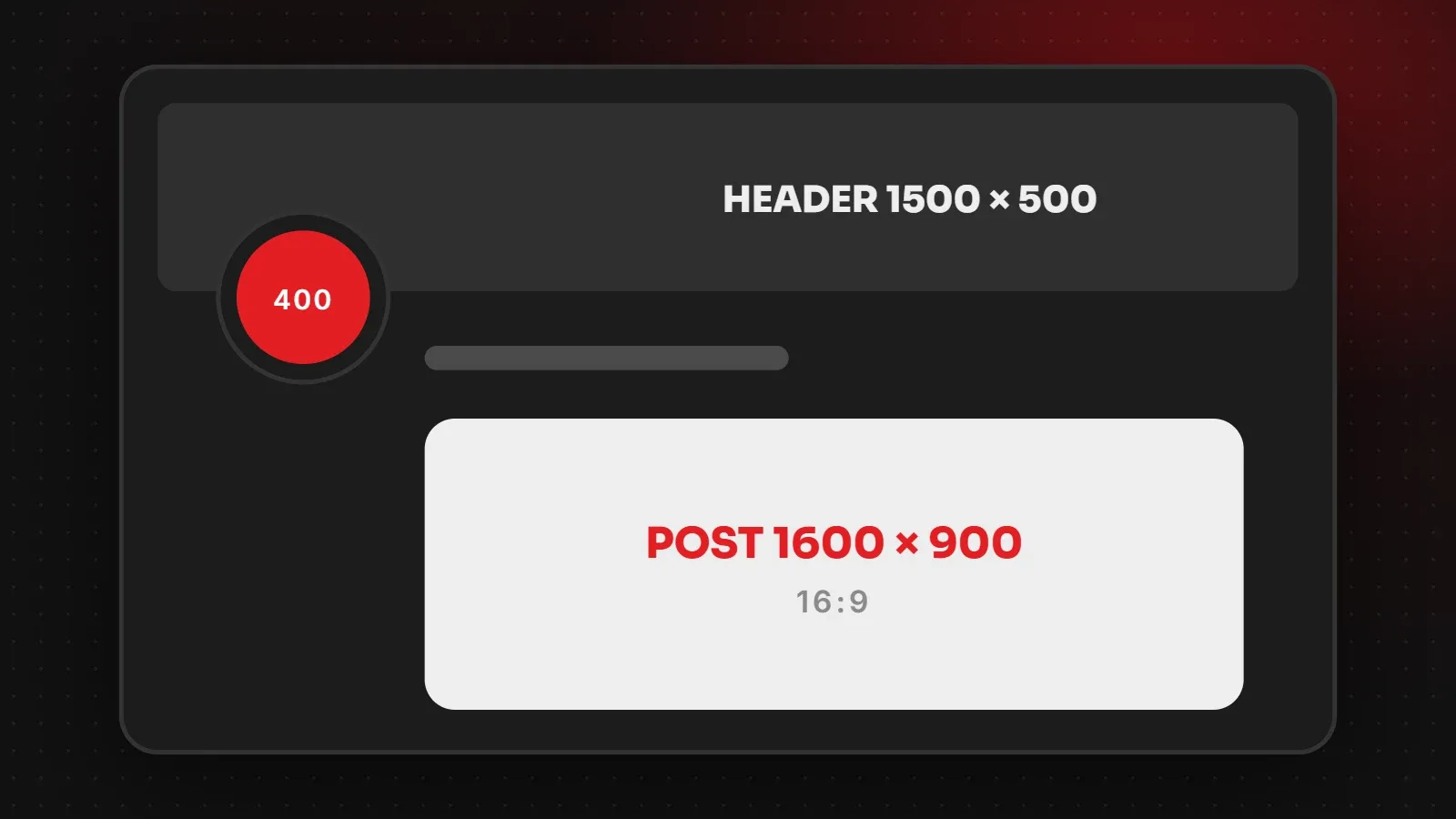
| Profile picture | At least 280 x 280 px | Square, shown as a circle |
| Profile cover | 1920 x 1080 px | 16:9 |
| Board cover | Uses a pin from the board | Shown as a square crop |
Why 2:3 is the right Pinterest pin size
Pinterest shows pins in a grid of columns. Vertical pins take up more height in that grid, so they are easier to notice than square or landscape pins. Pinterest's ad specifications recommend a 2:3 ratio, and the same advice is used for organic pins. Pins taller than 2:3 may be shortened in the feed, which can cut off text at the bottom.
Pin design tips that drive website traffic
- Put a clear title on the image, for example "10 Living Room Rug Ideas". Many people decide from the text alone.
- Use a strong photo of the product or result, with good lighting.
- Add your logo or website name small at the bottom so the pin is recognisable when saved.
- Keep text large. Pins appear small on phones.
- Make several pins per page with different images and titles, which gives you more chances to be found.
- Write a keyword-rich pin title and description, because Pinterest works like a search engine.
Linking pins to your website
- Link each pin to the most relevant page, such as a product or blog post, not just your homepage.
- Claim your website in Pinterest business settings so your profile shows it as verified.
- Make sure pages load fast on mobile, because most Pinterest visitors arrive on phones. See how to check website speed.
- Add good Open Graph images to your pages so pins saved from your site look right. See our Open Graph image size guide.
Export settings for pins
Save photo pins as JPG or PNG at 1000 x 1500 pixels. Use PNG for pins with a lot of text. In Canva, choose the "Pinterest Pin" template, which is already 1000 x 1500. Keep files well under Pinterest's upload limit so they load quickly.
Frequently asked questions
What is the best Pinterest pin size?
1000 x 1500 pixels with a 2:3 ratio.
Can I use square images on Pinterest?
Yes. 1000 x 1000 square pins work, but vertical 2:3 pins usually take up more space in the feed.
What happens if my pin is too tall?
Pins taller than 2:3 may be cut off in the feed, so text at the bottom can be hidden.
What size is a Pinterest video pin?
1080 x 1920 pixels (9:16) works well, and 2:3 or square videos are also accepted.
Want Pinterest to send traffic to your store?
Our social media marketing team designs pins and sets up Pinterest business profiles, and our e-commerce team makes sure product pages are ready to convert that traffic. See Pinterest's own Help Center for account settings.
Written by the ItsWebExpert team, a web design and development company in Karachi building websites, online stores and apps for businesses across Pakistan.
Ask a Question on WhatsApp