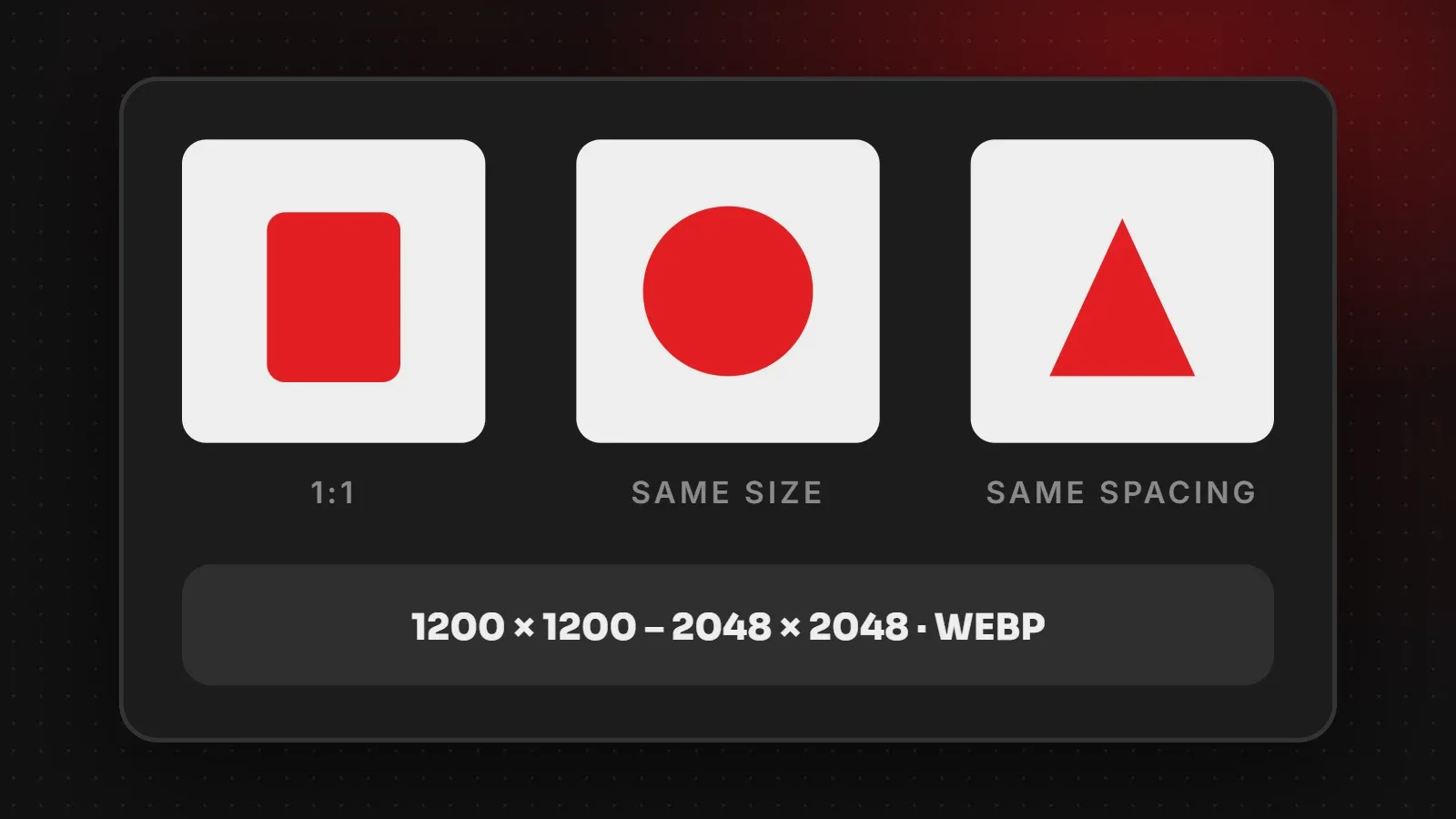
The best product image size for most online stores is a square image between 1200 x 1200 and 2048 x 2048 pixels. Square photos fit neatly into product grids, and a larger size lets customers zoom in on details. Use the same size, background and spacing for every product so the catalogue looks professional, and compress each photo so pages stay fast. This guide covers sizes for WooCommerce, Shopify and marketplaces, plus photo tips.
- Use square (1:1) product images for clean, even grids.
- 1200 x 1200 is enough for most stores; 2048 x 2048 gives sharper zoom.
- Consistency matters more than size: same background, angle and padding.
Product image size chart
| Use | Recommended size | Notes |
|---|---|---|
| Main product image | 1200 x 1200 to 2048 x 2048 px | Square, clean background |
| Gallery images | Same size as the main image | Angles, details, in use |
| Category thumbnails | Generated automatically by the platform | Upload one large image |
| Lifestyle / banner images | See our website banner size guide | For promotions |
| File size | Under about 150 KB per image | WebP where supported |
Product image size by platform
WooCommerce
WooCommerce creates smaller versions of each upload automatically. Upload square images around 1200 to 1600 pixels. In Appearance > Customize > WooCommerce > Product Images, set the thumbnail crop to 1:1 so category grids stay even. If you change these settings later, regenerate thumbnails with a plugin.
Shopify
Shopify recommends square product images of 2048 x 2048 pixels for zoom-ready quality, according to Shopify's image guidelines. Shopify compresses and serves modern formats automatically.
Marketplaces
Marketplaces such as Daraz and Amazon have their own rules, usually a white background, square images and a minimum size for zoom. Always check the seller centre guidelines before uploading, because listings can be rejected for the wrong format.
Product photo tips that increase sales
- Use a plain white or light grey background for the main image.
- Fill about 80 to 85 percent of the frame with the product, leaving even space on all sides.
- Show several angles: front, back, side, close-up of material and a photo in use.
- Use natural or soft light to avoid harsh shadows and wrong colours.
- Show scale, for example a bag on a model or a rug in a room.
- Keep colours accurate to reduce returns.
Keep product images fast
- Resize before uploading; do not upload 4000-pixel phone photos.
- Convert to WebP. See how to convert images to WebP.
- Name files clearly, for example
brown-leather-jacket-front.webp. - Write alt text describing the product for accessibility and image search.
Frequently asked questions
What is the best product image size?
Square images between 1200 x 1200 and 2048 x 2048 pixels.
Should product images be square?
For most stores, yes. Square images keep product grids neat on desktop and mobile.
Why are my WooCommerce product images blurry or cropped?
The uploads may be too small, or the thumbnail crop setting does not match your images. Upload larger square images and regenerate thumbnails.
What background is best for product photos?
Plain white or light grey for the main image, with lifestyle photos in the gallery.
Want a store that looks as good as your products?
Our e-commerce team sets up product galleries, zoom and fast image delivery on WooCommerce and Shopify. Read our guide to starting an online store in Pakistan or get in touch.
Written by the ItsWebExpert team, a web design and development company in Karachi building websites, online stores and apps for businesses across Pakistan.
Ask a Question on WhatsApp