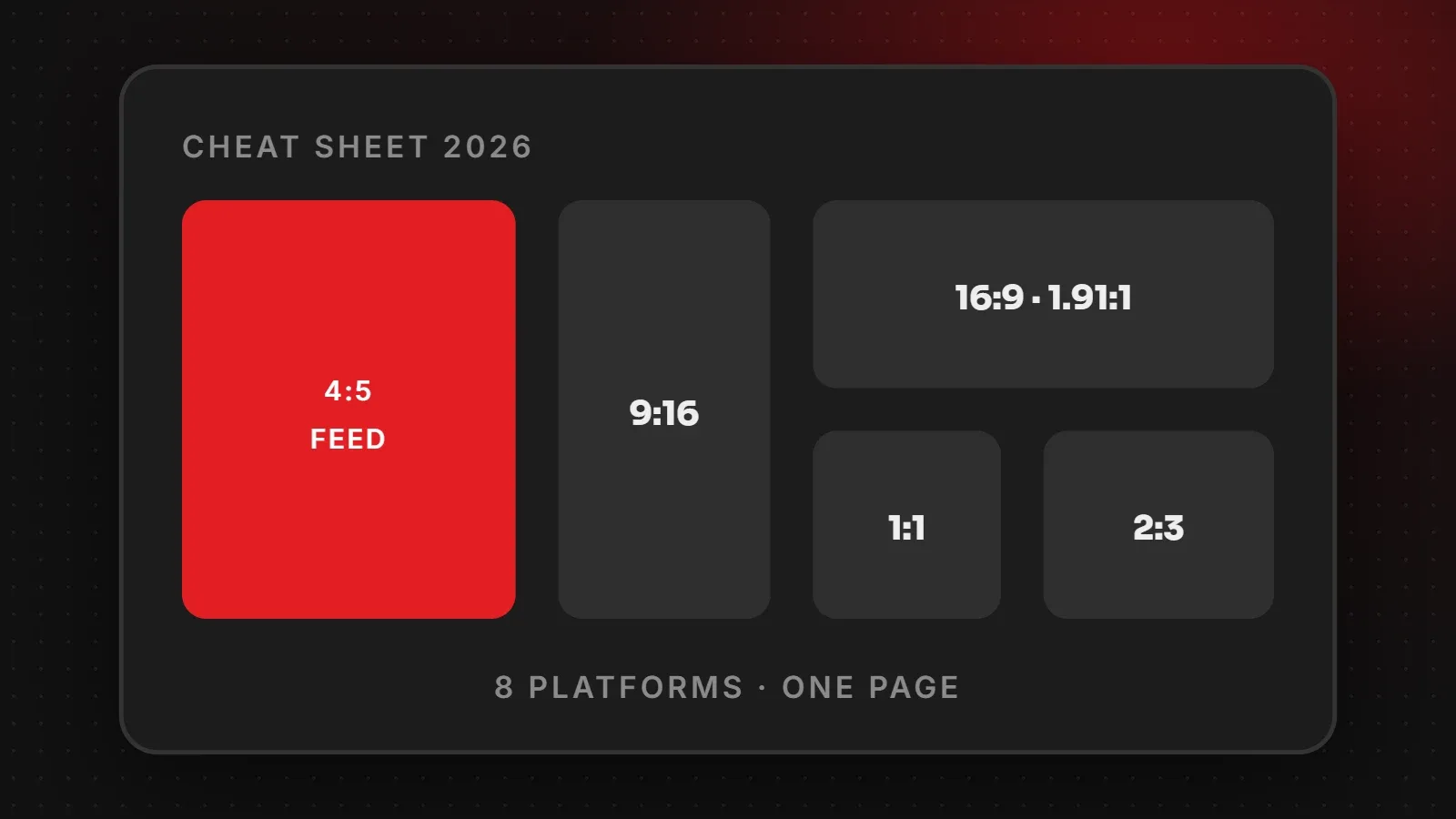
This cheat sheet puts the main social media image sizes for 2026 on one page. If you only remember three sizes, make them 1080 x 1350 (4:5) for feed posts, 1080 x 1920 (9:16) for Stories, Reels, TikTok and Shorts, and 1200 x 630 (1.91:1) for link previews. Below you will find a table for every major platform, with links to our detailed guide for each one.
- Design feed posts at 1080 x 1350 and vertical video at 1080 x 1920; they work almost everywhere.
- Covers and banners are different on every platform, so keep text in the centre.
- Your website's 1200 x 630 share image controls how links look on every app.
Social media image sizes by format
| Format | Size | Used by |
|---|---|---|
| Portrait feed post | 1080 x 1350 (4:5) | Instagram, Facebook, LinkedIn, X |
| Square post | 1080 x 1080 (1:1) | All platforms |
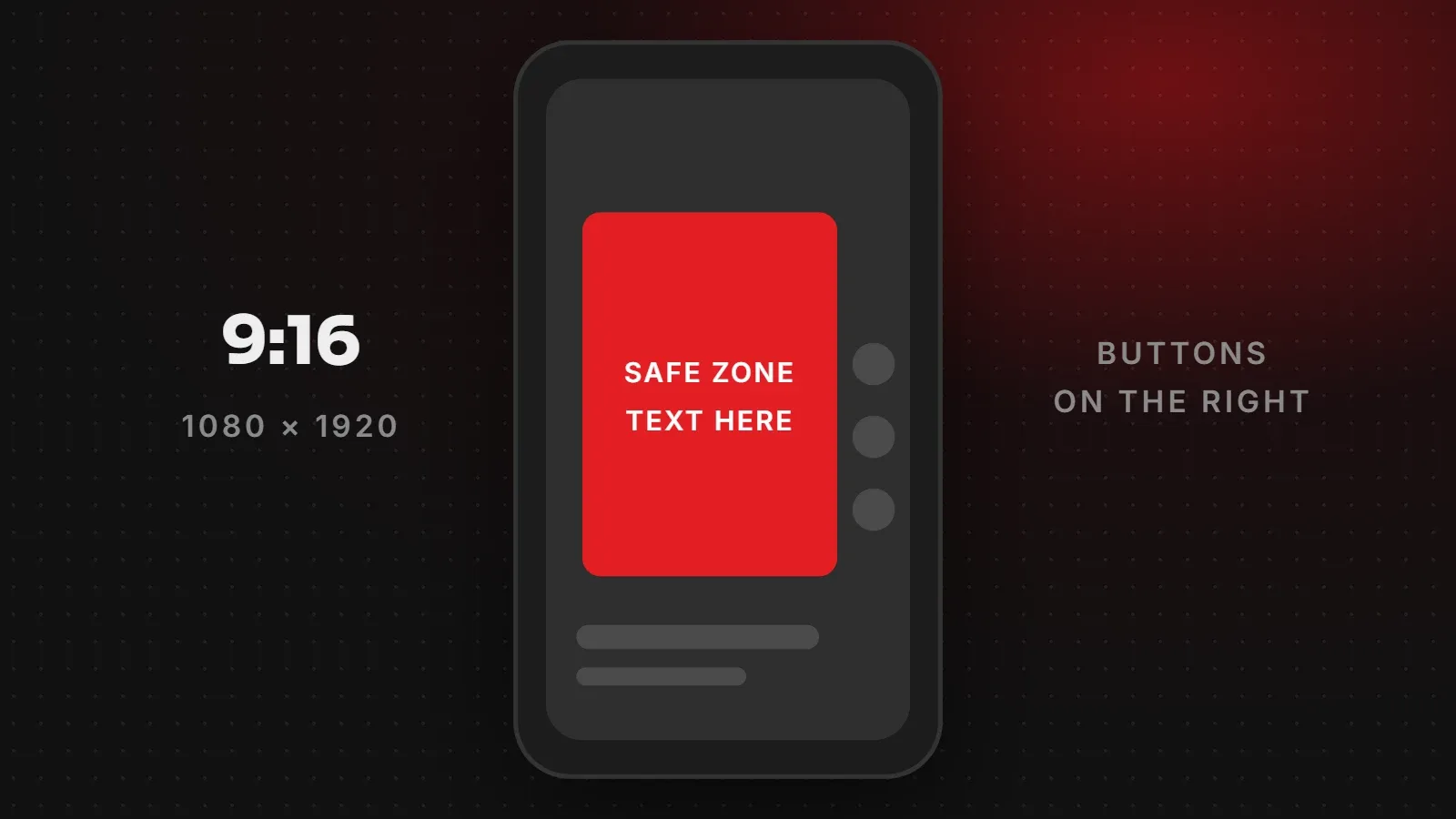
| Vertical video / Story | 1080 x 1920 (9:16) | Reels, Stories, TikTok, Shorts, WhatsApp Status |
| Landscape post / link card | 1200 x 630 (1.91:1) | Facebook, LinkedIn, X, WhatsApp previews |
| Video thumbnail | 1280 x 720 (16:9) or larger | YouTube |
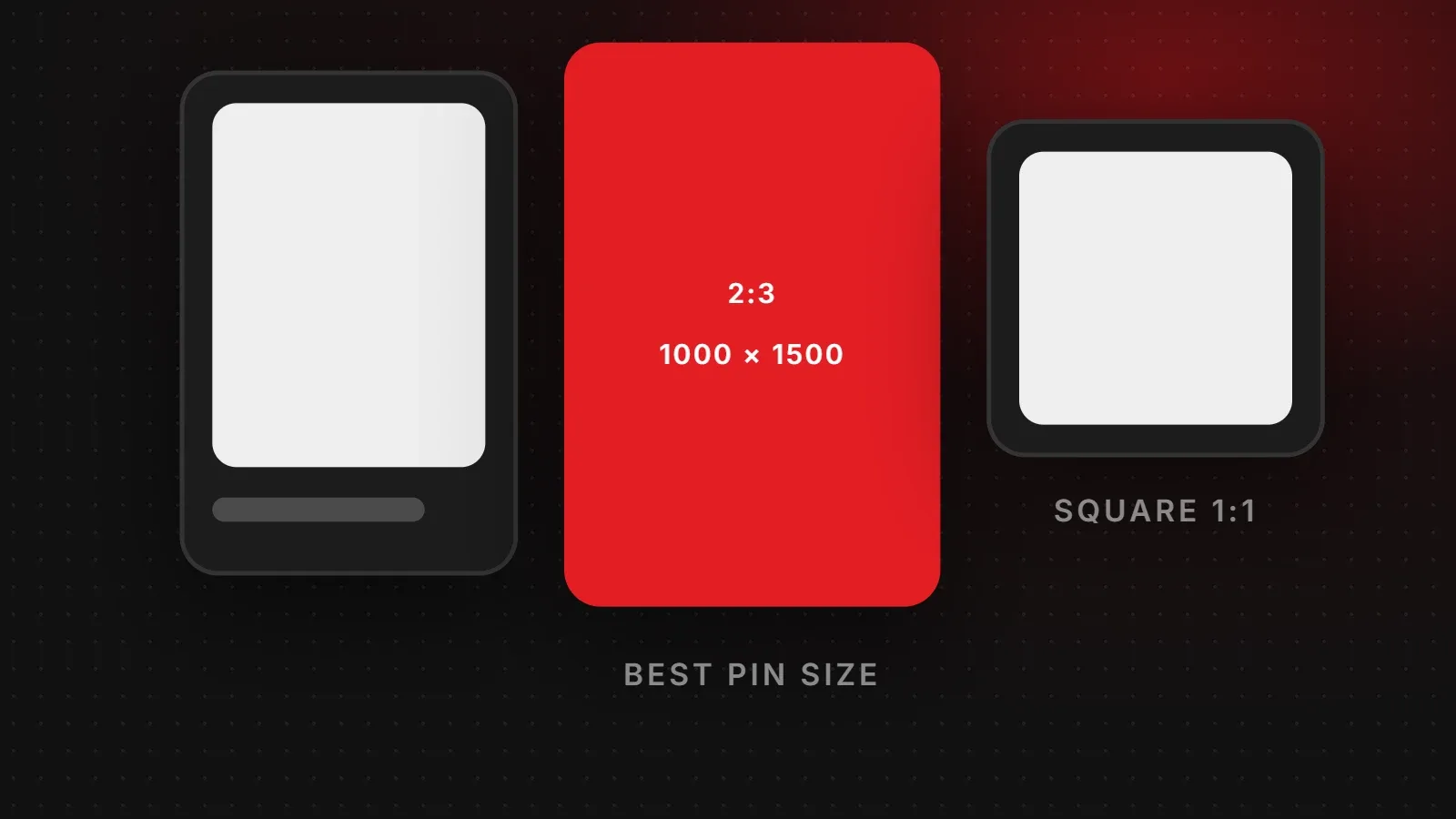
| Tall pin | 1000 x 1500 (2:3) |
| Image | Size |
|---|---|
| Feed post | 1080 x 1350 (4:5); 1080 x 1440 (3:4) for the grid |
| Stories and Reels | 1080 x 1920 |
| Profile photo | 320 x 320 |
Full details are in our Instagram post size guide.
| Image | Size |
|---|---|
| Feed post | 1080 x 1350 |
| Stories and Reels | 1080 x 1920 |
| Cover photo | 1640 x 924 with text in the middle band |
| Link preview | 1200 x 630 |
For more, read our Facebook image sizes and Facebook cover photo size guides.
TikTok and YouTube
| Image | Size |
|---|---|
| TikTok video | 1080 x 1920 |
| YouTube thumbnail | 1280 x 720 or larger (16:9) |
| YouTube banner | 2560 x 1440, safe area 1235 x 338 |
| YouTube Shorts | 1080 x 1920 |
Learn more in our TikTok video size and YouTube thumbnail and banner size guides.
LinkedIn and X (Twitter)
| Image | Size |
|---|---|
| LinkedIn banner | 1584 x 396 (personal), 1128 x 191 (company) |
| LinkedIn post | 1080 x 1350, 1080 x 1080 or 1200 x 627 |
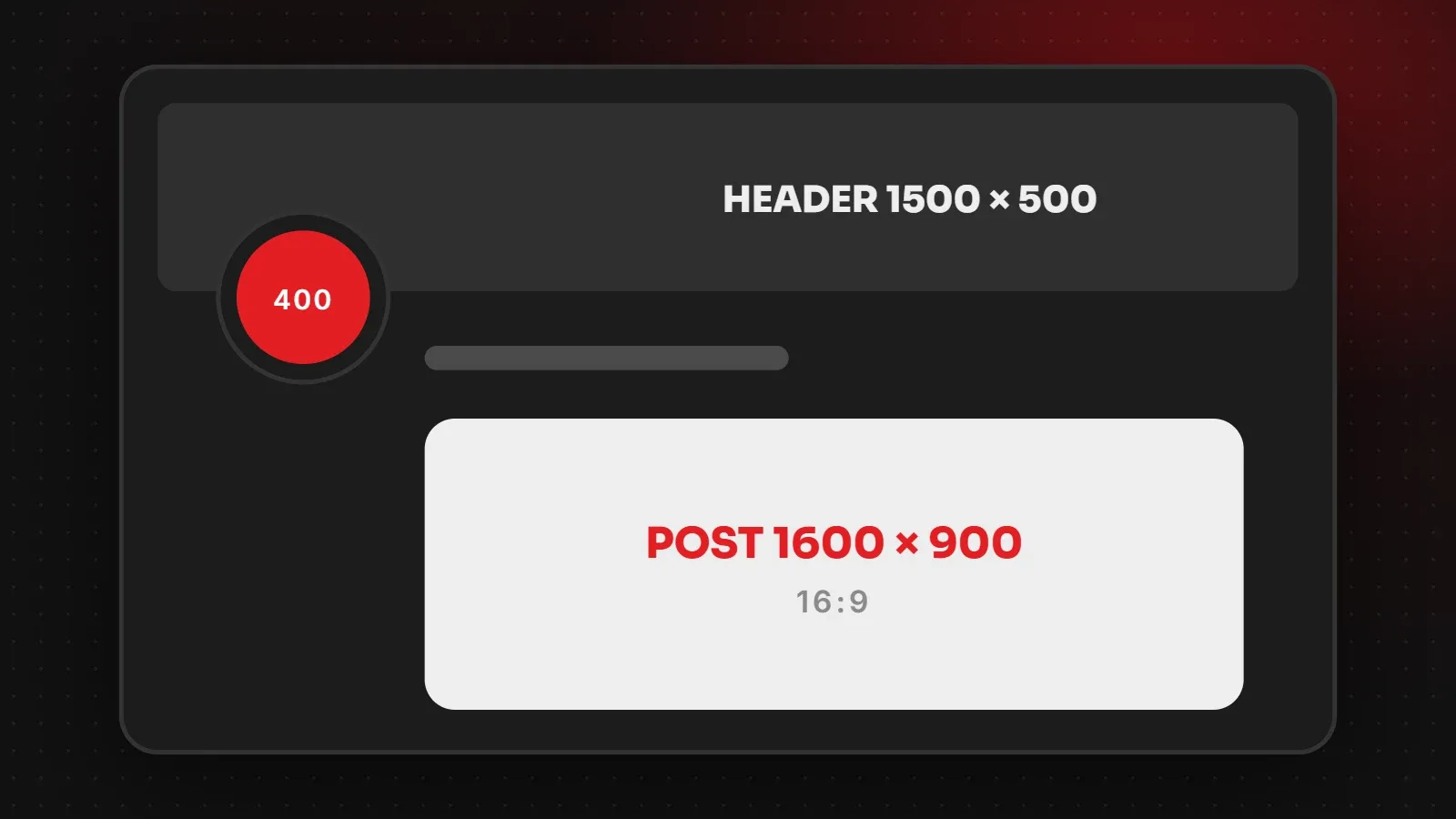
| X post image | 1600 x 900 |
| X header | 1500 x 500 |
| Profile photos | 400 x 400 |
See the complete LinkedIn image sizes and X (Twitter) image sizes guides.
Pinterest and WhatsApp
| Image | Size |
|---|---|
| Pinterest pin | 1000 x 1500 (2:3) |
| WhatsApp DP | 640 x 640 or larger, square |
| WhatsApp Status | 1080 x 1920 |
Read the Pinterest pin size and WhatsApp DP and Status size guides.
Tips that apply to every platform
- Keep text in the centre. Every app overlays buttons, names or captions near the edges.
- Use PNG for text-heavy graphics and JPG for photos.
- Upload at full size. Small images are stretched and look blurry.
- Check official help pages, because platforms change layouts several times a year. Most platforms do not publish every size officially, so the figures above are the ones designers rely on.
Frequently asked questions
What is the best size for social media posts?
1080 x 1350 pixels (4:5) works on Instagram, Facebook, LinkedIn and X.
What size works for all Stories and Reels?
1080 x 1920 pixels (9:16) works for Instagram, Facebook, TikTok, YouTube Shorts and WhatsApp Status.
What size is a link preview image?
1200 x 630 pixels. Set it as your page's og:image. See our Open Graph image size guide.
Do social media image sizes change?
Yes, platforms update layouts regularly. We update this cheat sheet when major changes happen.
Want social media graphics done for you?
Our social media marketing team designs posts, Stories, Reels covers and banners at the right size for every platform, and our branding team builds templates your staff can reuse. For official platform rules, see the Meta Business Help Center. Talk to us.
Written by the ItsWebExpert team, a web design and development company in Karachi building websites, online stores and apps for businesses across Pakistan.
Ask a Question on WhatsApp