A website is not finished the day it launches. Software needs updates, content goes out of date, forms quietly stop working and security threats keep changing. A little regular website maintenance prevents the expensive problems: a hacked site, a broken checkout or a domain that expires without anyone noticing. This checklist splits the work into weekly, monthly and yearly tasks.
- Backups are the safety net. Make sure they run automatically and that you can restore them.
- Keep software updated, especially on WordPress, and remove what you do not use.
- Test forms and checkout regularly. A broken form costs enquiries silently.
Weekly website maintenance checks
- Check the site loads on desktop and phone, including the homepage and your most important pages.
- Test your contact form, then make sure the enquiry arrives in your inbox.
- For online stores, place a test order or check recent orders for errors.
- Also confirm backups ran successfully.
- Reply to reviews and messages from the site.
Monthly website maintenance tasks
- Update software. On WordPress, update the core, theme and plugins after taking a backup. On custom sites, apply security updates to dependencies.
- Remove unused plugins and themes, because they are a common security risk.
- Check security: look for unknown admin users, scan for malware and review failed login attempts.
- Review Google Search Console for errors, pages that dropped out of the index and security issues.
- Look at analytics: visitors, top pages and enquiries, so you notice problems early.
- Check for broken links, especially after changing pages.
- Update content such as prices, offers, opening hours and team details.
Every three months
- Test a backup restore on a staging copy. After all, a backup you cannot restore is not a backup.
- Check page speed with PageSpeed Insights and fix new problems. See our speed guide.
- Review user accounts and remove access for people who no longer need it.
- Change important passwords, and also make sure two-factor authentication is on where available.
- Review your SEO basics: titles, descriptions and your Google Business Profile. Our local SEO guide covers the profile.
Yearly website maintenance tasks
- Renew the domain, or confirm auto-renewal is on and the payment card is valid.
- Renew hosting and SSL, then check your plan still fits your traffic.
- Review licences for premium plugins, themes and fonts.
- Refresh content: update your portfolio, services, team and photos.
- Review legal pages such as privacy, delivery and return policies.
- Plan improvements based on a year of analytics and customer feedback.
Signs your site needs attention now
- The site is suddenly slow or shows errors.
- Google shows a "This site may be hacked" warning or Search Console reports a security issue.
- Enquiries drop without an obvious reason (often a broken form).
- Unknown admin users or unfamiliar files appear.
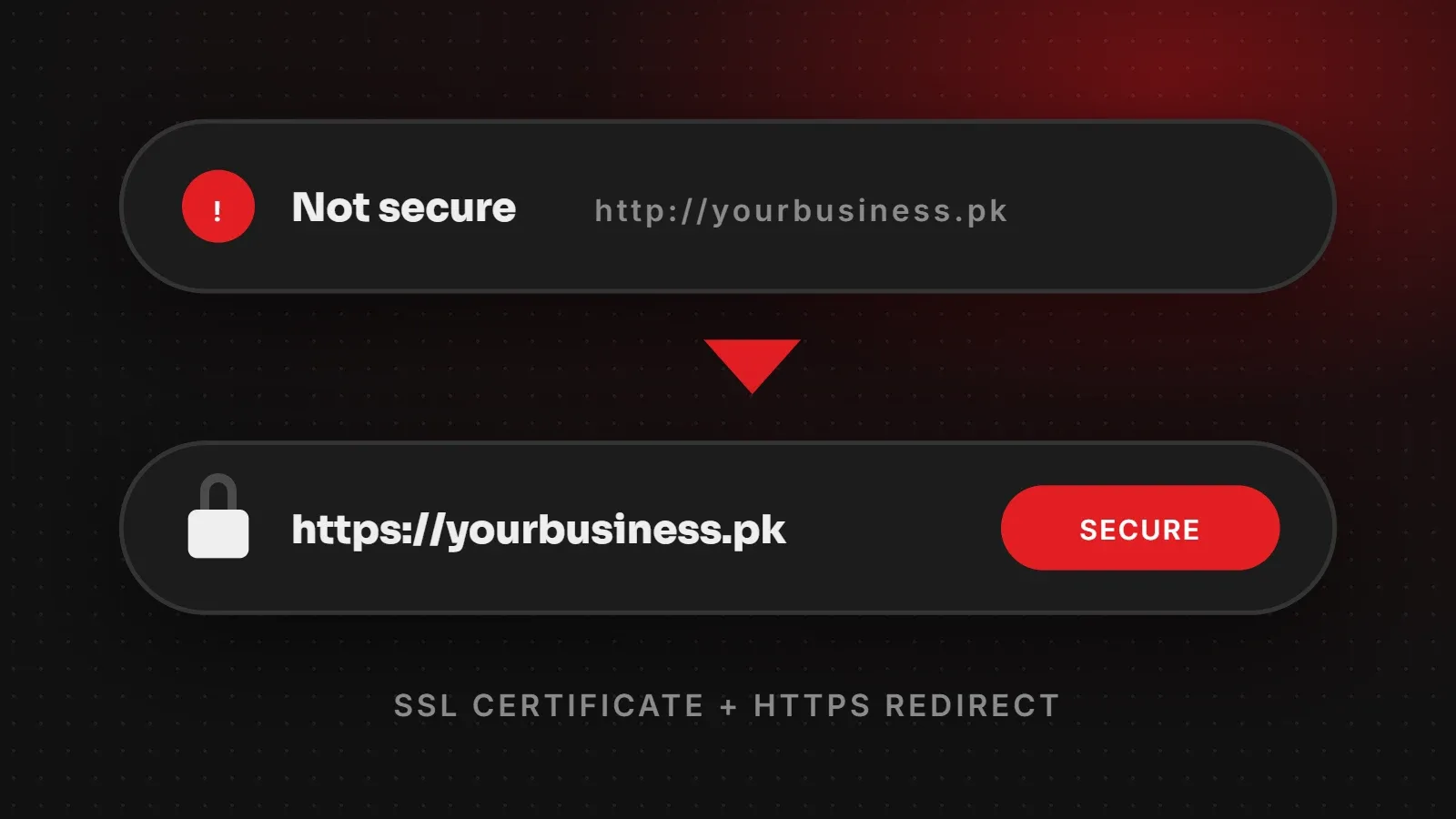
- Your browser shows a "Not secure" warning (often an expired SSL certificate).
Do it yourself or hand it over?
Many of the weekly checks are quick enough to do yourself. However, updates, security monitoring and restore testing are more technical and easy to forget when you are busy running a business. Our website maintenance plans cover updates, backups, security checks and small content changes, so you can focus on your customers. If you are not sure where your site stands, ask for a free health check.
Written by the ItsWebExpert team, a web design and development company in Karachi building websites, online stores and apps for businesses across Pakistan.
Ask a Question on WhatsApp