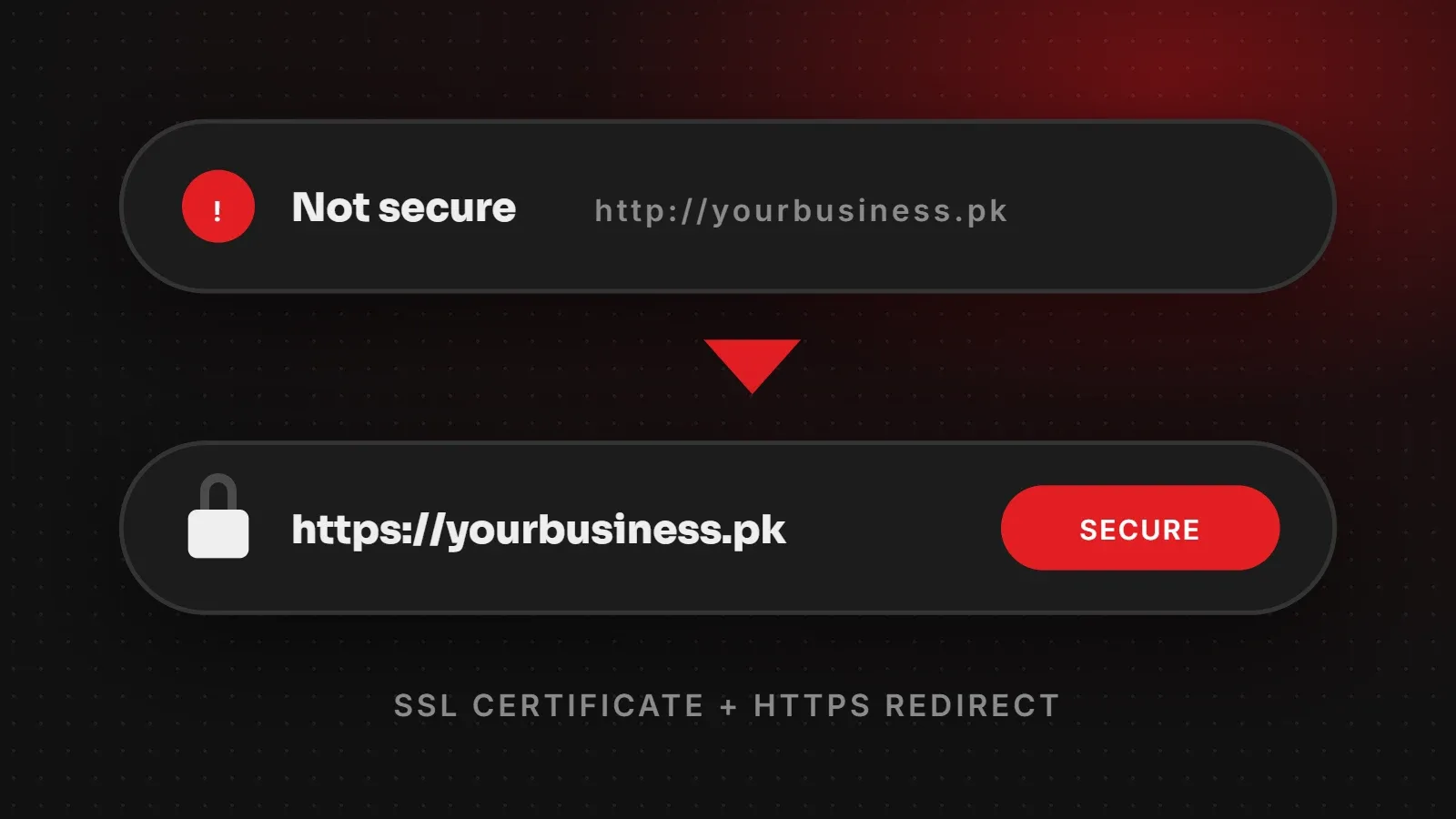
If your browser shows "Not Secure" next to your website address, the page is loading over plain http:// instead of encrypted https://. To fix a website not secure warning, install an SSL certificate (most hosting companies offer one free), then redirect every page to HTTPS and fix any images or scripts still loading over HTTP. This guide explains what SSL does, why the warning hurts your business, and how to fix it step by step.
- "Not Secure" means your site has no working SSL certificate or still loads over HTTP.
- Most hosting plans include free SSL certificates, and they are fine for business websites.
- After installing SSL, force HTTPS and fix mixed content, or the warning can remain.
What is an SSL certificate?
An SSL certificate (technically TLS today) lets a browser and your website talk over an encrypted connection. As a result, nobody on the same Wi-Fi or network can read what passes between them, such as contact form details, passwords and payment information. When SSL is working, your address starts with https:// and the browser shows a normal or padlock icon instead of a warning.
Why a website not secure warning hurts your business
- Lost trust: visitors see a red or grey warning and assume the business is careless or unsafe.
- Lost enquiries: Chrome shows extra warnings when people type into forms on HTTP pages, so many will not submit them.
- Search visibility: Google has used HTTPS as a ranking signal since 2014 and prefers secure pages.
- Payments: payment gateways and many plugins require HTTPS to work at all.
How to fix a website not secure warning: step by step
Step 1: Install an SSL certificate
Log in to your hosting control panel and look for SSL, Security or Let's Encrypt. Hostinger, cPanel hosts and most Pakistani hosting companies let you install a free certificate in one click. If your domain uses Cloudflare, you can also turn on SSL there, but you should still have a certificate on the server itself.
Step 2: Check it works
Open https://yourdomain.com in a private browser window. If it loads without a warning, the certificate is working. Check both versions: with www and without.
Step 3: Redirect all HTTP traffic to HTTPS
Your site may now work on HTTPS, but visitors and old links can still reach the HTTP version. Many hosts have a "Force HTTPS" switch. On Apache hosting, you can add this to the .htaccess file in your website's root folder:
RewriteEngine On
RewriteCond %{HTTPS} off
RewriteRule ^(.*)$ https://%{HTTP_HOST}/$1 [L,R=301]
Step 4: Update your website address
In WordPress, go to Settings > General and make sure both WordPress Address and Site Address start with https://. On other platforms, update the site URL setting in the same way.
Step 5: Fix mixed content
Mixed content means the page itself loads over HTTPS but some images, scripts or fonts still load over HTTP. Browsers may block those files or show the page as not fully secure. To find them, open the page, right-click, choose Inspect and look at the Console tab for "Mixed Content" messages. Then:
- Update hard-coded
http://links in your theme, menus and widgets. - In WordPress, use a search-and-replace plugin to change old
http://yourdomain.comlinks in the database to HTTPS (take a backup first). - Replace embeds from services that do not support HTTPS.
Step 6: Tell Google
Add the HTTPS version of your site in Google Search Console, submit your sitemap again, and update your website link on Google Business Profile, Facebook, Instagram and other profiles.
Other SSL errors and what they mean
| Message | Usual cause |
|---|---|
| Not Secure | No SSL, or the page still loads over HTTP |
| Your connection is not private (NET::ERR_CERT_DATE_INVALID) | The certificate has expired |
| NET::ERR_CERT_COMMON_NAME_INVALID | The certificate does not cover this exact domain, for example it covers the www version only |
| NET::ERR_CERT_AUTHORITY_INVALID | A self-signed or incorrectly installed certificate |
| Padlock with a warning | Mixed content on the page |
Free vs paid SSL: do you need to pay?
For most business websites, blogs and online stores, a free certificate such as Let's Encrypt gives the same encryption as a paid one, and browsers trust it fully. Paid certificates mainly add organisation validation, warranties or support. Larger companies or banks may want them, but a typical business website in Pakistan does not need one.
Frequently asked questions
Why does my website say "Not Secure"?
Because it loads over HTTP without a working SSL certificate, or some pages still use HTTP after you installed SSL.
Is a free SSL certificate good enough?
Yes. Free certificates provide the same encryption, and all major browsers trust them.
How long does it take to install SSL?
Usually a few minutes on modern hosting, though a new certificate can take up to a few hours to become active.
Will HTTPS improve my Google ranking?
HTTPS is a lightweight ranking signal. Its bigger benefit is trust: visitors are far more likely to stay and contact you.
Need help securing your website?
If the warning will not go away, or your site broke after switching to HTTPS, we can fix it. Our web hosting includes free SSL with automatic renewal, and our maintenance and support team keeps certificates, updates and backups in order. Get in touch and we will check your site.
Written by the ItsWebExpert team, a web design and development company in Karachi building websites, online stores and apps for businesses across Pakistan.
Ask a Question on WhatsApp