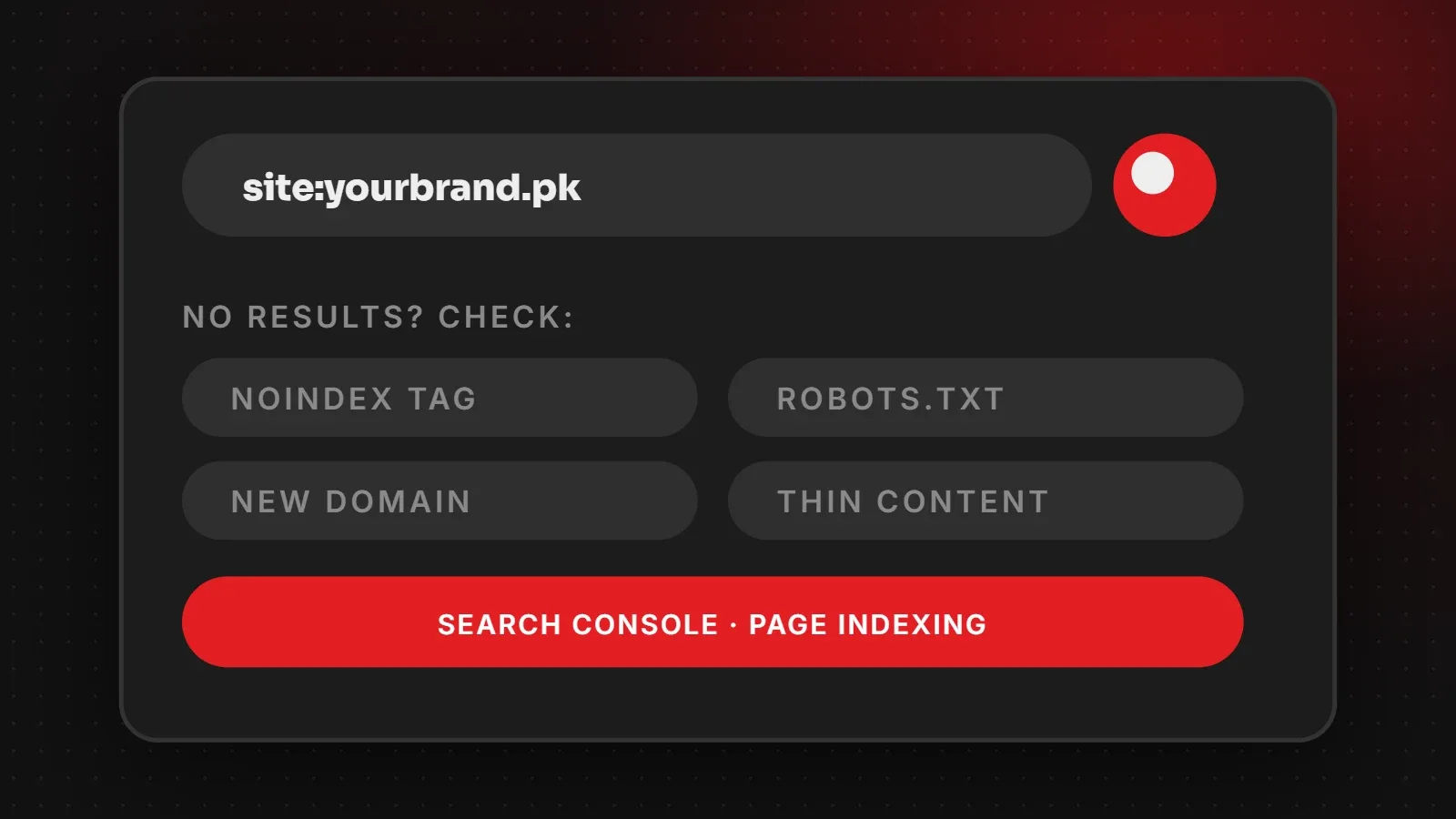
If your website is not showing on Google, the cause is usually one of a few things: the site is new and not indexed yet, a "noindex" tag or robots.txt is blocking Google, the page content is too thin or duplicated, or the site is indexed but ranks low for the words you search. Start by searching site:yourdomain.com and checking the Page indexing report in Google Search Console. This guide lists ten causes and how to fix each.
- First find out whether the site is not indexed at all, or indexed but not ranking.
- Search Console's Page indexing and URL Inspection reports tell you why pages are excluded.
- Most "not showing" problems are technical blocks or thin content, not penalties.
Not indexed, or just not ranking?
Search Google for site:yourdomain.com. If no pages appear, Google has not indexed your site, so focus on causes 1 to 6. If pages appear but you cannot find them when searching for your services, the site is indexed but not ranking, so focus on causes 7 to 10.
10 reasons your website is not showing on Google
1. The website is new
Google may take days or weeks to discover a new domain. Speed it up by setting up Search Console and submitting a sitemap. See how to get your website on Google.
2. "Discourage search engines" is ticked in WordPress
Go to Settings > Reading and make sure Search engine visibility is not checked. Developers often tick it during building and forget to untick it at launch.
3. A noindex tag on the page
A <meta name="robots" content="noindex"> tag tells Google not to index a page. Use URL Inspection in Search Console to check, and remove the tag in your SEO plugin settings.
4. robots.txt is blocking Google
A line such as Disallow: / blocks your whole site from crawling. Open yourdomain.com/robots.txt to check. Our robots.txt guide shows safe settings.
5. The site is password protected or down
Maintenance modes, password protection and frequent downtime stop Google from reading your pages.
6. No sitemap and few internal links
If pages are not linked from your menu or other pages, and not in a sitemap, Google may never find them. Read what a sitemap is and how to submit it.
7. Thin or duplicate content
Pages with very little text, copied manufacturer descriptions or many near-identical pages often show as "Crawled, currently not indexed". Add useful, original content.
8. Strong competition for your keywords
Broad searches such as "web design" are very competitive. Target more specific searches first, for example "web design company in Karachi", and build pages for each service and city.
9. Missing local signals
For local businesses, a complete Google Business Profile and reviews matter a lot. See our local SEO guide.
10. A manual action or security issue
Rarely, Google applies a manual action for spam, or flags a hacked site. Check Security & Manual Actions in Search Console. If anything is listed, fix it and request a review.
Quick checklist
site:search shows your pages- Search engine visibility box unticked in WordPress
- No noindex tag on important pages
- robots.txt does not block the site
- Sitemap submitted in Search Console
- Each page has original, useful content and a clear title
Frequently asked questions
Why is my website not showing on Google?
Most often the site is new, blocked by noindex or robots.txt, or has thin content. Search Console tells you the exact reason.
How do I check if Google has indexed my site?
Search site:yourdomain.com on Google, or use the URL Inspection tool in Search Console.
Can I pay Google to index my website?
No. Indexing in normal results is free. Google Ads shows paid ads, which is separate from organic results.
Why did my site disappear from Google?
Check for a recent noindex change, robots.txt edit, site migration without redirects, downtime, hacking or a manual action.
Need help finding the problem?
Our SEO team runs a full indexing audit, fixes technical blocks and builds content that ranks for the searches your customers use. Google's own help is in the Page indexing report guide. Ask for a free check.
Written by the ItsWebExpert team, a web design and development company in Karachi building websites, online stores and apps for businesses across Pakistan.
Ask a Question on WhatsApp