A slow website costs you customers before they read a single word. People on mobile data will not wait long for a page to appear, and Google uses page experience as one of many signals when ranking pages. This guide explains what slows websites down, what Google's Core Web Vitals measure, and the practical fixes that improve website speed the most.
- Images are the most common cause of slow pages. Compress and resize them before anything else.
- Core Web Vitals measure loading, responsiveness and visual stability, and you can check them for free.
- Good hosting, caching and fewer plugins and scripts make a big difference to website speed.
Why website speed matters
- Visitors leave slow pages. Every extra second gives people a reason to tap back and choose a competitor.
- Mobile networks vary. Many visitors browse on mobile data with changing signal strength, so a heavy page that feels fine on office Wi-Fi can be painful on a phone.
- Search visibility. Page experience, including speed, is one of the signals Google considers.
- Sales and enquiries. A faster checkout or contact form simply gets used more.
What Core Web Vitals measure
Core Web Vitals are three measurements Google uses to describe real-world page experience. Google's guidance for a good score is:
| Metric | What it measures | Good score |
|---|---|---|
| Largest Contentful Paint (LCP) | How quickly the main content appears | 2.5 seconds or less |
| Interaction to Next Paint (INP) | How quickly the page responds when someone taps or clicks | 200 milliseconds or less |
| Cumulative Layout Shift (CLS) | How much the layout jumps around while loading | 0.1 or less |
How to test your website speed
- Open PageSpeed Insights and enter your page address. It shows real-user data when available and a lab test with specific suggestions.
- Check the Core Web Vitals report in Google Search Console for problems across your whole site.
- Test on a real mid-range phone over mobile data, not only on a fast laptop.
The website speed fixes that matter most
1. Optimise images
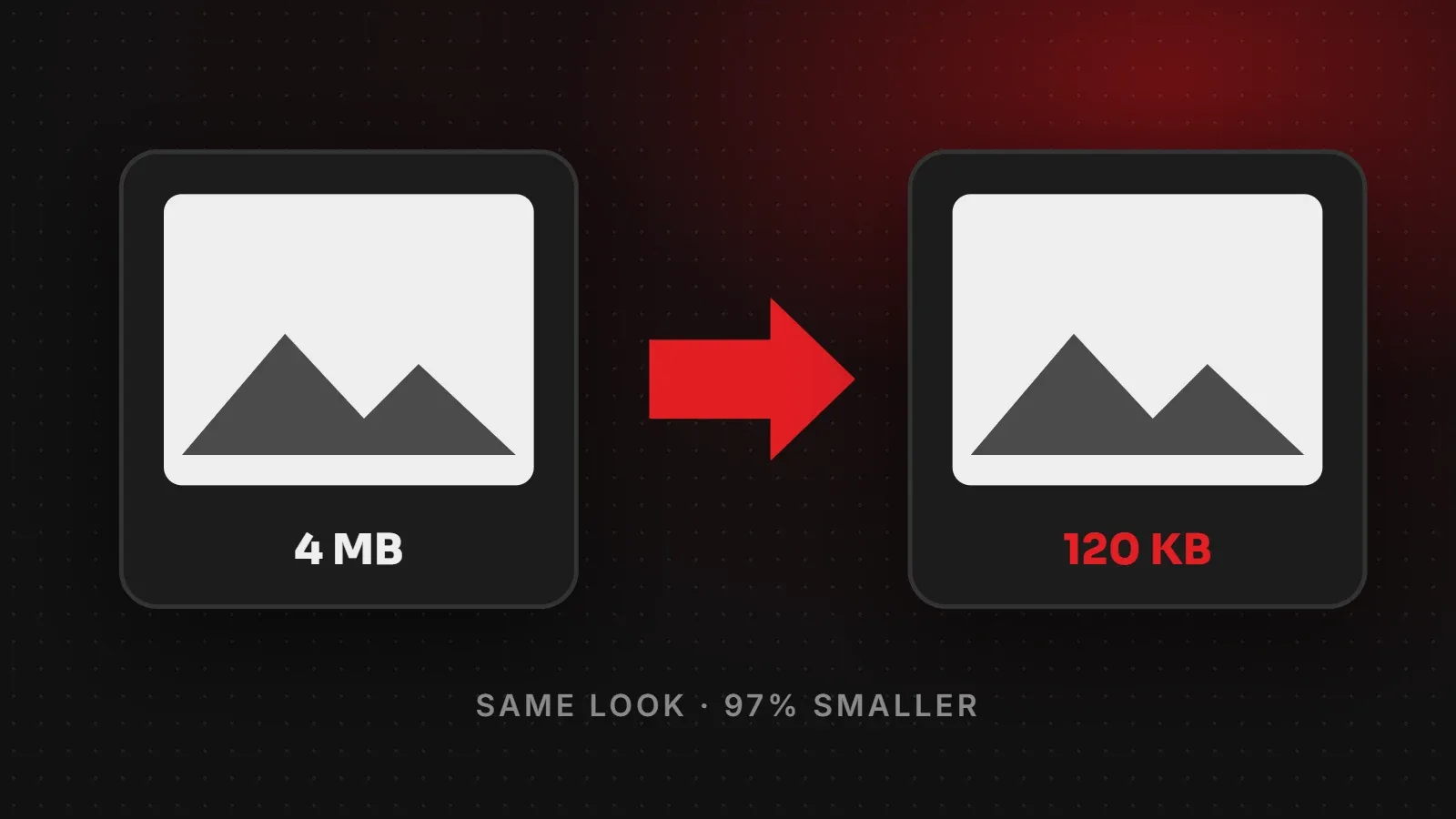
- Resize images to the size they are actually displayed. A 4000-pixel photo shown at 800 pixels wastes data.
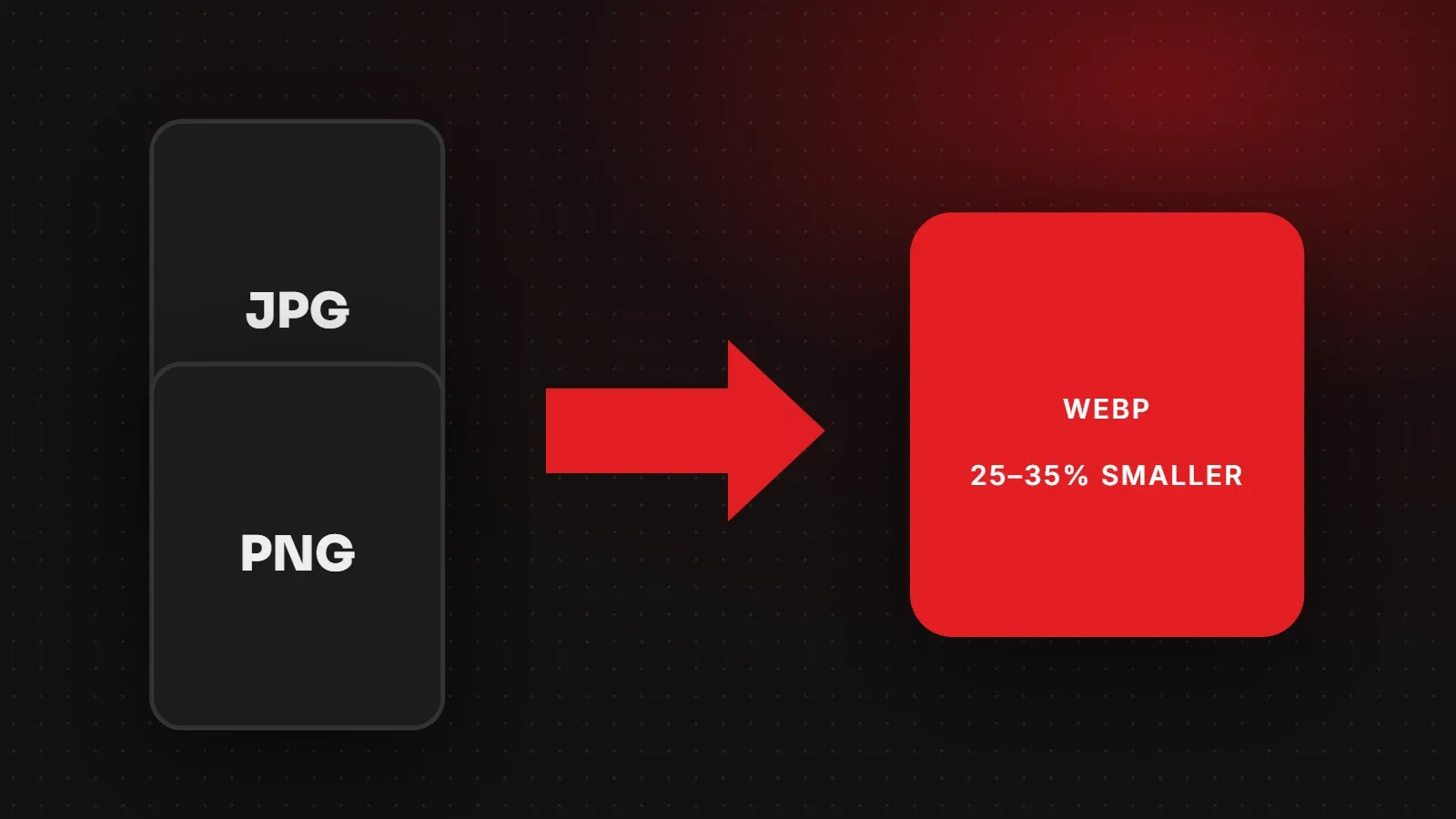
- Also, use modern formats such as WebP where possible, and compress them.
- Lazy-load images further down the page so they load only when needed.
- Always set image width and height so the layout does not jump (this improves CLS).
2. Use good hosting and caching
- Cheap, overloaded hosting makes every page slow to start. Choose hosting suited to your traffic.
- Enable page caching so the server does not rebuild each page for every visitor.
- Use a content delivery network (CDN) for visitors in different regions.
3. Reduce plugins and scripts
- Remove plugins you do not use. Each one can add code to every page.
- Similarly, limit third-party scripts such as chat widgets, trackers and embedded feeds.
- Load non-essential scripts after the main content.
4. Keep the code lean
- Minify CSS and JavaScript, and remove unused styles.
- Limit the number of web fonts and font weights you load.
- Avoid sliders and heavy animations above the fold if they delay the main content.
5. Keep the site maintained
Speed slowly gets worse as you add content, plugins and images. So recheck your scores every few months as part of regular website maintenance.
Quick wins you can do today
- Compress the largest images on your homepage.
- Deactivate and delete unused plugins.
- Remove an autoplay video or heavy slider from the top of the homepage.
- Turn on caching if your hosting or CMS supports it.
When to get help with website speed
If your site is still slow after these steps, the cause is often deeper: the theme, the hosting setup, database queries or how the site was built. Our speed and performance service audits these issues and fixes them, and our hosting is tuned for fast-loading sites. Ask for a free speed check and we will tell you what is slowing your site down.
Written by the ItsWebExpert team, a web design and development company in Karachi building websites, online stores and apps for businesses across Pakistan.
Ask a Question on WhatsApp