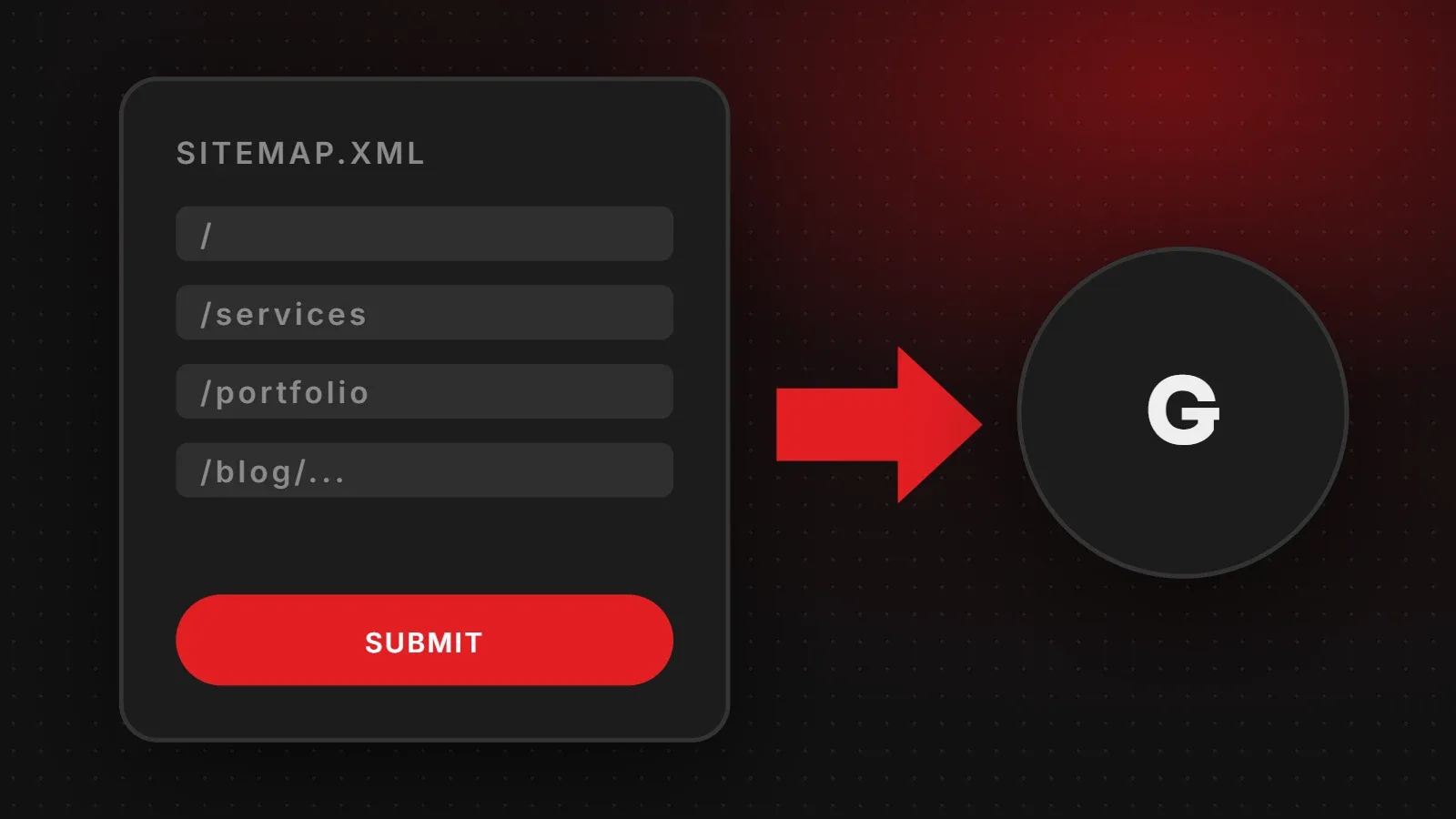
What is a sitemap? A sitemap is a file, usually called sitemap.xml, that lists the important pages on your website so search engines like Google can find and crawl them. It does not guarantee rankings, but it helps Google discover new and updated pages faster, especially on new sites, large sites, and sites with pages that are not well linked. This guide explains how sitemaps work, how to create one and how to submit it to Google.
- A sitemap is a list of URLs you want search engines to find.
- Most website platforms create one automatically; you just need to submit it.
- Only include pages you want indexed: no redirects, errors or noindex pages.
XML sitemap vs HTML sitemap
| Type | For | What it is |
|---|---|---|
| XML sitemap | Search engines | A machine-readable file listing URLs, often with last modified dates |
| HTML sitemap | Visitors | A normal page with links to the main sections of the site |
When SEO guides talk about sitemaps, they usually mean the XML sitemap.
What is a sitemap file made of?
<?xml version="1.0" encoding="UTF-8"?>
<urlset xmlns="http://www.sitemaps.org/schemas/sitemap/0.9">
  <url>
    <loc>https://yourdomain.com/</loc>
    <lastmod>2026-11-12</lastmod>
  </url>
  <url>
    <loc>https://yourdomain.com/services</loc>
  </url>
</urlset>
Each <loc> is a full page address. The <lastmod> date tells Google when the page last changed. Google uses it when it is accurate, but ignores the older priority and changefreq fields.
Do you need a sitemap?
Small sites with good internal links can be found without one, but a sitemap rarely hurts and often helps. It is especially useful for:
- New websites with few links from other sites
- Online stores and blogs with many pages
- Sites with pages not reachable from the main menu
- Sites that add or update content often
How to find or create your sitemap
- WordPress: WordPress creates
/wp-sitemap.xmlby default. SEO plugins such as Yoast (/sitemap_index.xml) and Rank Math replace it with a more detailed one. - Shopify, Wix and Squarespace: create
/sitemap.xmlautomatically. - Custom websites: your developer can generate one dynamically from the database, so new pages appear automatically.
Try opening yourdomain.com/sitemap.xml in your browser to see if you already have one.
How to submit a sitemap to Google
- Open Google Search Console and select your website.
- Go to Indexing > Sitemaps.
- Type your sitemap address, for example
sitemap.xml, and click Submit. - Check that the status shows Success and how many URLs were discovered.
Also add a line to your robots.txt so other search engines find it: Sitemap: https://yourdomain.com/sitemap.xml. See our robots.txt guide.
Common sitemap mistakes
- Including pages that redirect, return 404 errors or have a noindex tag.
- Listing both http and https, or www and non-www versions of the same page.
- Forgetting to update the sitemap after a redesign or migration.
- Submitting the sitemap but blocking the pages in robots.txt.
Google's own guide covers more detail: Learn about sitemaps.
Frequently asked questions
What is a sitemap in SEO?
A file listing your important pages so search engines can find and crawl them.
Where is my sitemap?
Usually at /sitemap.xml, /sitemap_index.xml or /wp-sitemap.xml on your domain.
Does a sitemap improve rankings?
Not directly. It helps Google discover pages, which is the first step to ranking.
How often should I submit my sitemap?
Submit it once. Google rechecks it regularly. Resubmit only after big changes such as a migration.
Want your technical SEO checked?
Our SEO team sets up sitemaps, robots.txt and Search Console and fixes indexing problems. Read how to get your website on Google or contact us.
Written by the ItsWebExpert team, a web design and development company in Karachi building websites, online stores and apps for businesses across Pakistan.
Ask a Question on WhatsApp