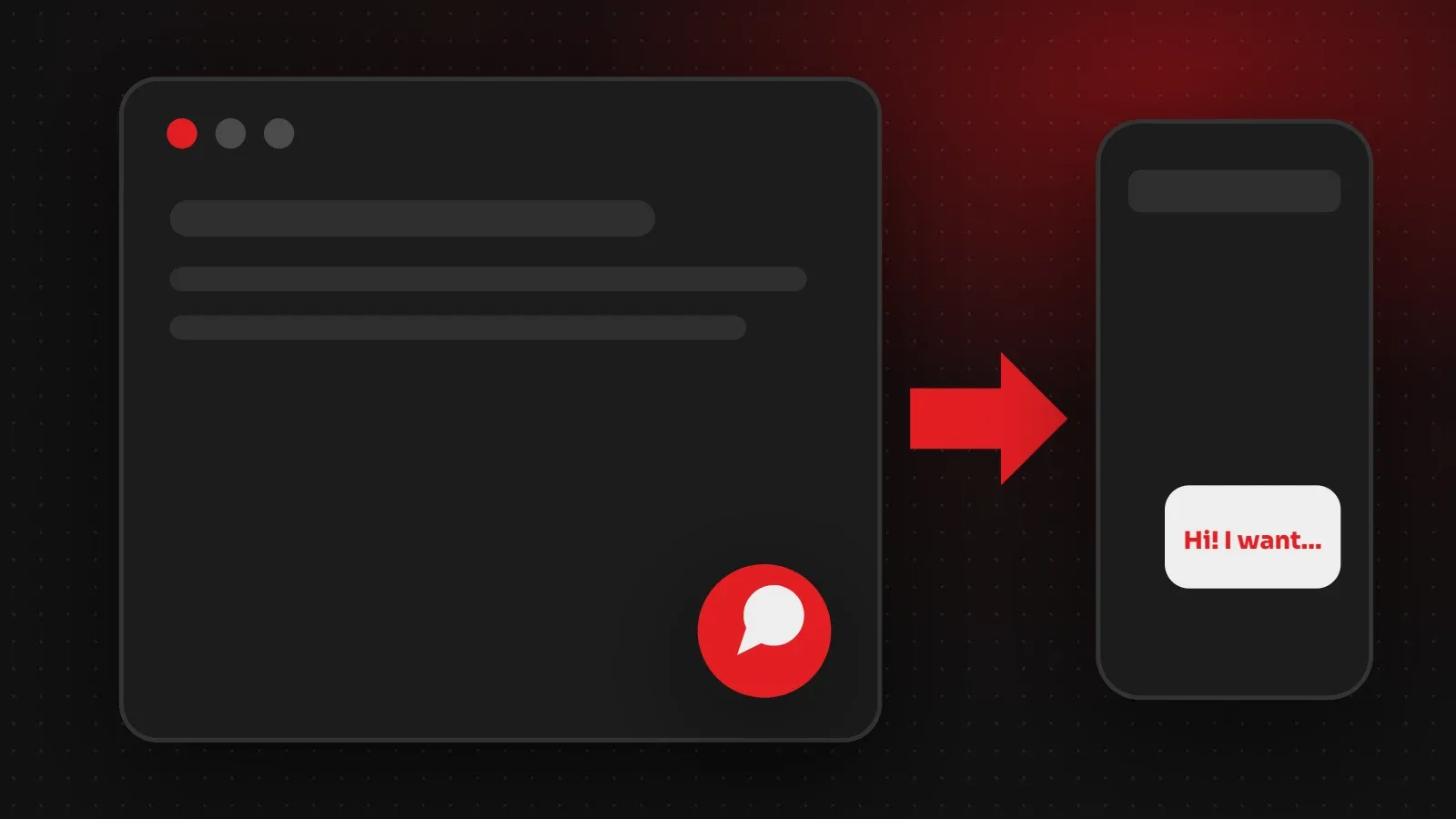
The quickest way to add a WhatsApp button for website visitors is a click-to-chat link: https://wa.me/923001234567 (your number in international format, without the plus sign, zeros or spaces). Put that link on a button or a floating icon, and add ?text= with a pre-filled message if you like. On WordPress, a plugin can add a floating button in a few clicks. This guide shows both methods, the exact code, and tips to turn chats into customers.
- Use the wa.me link format with your full number, starting with the country code (92 for Pakistan).
- Add a pre-filled message so you know which page or product the customer came from.
- Place the button where people make decisions: product pages, pricing and contact pages.
Step 1: Create your WhatsApp click-to-chat link
WhatsApp's click-to-chat feature opens a chat with your number without the customer saving it first. The format is:
https://wa.me/923001234567
https://wa.me/923001234567?text=Hi%2C%20I%20want%20to%20know%20about%20your%20prices- Write the number with the country code, for example 92 for Pakistan, then the number without the first zero: 0300 1234567 becomes 923001234567.
- Do not add +, dashes, brackets or spaces.
- In the text, spaces become
%20and commas become%2C. Online URL encoders do this for you.
Step 2: Add a WhatsApp button with HTML
Paste this where you want the button, and change the number and message:
<a href="https://wa.me/923001234567?text=Hi%2C%20I%20have%20a%20question"
   target="_blank" rel="noopener" class="whatsapp-btn">
  Chat on WhatsApp
</a>
For a floating button in the bottom corner, give it fixed positioning in your CSS:
.whatsapp-btn { position: fixed; right: 20px; bottom: 20px;
  background: #25D366; color: #fff; padding: 12px 18px;
  border-radius: 999px; font-weight: 600; z-index: 999; }
Step 3 (WordPress): use a WhatsApp button plugin
- Go to Plugins > Add New and search for "WhatsApp chat".
- Install a well-rated plugin and activate it.
- Enter your number, a default message and the button position.
- Choose which pages show it and test on your phone.
Most of these plugins can also show different numbers for sales and support, or hide the button outside working hours.
Use pre-filled messages to qualify leads
A pre-filled message tells you what the customer wants before you reply. For example:
- Product page: "Hi, I want to order the brown leather jacket, size M."
- Pricing page: "Hi, I am interested in the Business website package."
- Blog post: "Hi, I read your guide on website speed and have a question."
Where to place a WhatsApp button for website visitors
- A floating button on mobile, where tapping WhatsApp is natural.
- Next to the "Add to cart" or "Get a quote" button.
- On the contact page, with your opening hours.
- Not covering other buttons, cookie notices or your site's chat widget.
Tracking WhatsApp clicks
Add a click event in Google Analytics or Google Tag Manager for links starting with https://wa.me/. Then you can see which pages bring the most WhatsApp enquiries and improve them.
Frequently asked questions
How do I add a WhatsApp button to my website?
Create a wa.me link with your full number, then add it to a button with HTML or use a WordPress plugin.
What is the wa.me link format for Pakistan?
https://wa.me/92 followed by your number without the first zero, for example https://wa.me/923001234567.
Can I add a message automatically?
Yes. Add ?text= and your URL-encoded message to the end of the link.
Does it work with WhatsApp Business?
Yes. Click-to-chat works with both the normal and Business apps.
Want WhatsApp connected to your website?
We add WhatsApp buttons, order-by-WhatsApp forms and tracking to business websites. For profile images, see our WhatsApp DP and Status size guide. Our web development team can set it up for you. Contact us.
Written by the ItsWebExpert team, a web design and development company in Karachi building websites, online stores and apps for businesses across Pakistan.
Ask a Question on WhatsApp