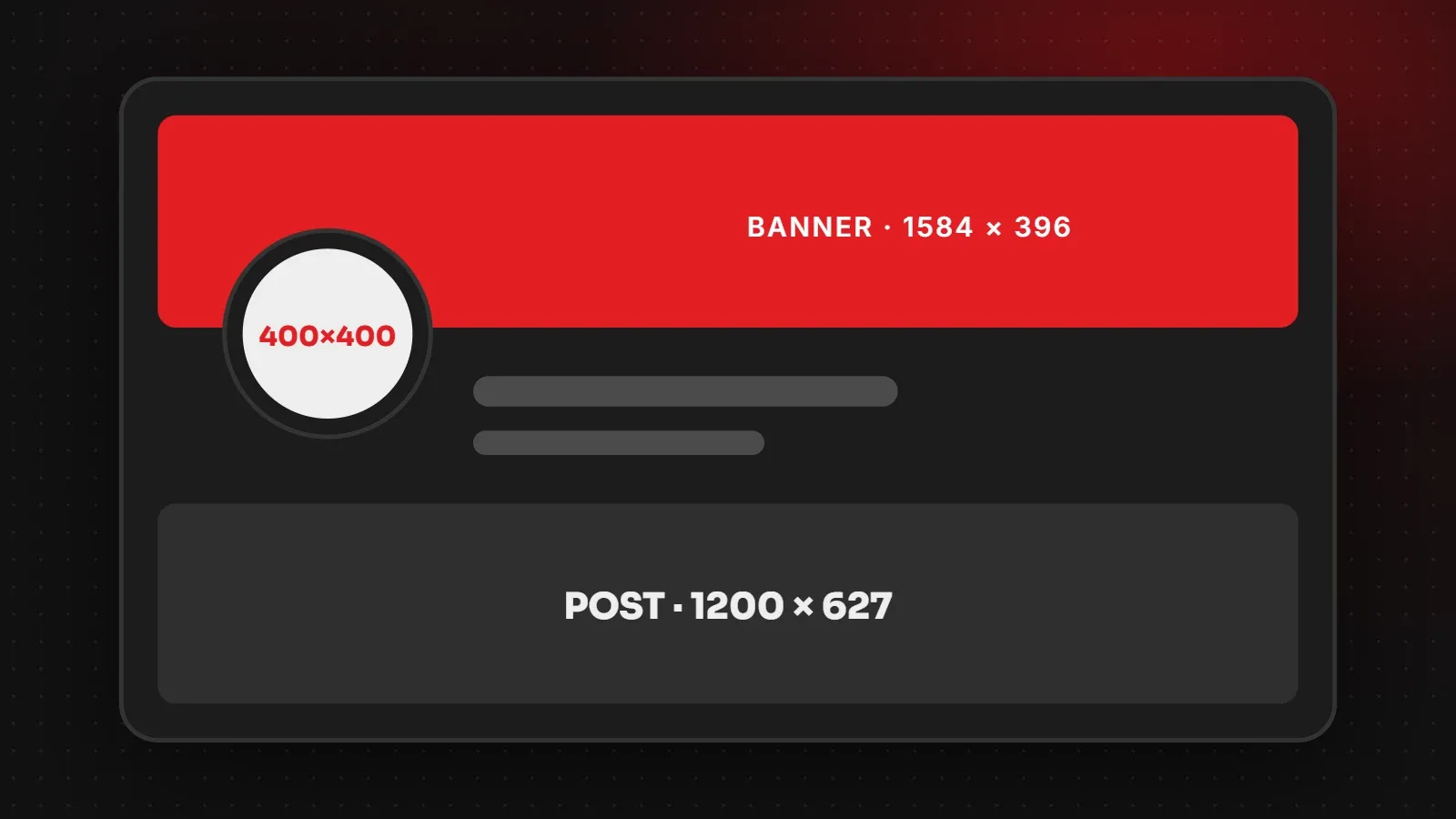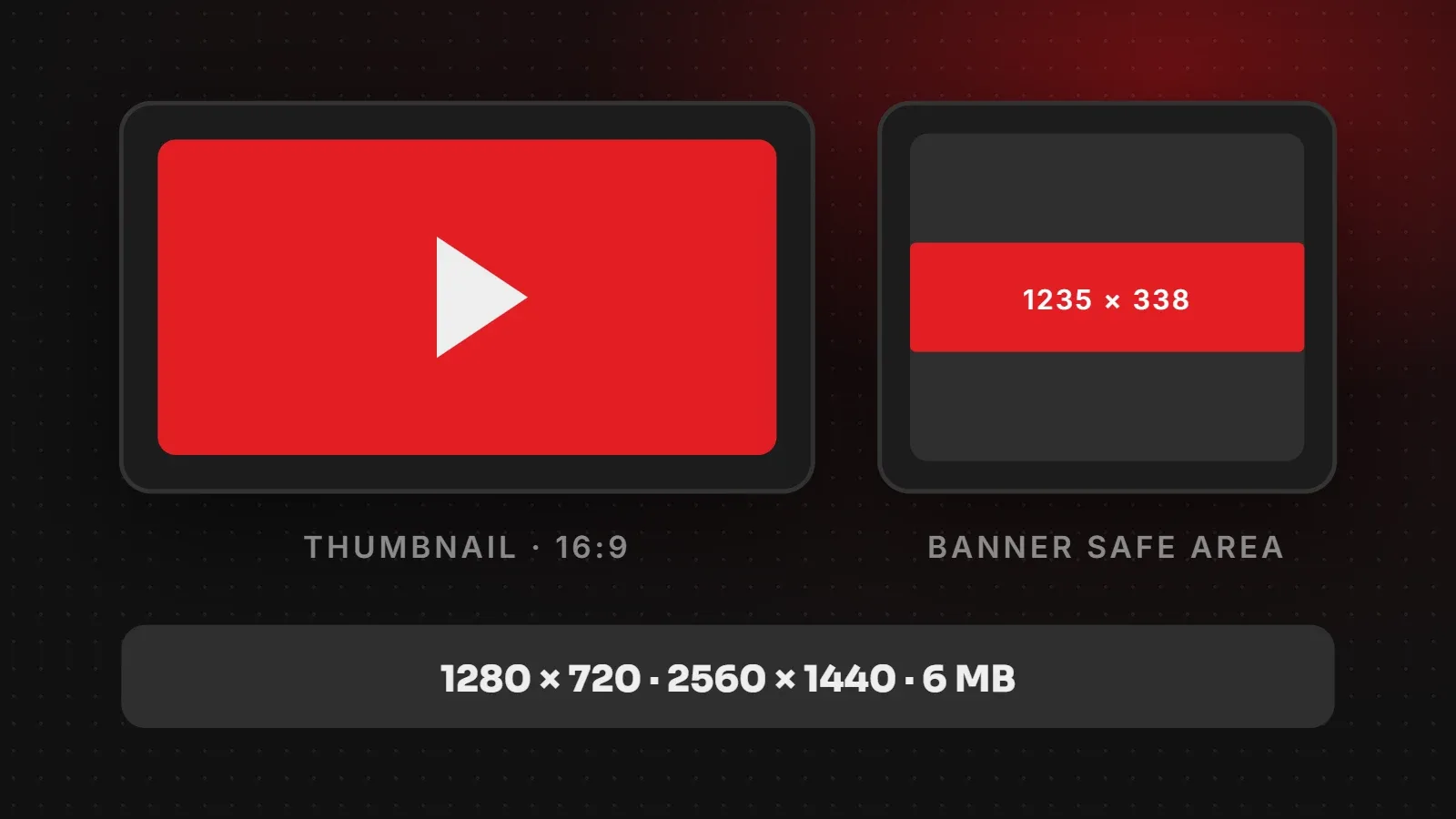
The standard YouTube thumbnail size is 1280 x 720 pixels (16:9). YouTube's own help page now recommends uploading up to 3840 x 2160 pixels, with a minimum width of 640 pixels. For your channel banner, upload 2560 x 1440 pixels and keep text and logos inside the central 1235 x 338 pixel safe area. This guide covers every YouTube image size, the official file limits, and design tips that help people click.
- Make thumbnails 16:9. Use 1280 x 720 as a minimum and go larger if your design tool allows.
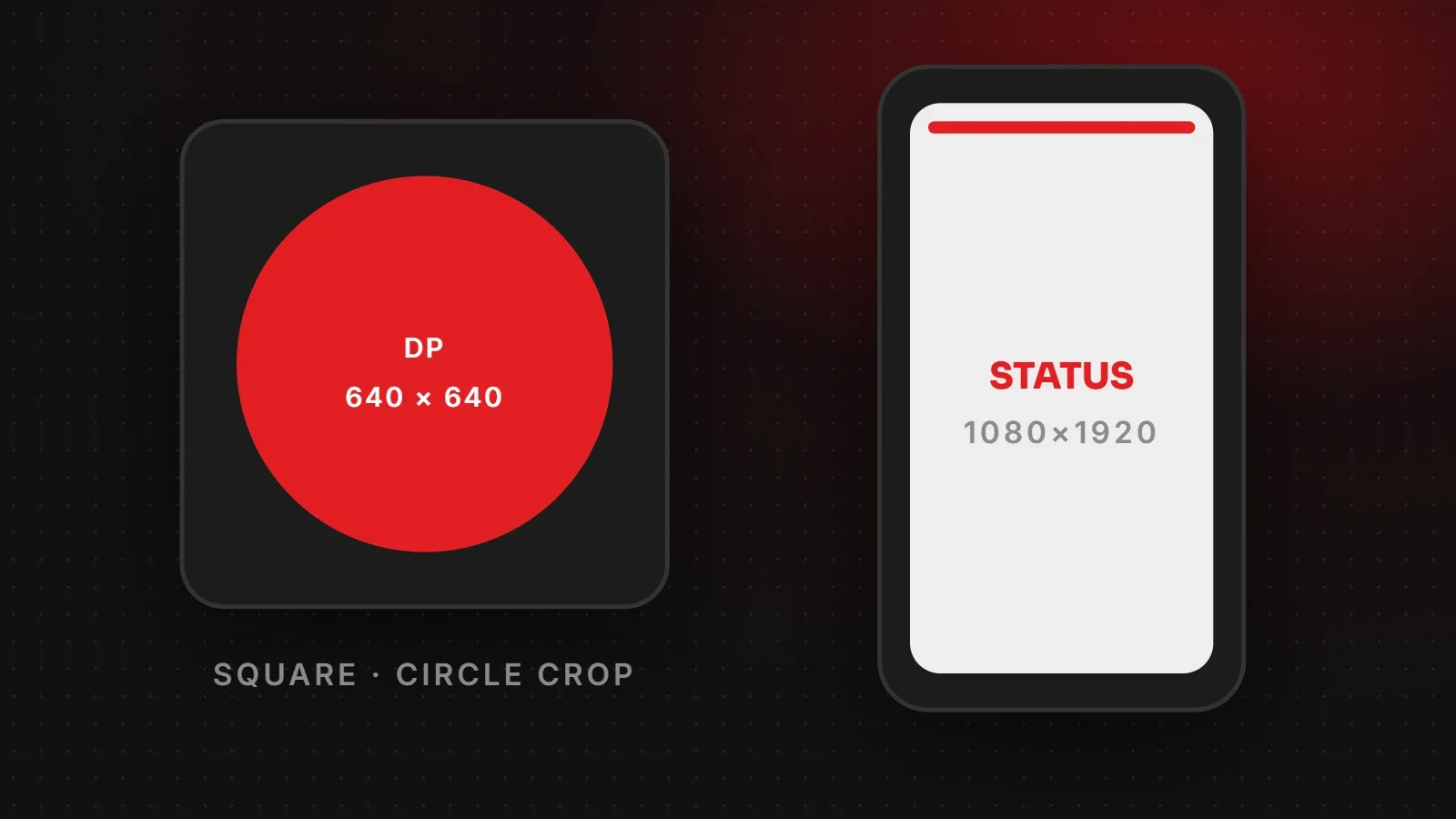
- Shorts thumbnails are vertical: 9:16, with 2160 x 3840 recommended.
- Design banners at 2560 x 1440, but only the centre strip shows on every device.
YouTube thumbnail size and image size chart
| Image | Size | Limits |
|---|---|---|
| Video thumbnail | 1280 x 720 px or larger, 16:9 (3840 x 2160 recommended) | Min width 640 px; JPG or PNG; 2 MB on mobile, 50 MB on desktop |
| Shorts thumbnail | 2160 x 3840 px, 9:16 | Min height 640 px; upload from a computer in YouTube Studio |
| Channel banner | 2560 x 1440 px (min 2048 x 1152), 16:9 | Safe area 1235 x 338 px; max 6 MB |
| Profile picture | Square, 800 x 800 px recommended | Shown at 98 x 98 px; JPG, PNG, BMP or still GIF; max 15 MB |
These limits come from YouTube's help pages for custom thumbnails and channel branding. You need a verified account to upload custom thumbnails.
YouTube thumbnail size: what to upload
A 16:9 thumbnail fits the video player and every list on YouTube without black bars. Although 1280 x 720 has been the standard for years, larger thumbnails look sharper on big TVs and high-resolution phones. If your design tool allows it, export at 1920 x 1080 or more, then check the file stays under 2 MB so you can also upload from your phone.
Remember that most people see your thumbnail small, in search results or the suggested videos column. For this reason, every word and face needs to read clearly at the size of a matchbox.
YouTube Shorts thumbnail size
Shorts are vertical, so their thumbnails are too: 9:16, with 2160 x 3840 pixels recommended. In the Shorts feed, the video itself usually plays instead of the thumbnail, but the thumbnail still appears on your channel page and in search. Keep the title in the middle, because YouTube can crop the edges in some views.
YouTube banner size and safe area
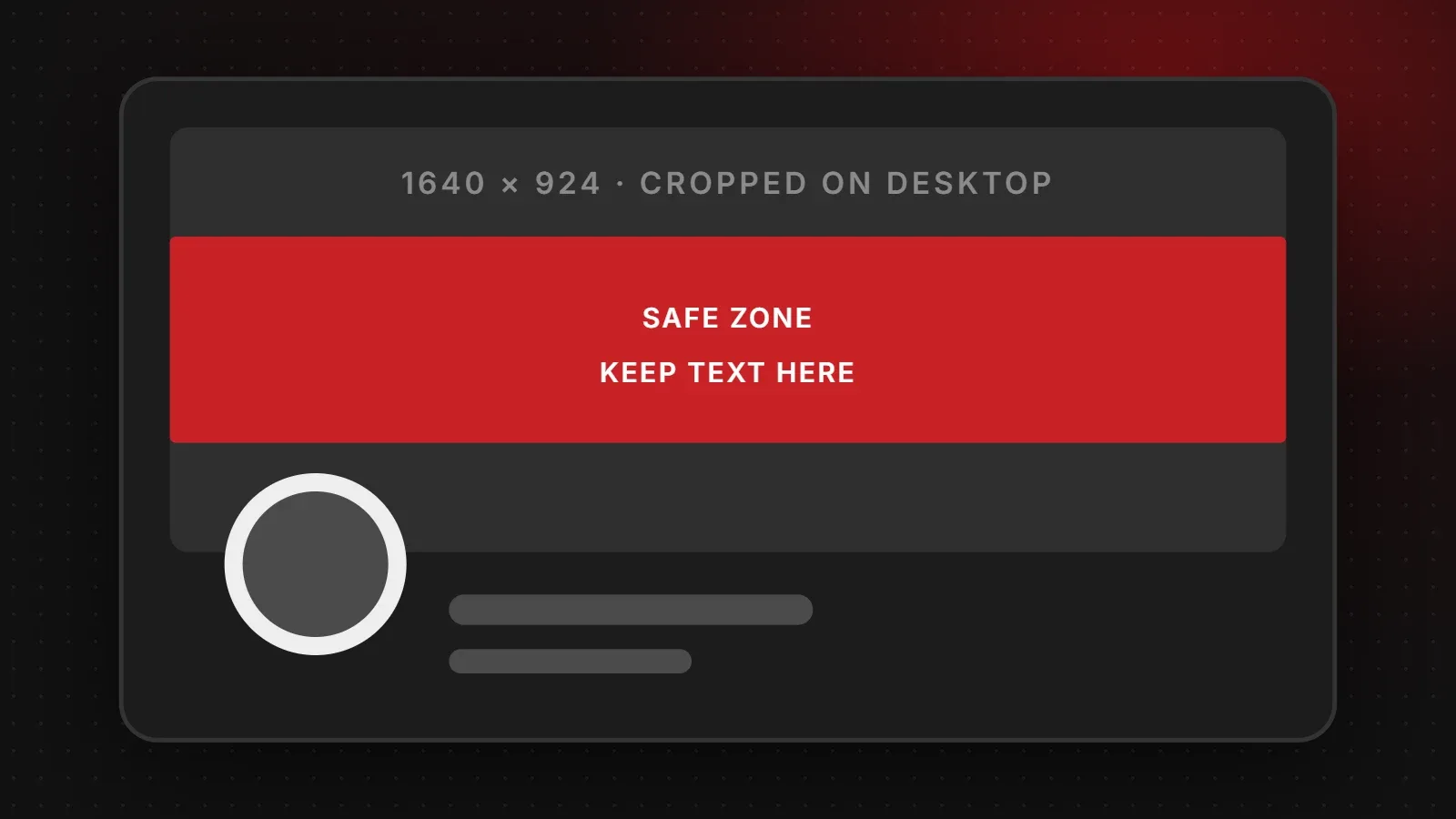
The channel banner appears at very different shapes on TVs, computers and phones. YouTube asks for a 2560 x 1440 pixel image (minimum 2048 x 1152) so it fills a TV screen. On desktops and phones, however, only a narrow strip across the middle appears.
- Put your channel name, logo and upload schedule inside the central 1235 x 338 pixel area.
- Fill the rest of the image with background colour or pattern that can be cropped safely.
- Do not add borders, frames or shadows. YouTube's guidelines say not to.
YouTube thumbnail design tips
- Use three to five words at most. The title already explains the video.
- Show a face or the product up close. Clear emotion or a clear result attracts clicks.
- Use strong contrast so the thumbnail stands out on both light and dark YouTube themes.
- Keep the bottom-right corner clear. YouTube places the video length there.
- Be honest. Thumbnails that do not match the video lead to quick exits, which hurts the video.
- Stay consistent with colours and fonts so viewers recognise your channel.
Frequently asked questions
What is the YouTube thumbnail size?
16:9, at least 640 pixels wide. 1280 x 720 is the common standard, and YouTube recommends up to 3840 x 2160.
What is the maximum thumbnail file size?
2 MB when uploading from a phone and 50 MB from a computer.
What size is the YouTube banner?
2560 x 1440 pixels, with text inside the central 1235 x 338 pixel safe area and a file size of 6 MB or less.
Why can't I upload a custom thumbnail?
Your account needs to be verified. Verify it in YouTube Studio, then the custom thumbnail option appears.
Need thumbnails and banners for your channel?
Our branding and creative team designs YouTube banners, thumbnail templates and channel icons that match your brand, and our social media team can help you plan content that grows. For other platforms, see our Instagram and Facebook size guides.
Written by the ItsWebExpert team, a web design and development company in Karachi building websites, online stores and apps for businesses across Pakistan.
Ask a Question on WhatsApp